

 2.4.4 - 2.4.9

 Theme
Theme
Magento 2 Multiple Wishlists | Built-in Save Carts
v4.1.1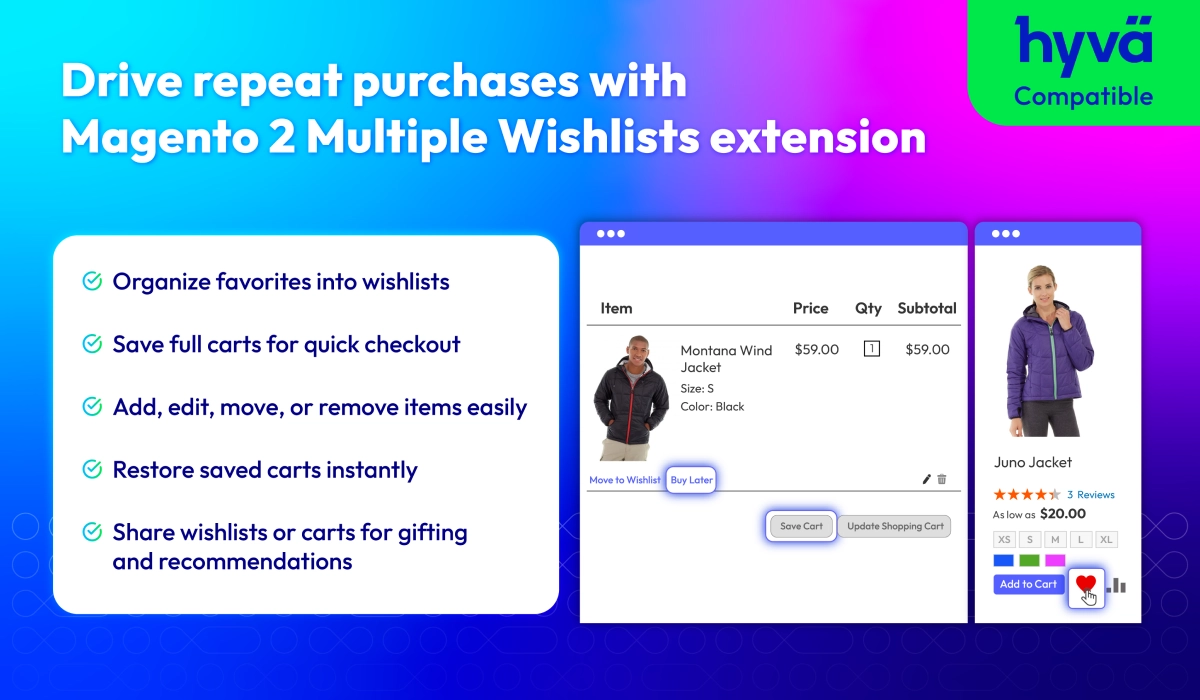
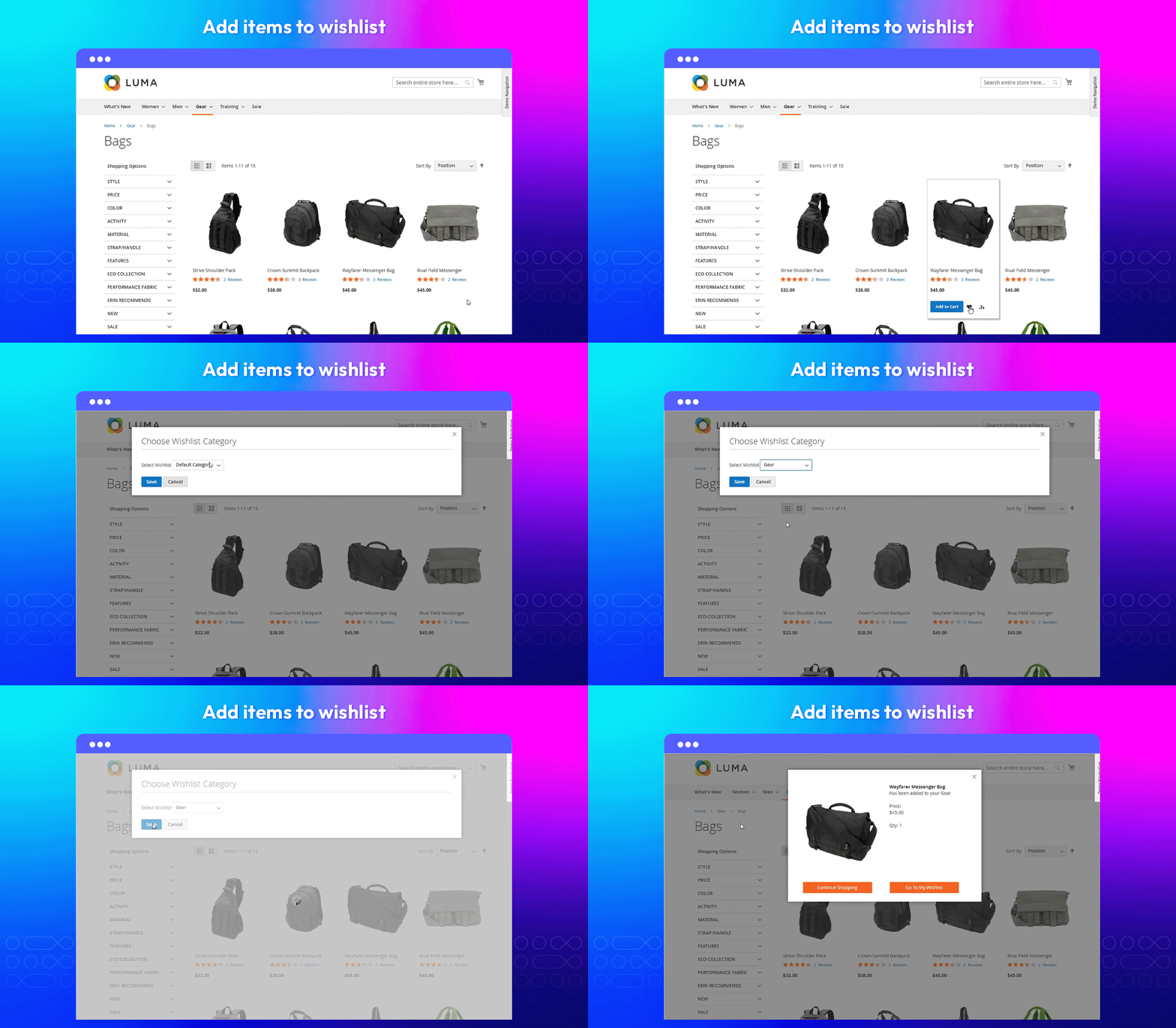
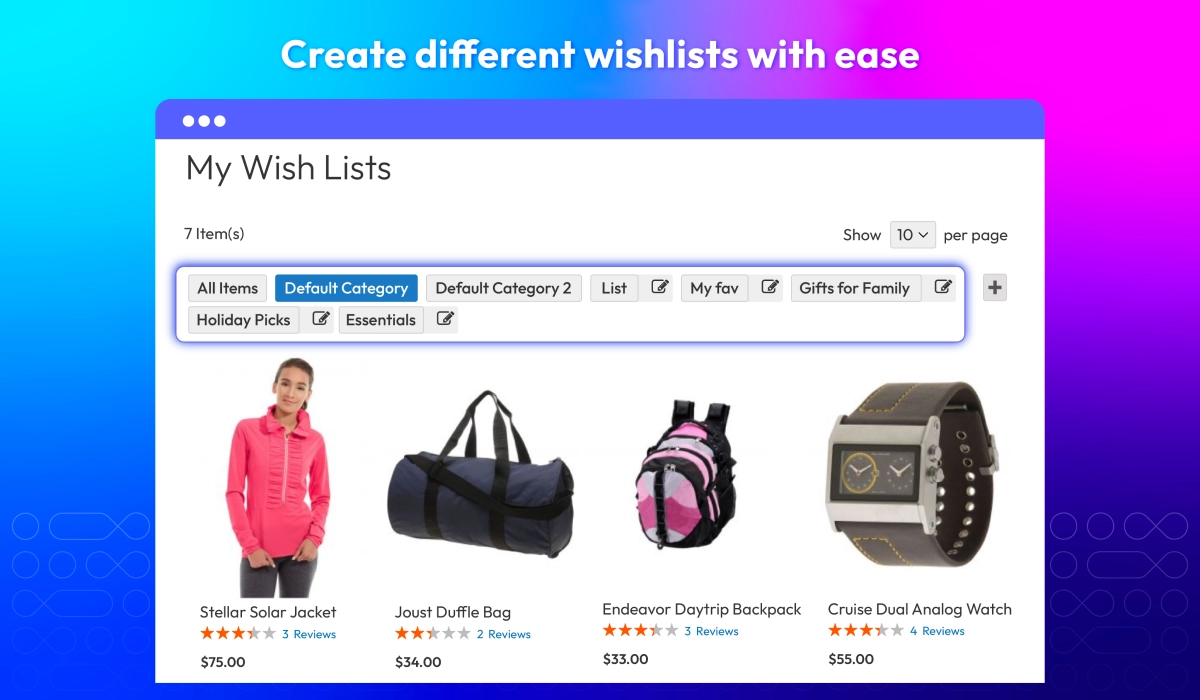
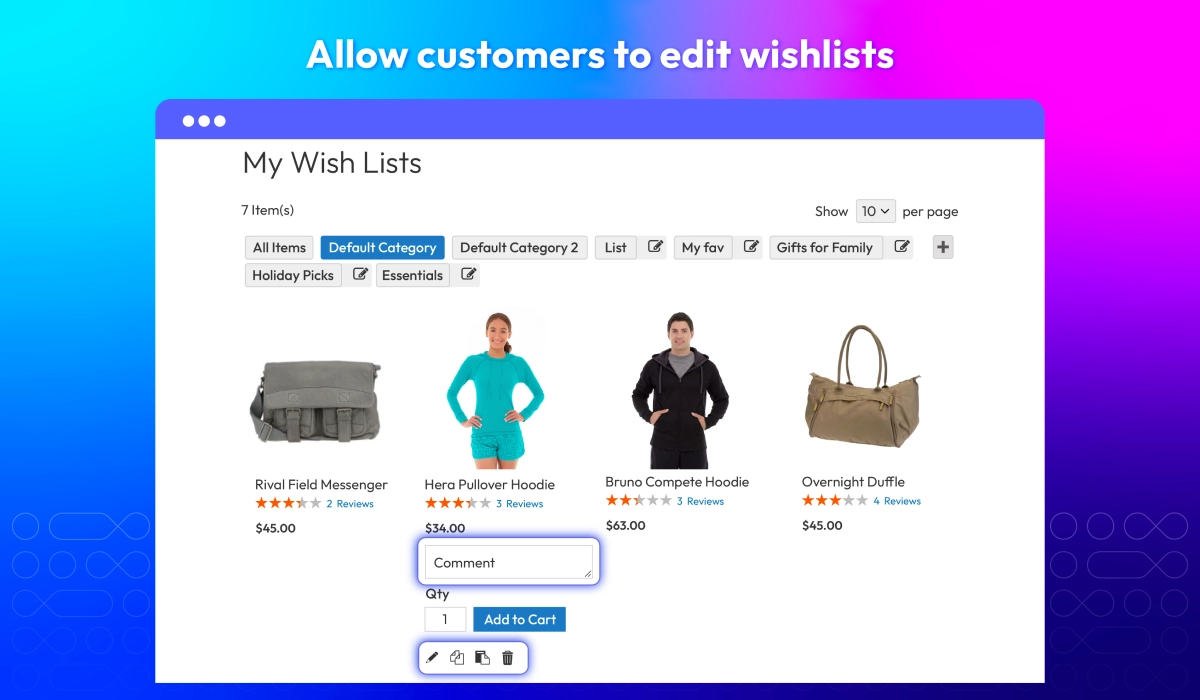
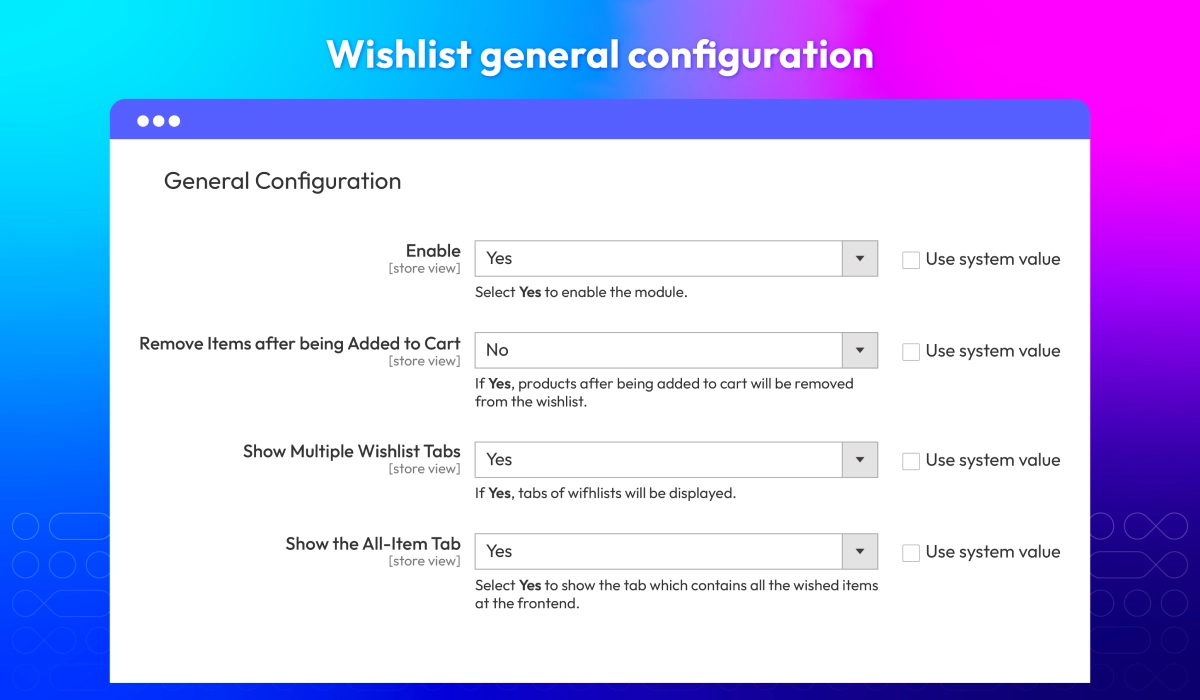
Benefits of better wishlist


Boost sales and engagement with Multiple Wishlists
Enable customers to easily organize, manage, and share their favorite products while you gain insights to drive more sales and improve engagement. With Magento 2 Better Wishlist, creating, editing, and tracking wishlists has never been easier
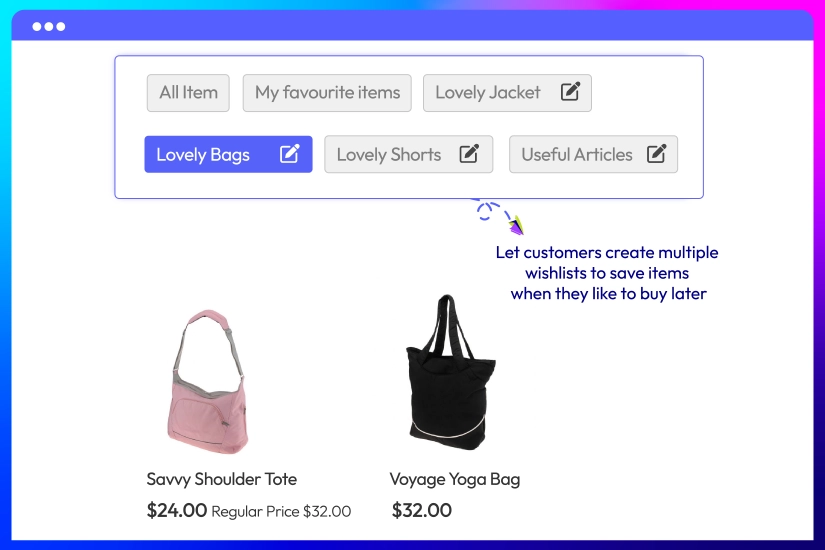
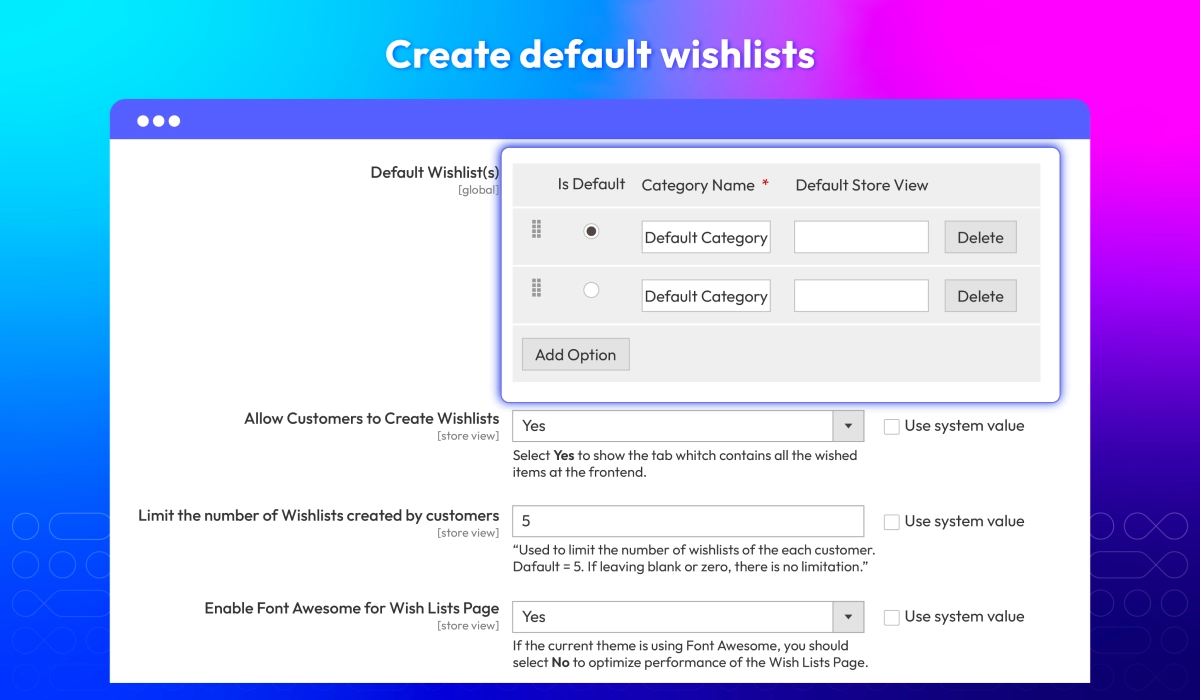
Create Multiple Wishlists
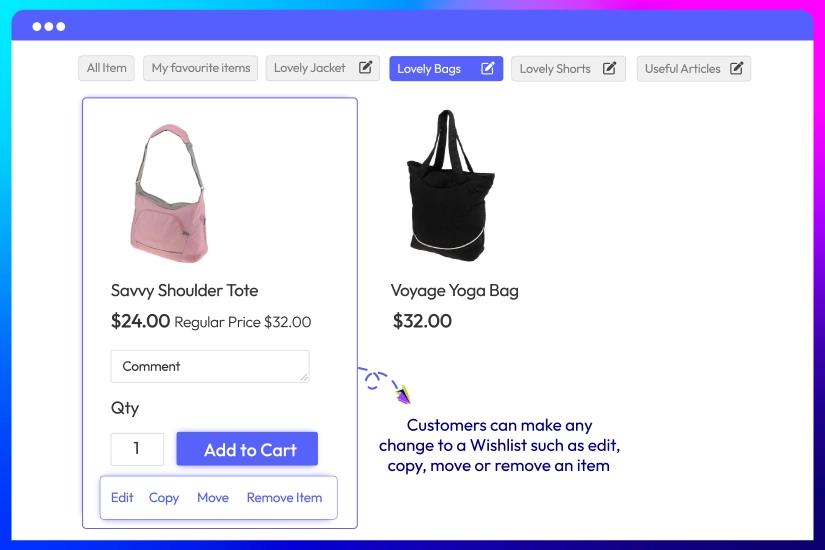
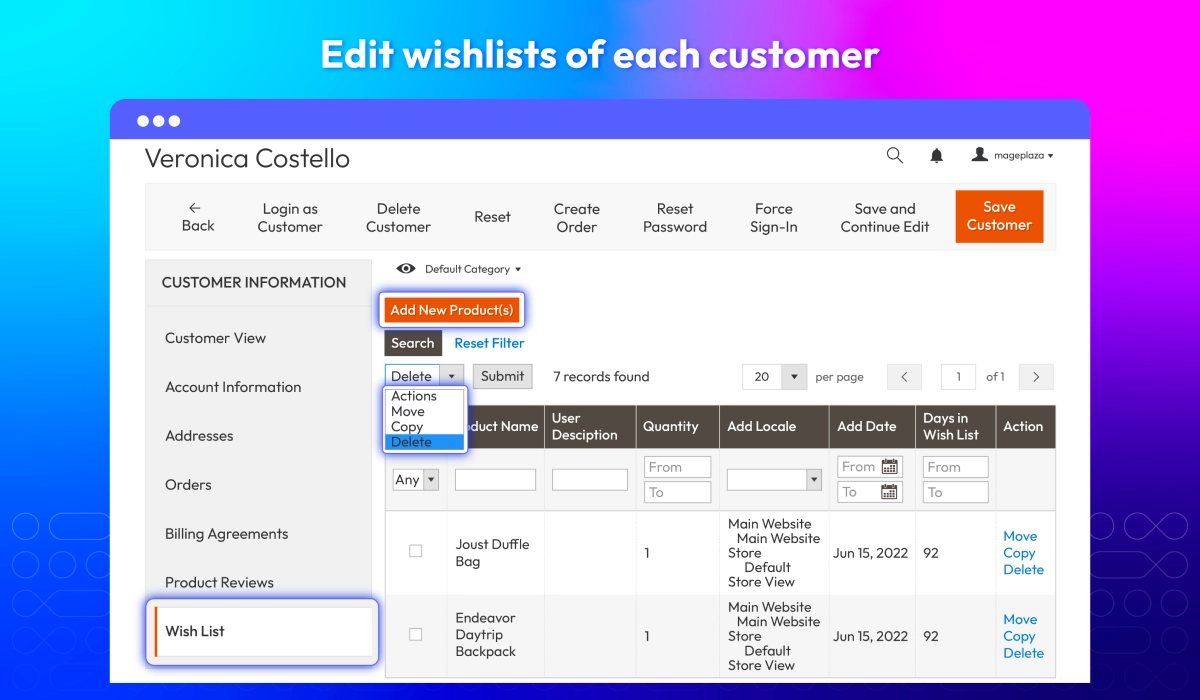
Editable Wishlists
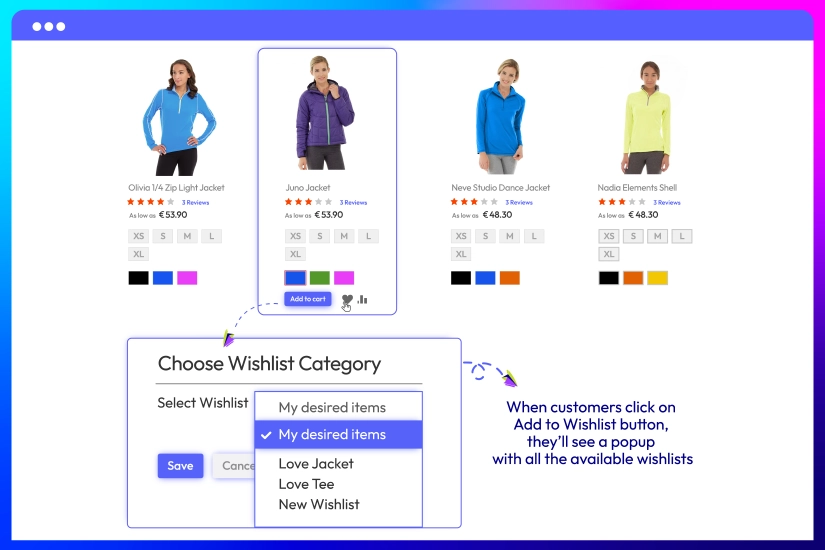
Popup + AJAX Add to Wishlist
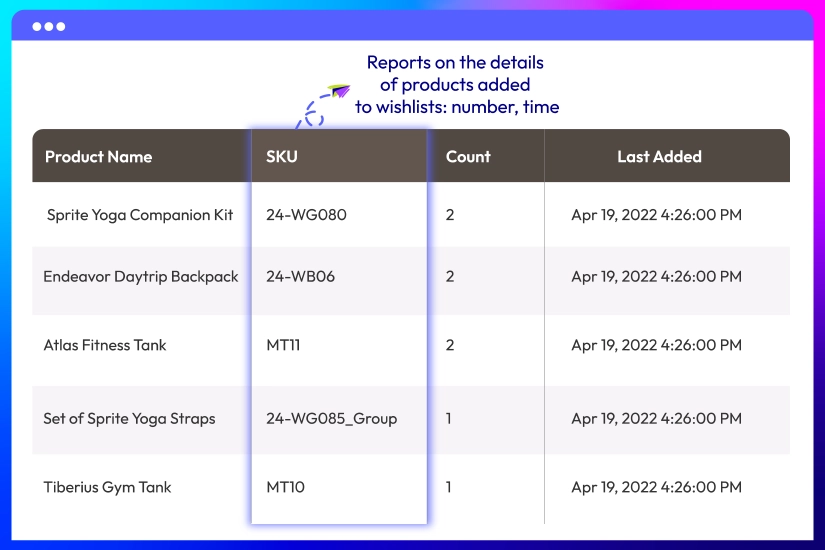
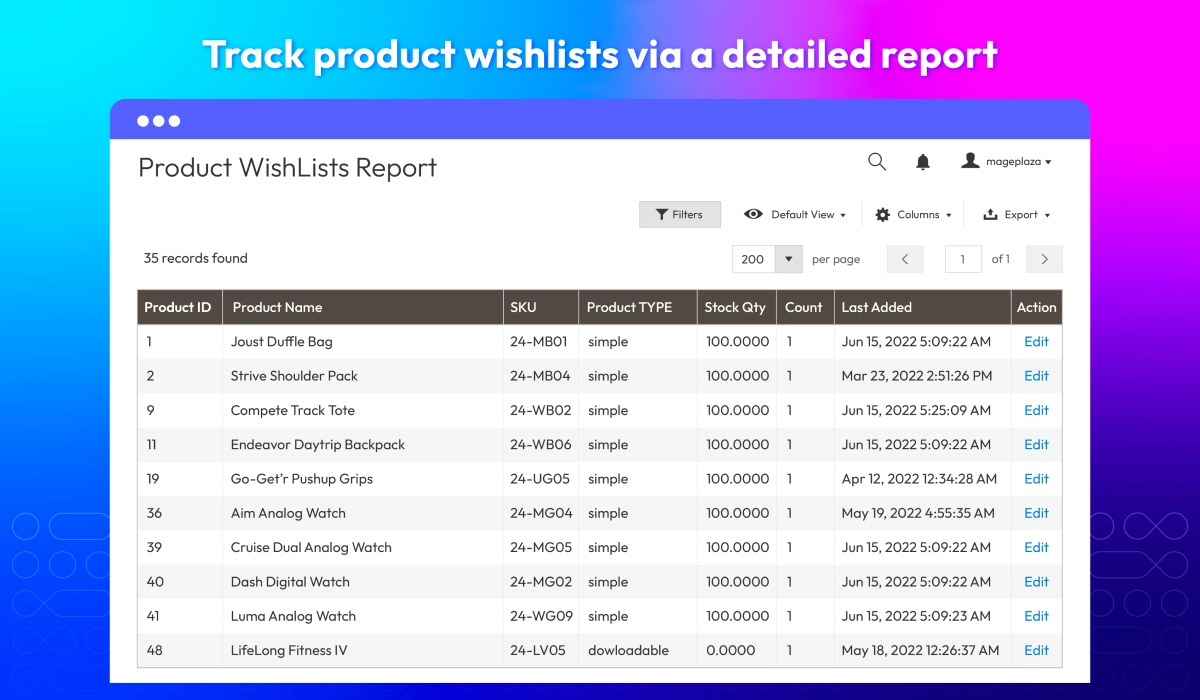
Wishlist Report
Keep Customers Coming Back with Saved Carts
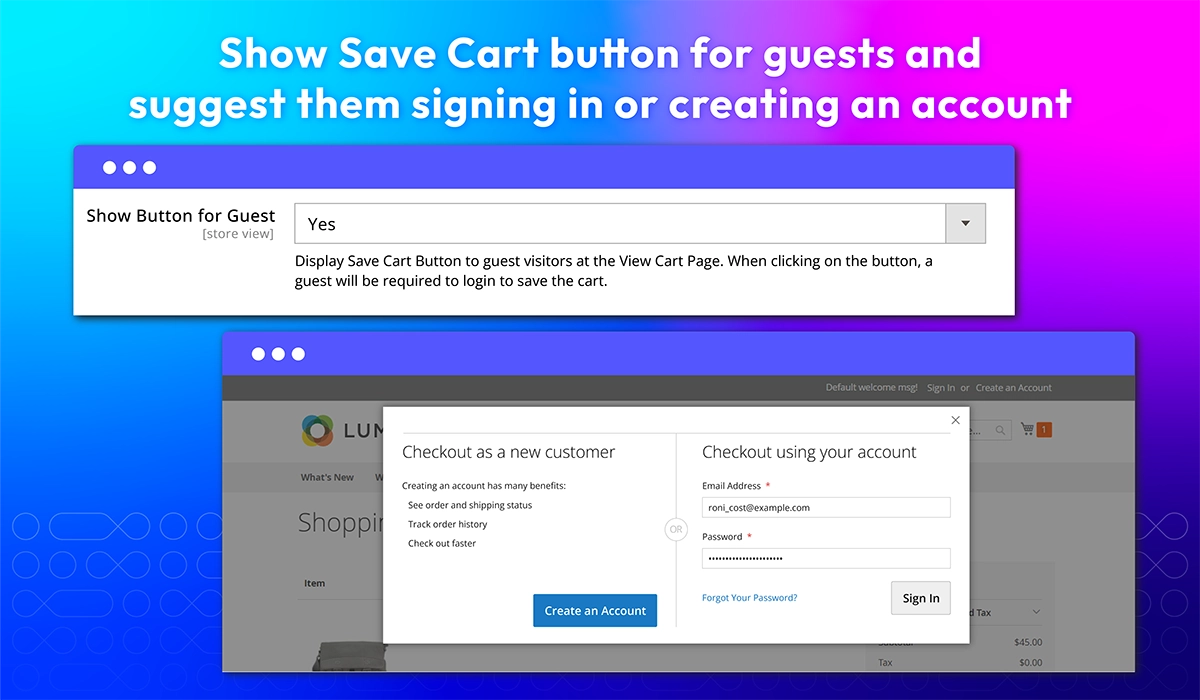
Besides a list of favourite items, Magento 2 Multiple Wishlists extension by Mageplaza also enables shoppers to save full carts or individual items, restore them instantly, and share with others. Provide a seamless, flexible shopping experience that reduces abandoned carts, encourages repeat visits, and strengthens customer loyalty.
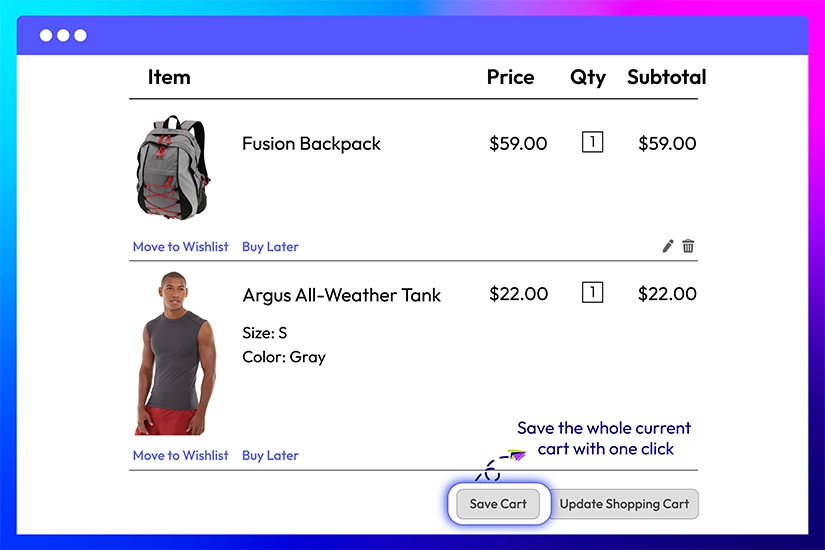
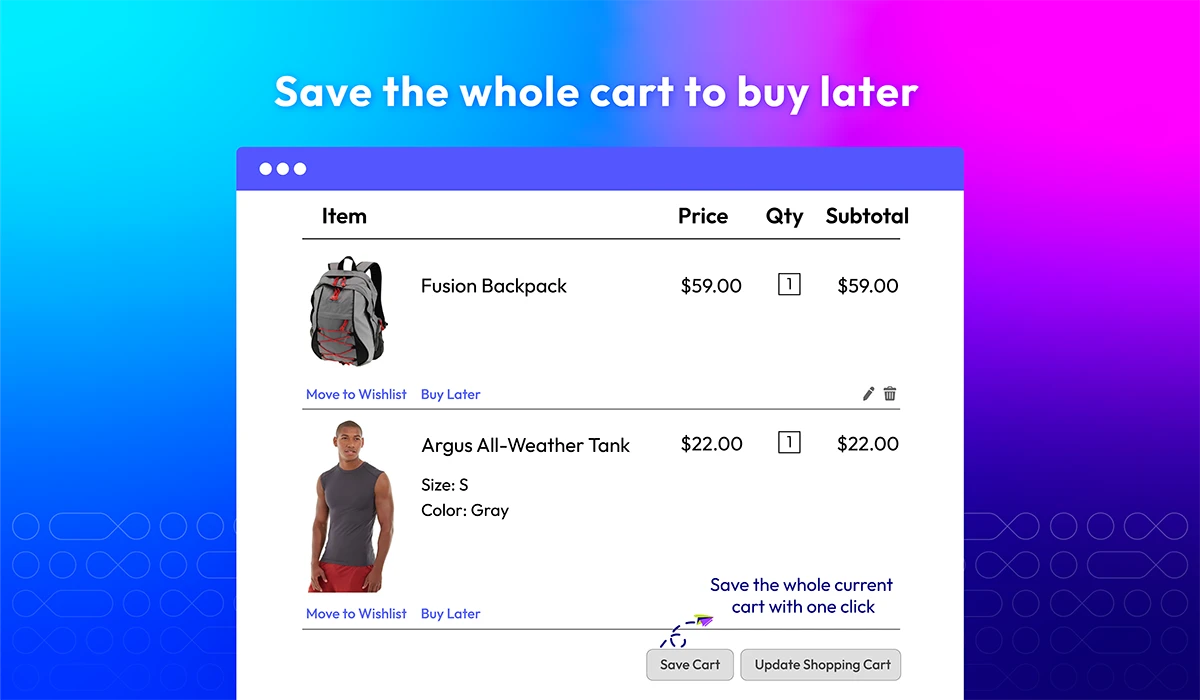
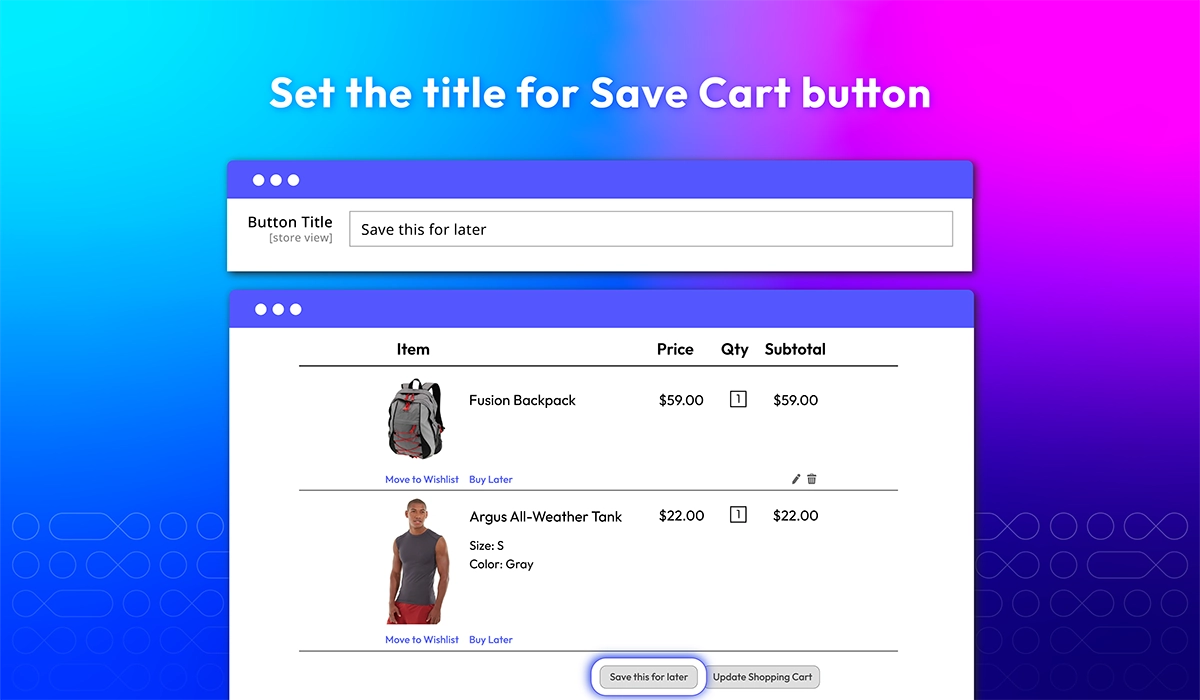
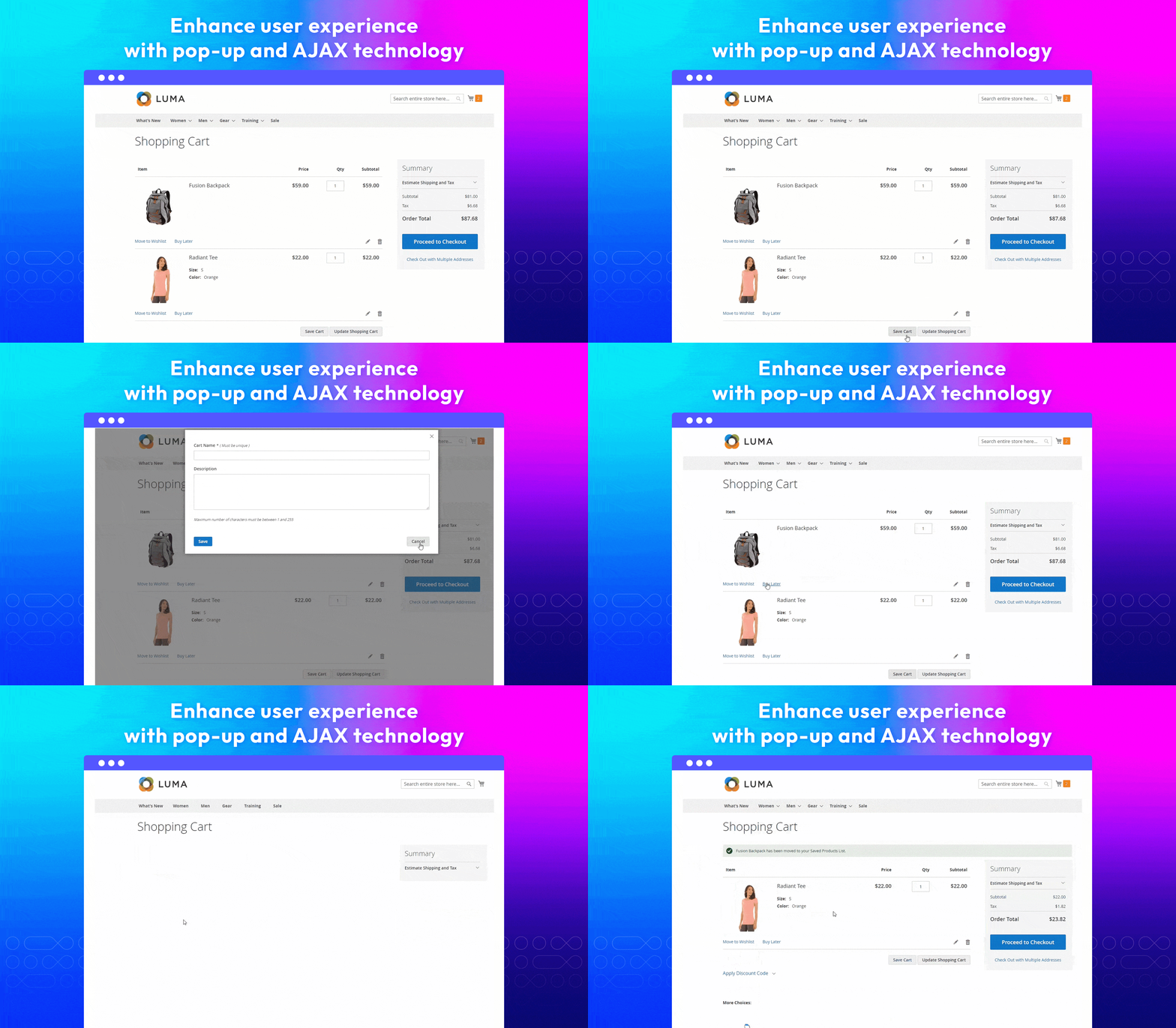
Save the whole cart to buy later
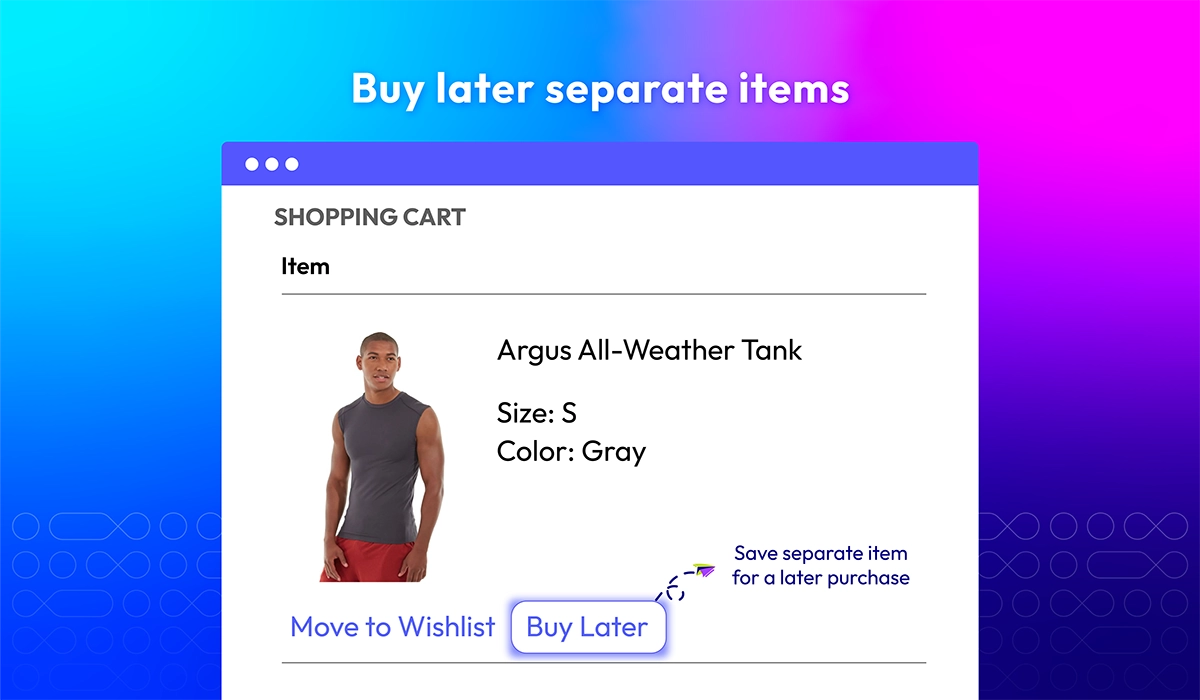
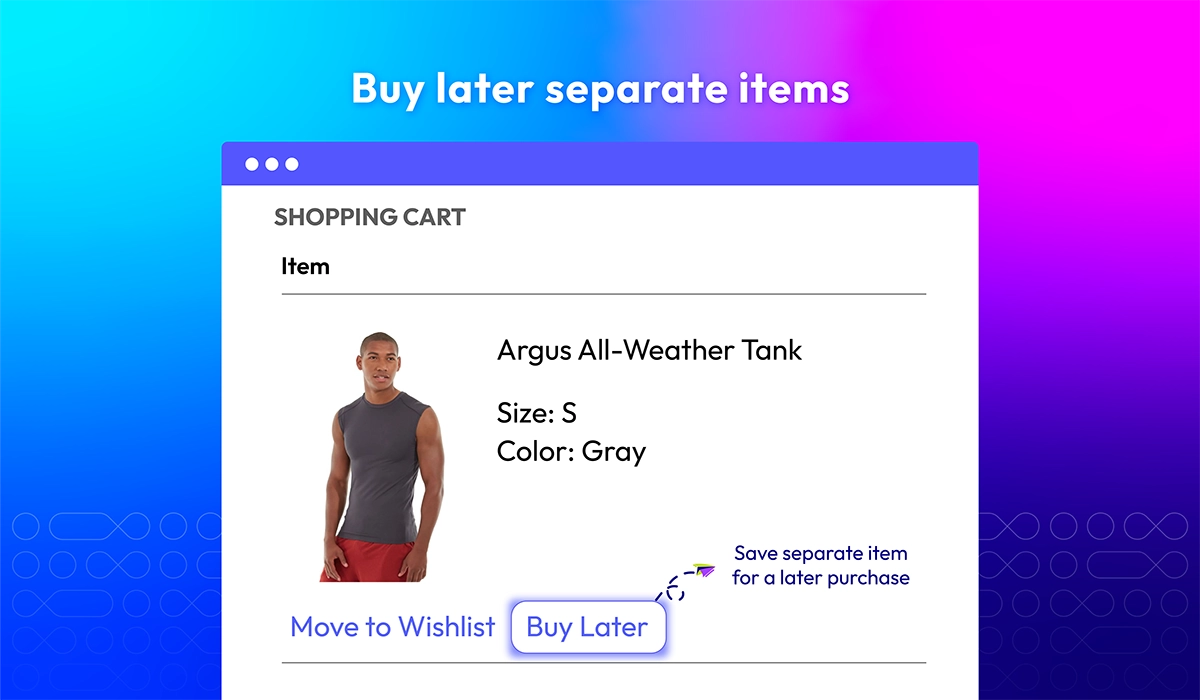
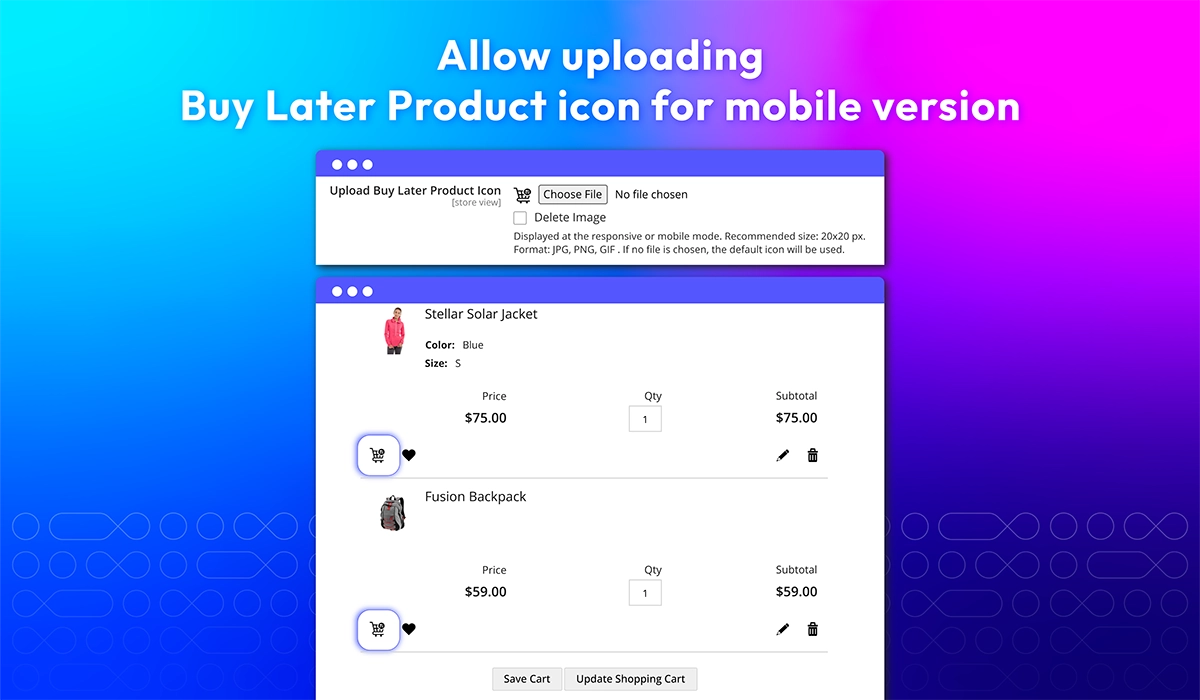
Buy later separate items
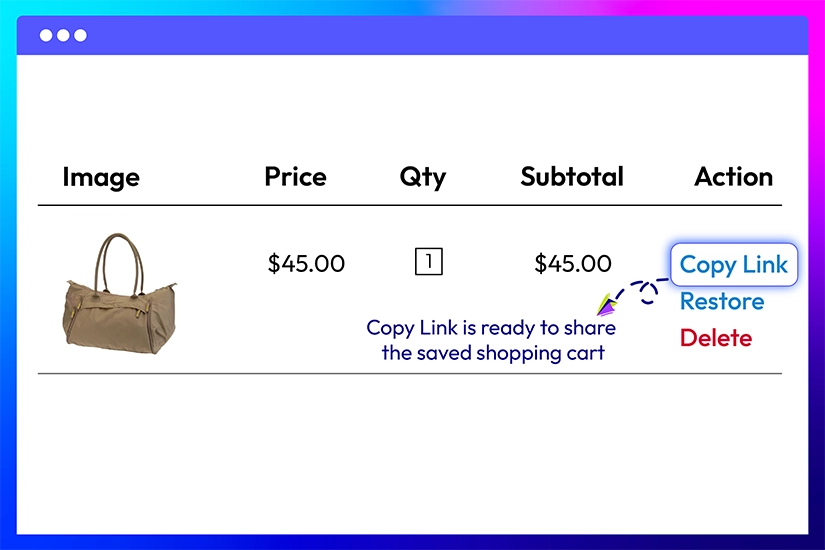
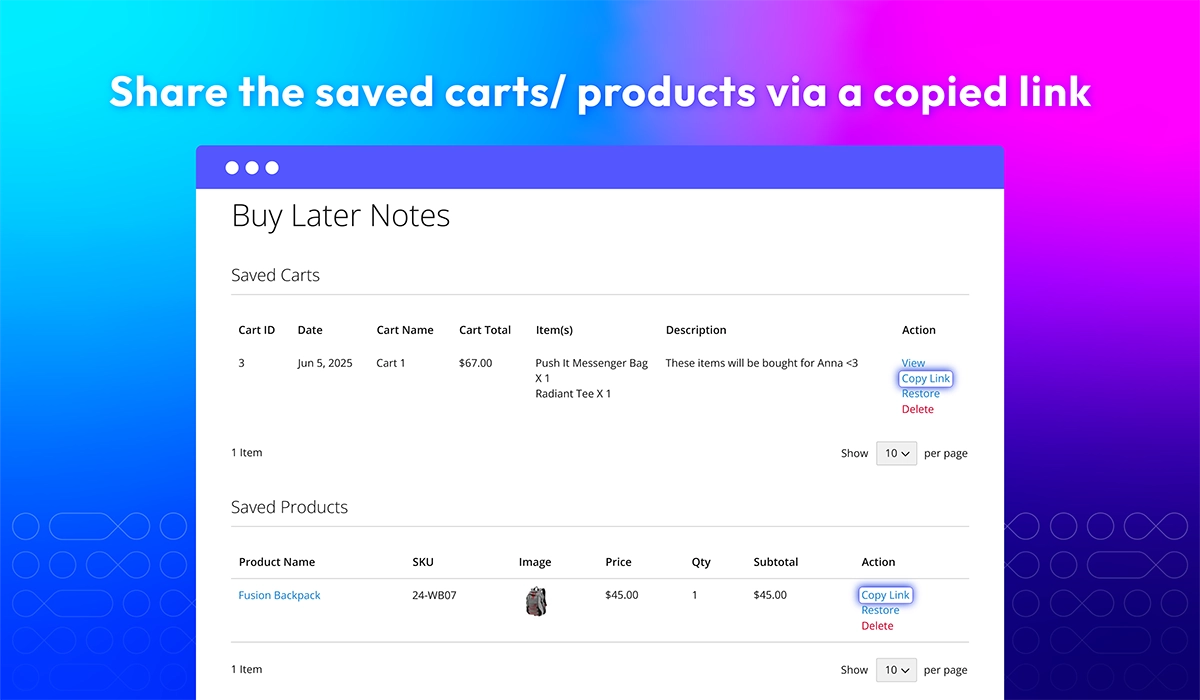
Share cart/ items via a copied link
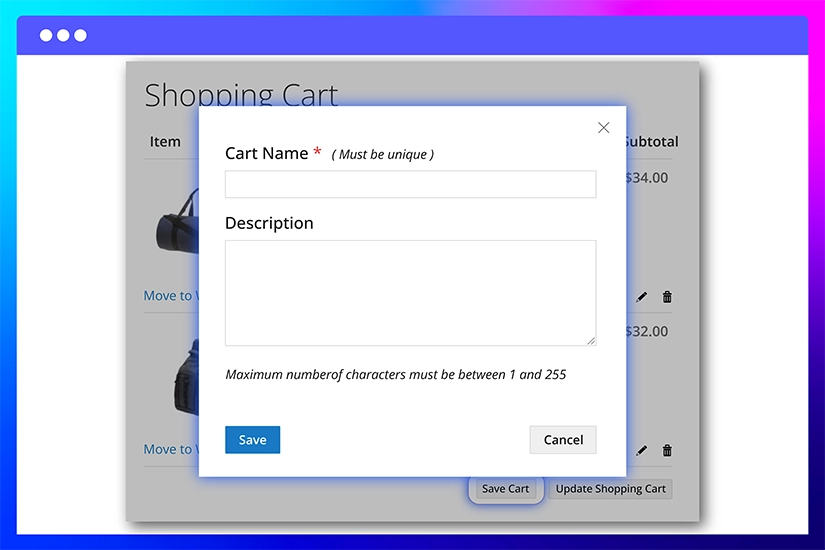
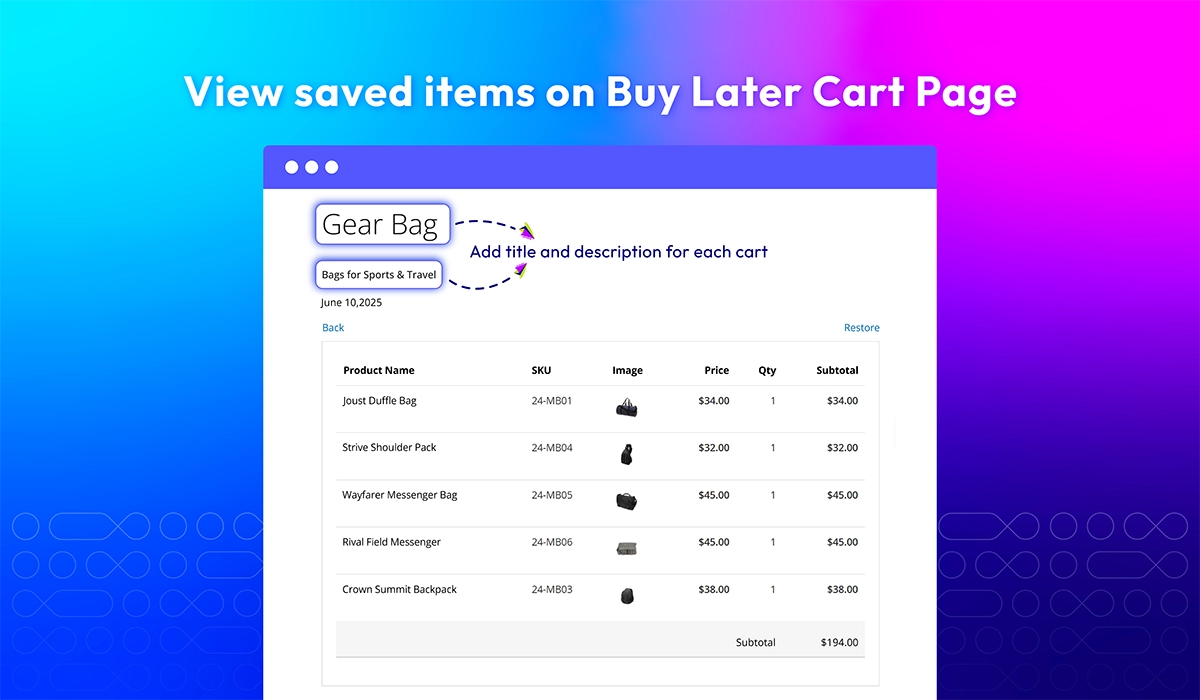
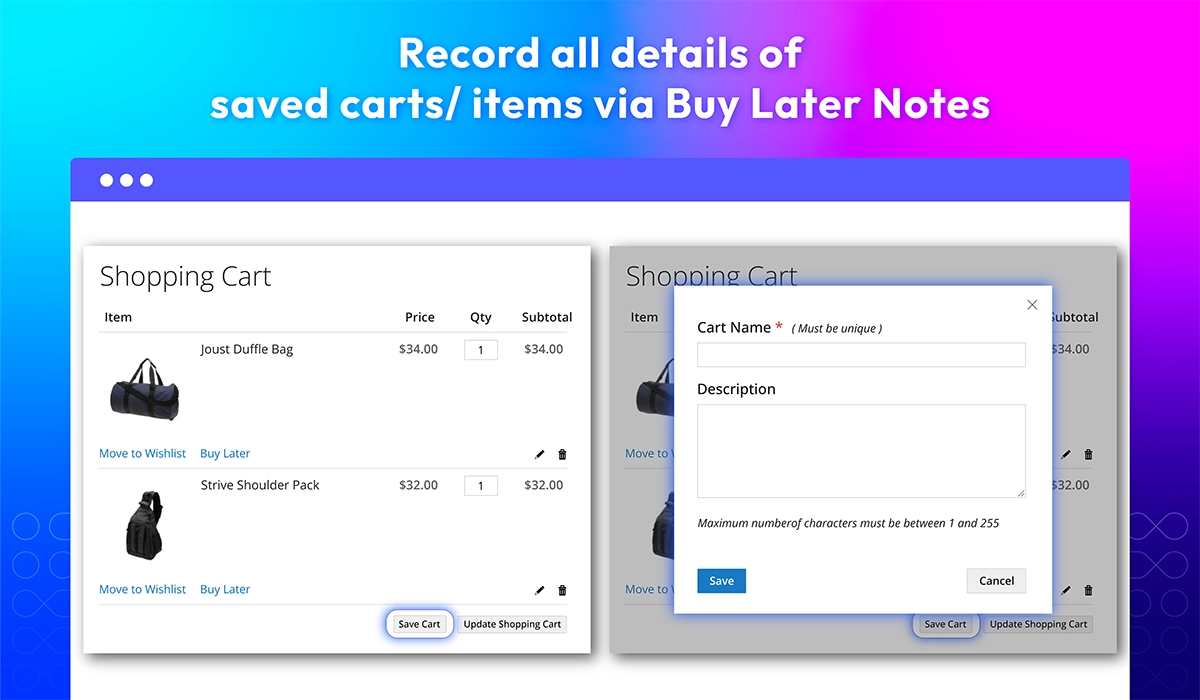
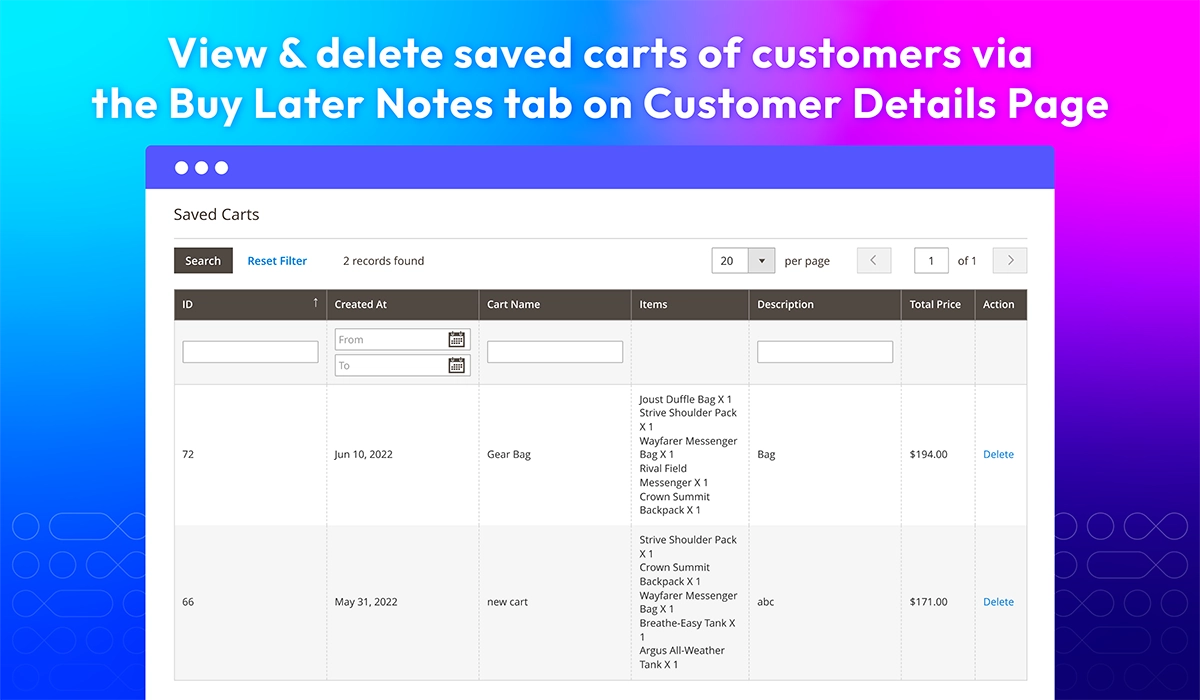
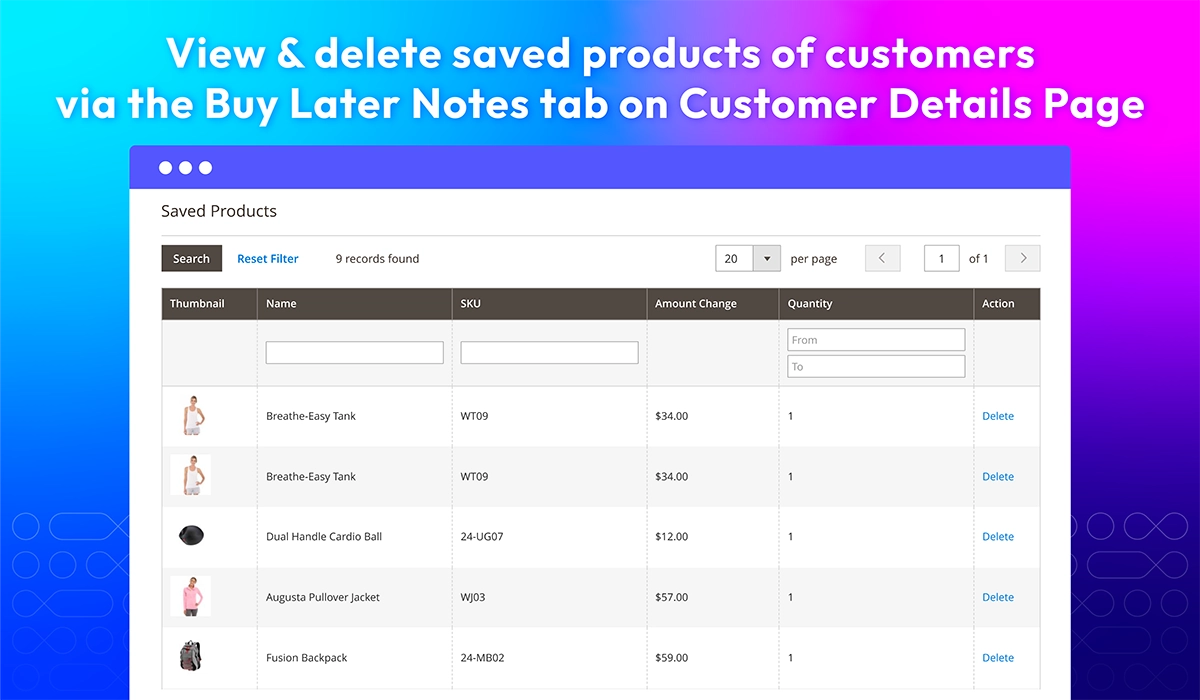
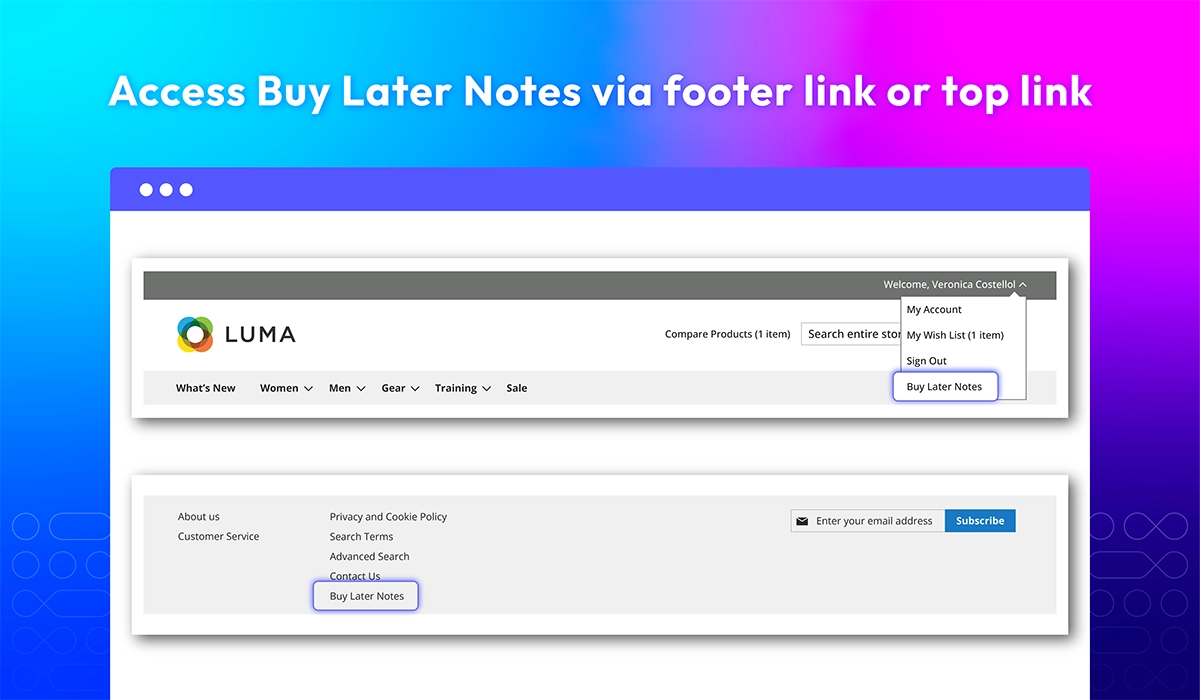
Record all saved cart details via Buy Later Notes
All features
Default wishlists
Show All Items tab
Limit quantity of wishlists
Edit customer's wishlists

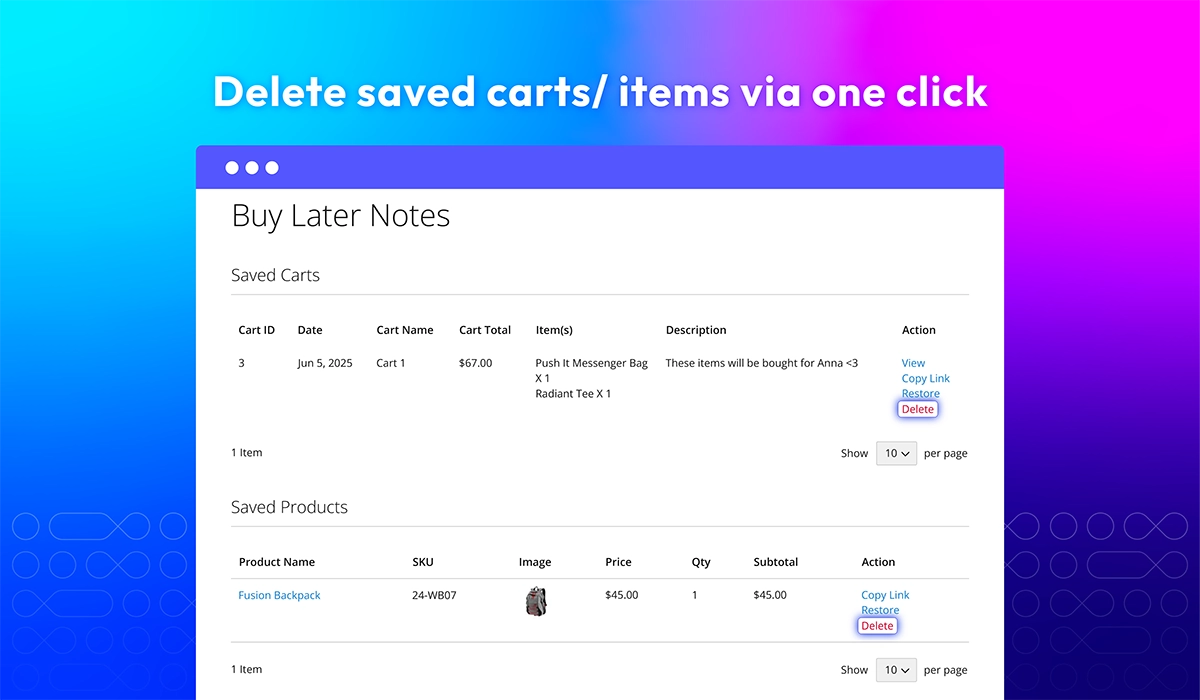
Delete saved carts/ items in one click
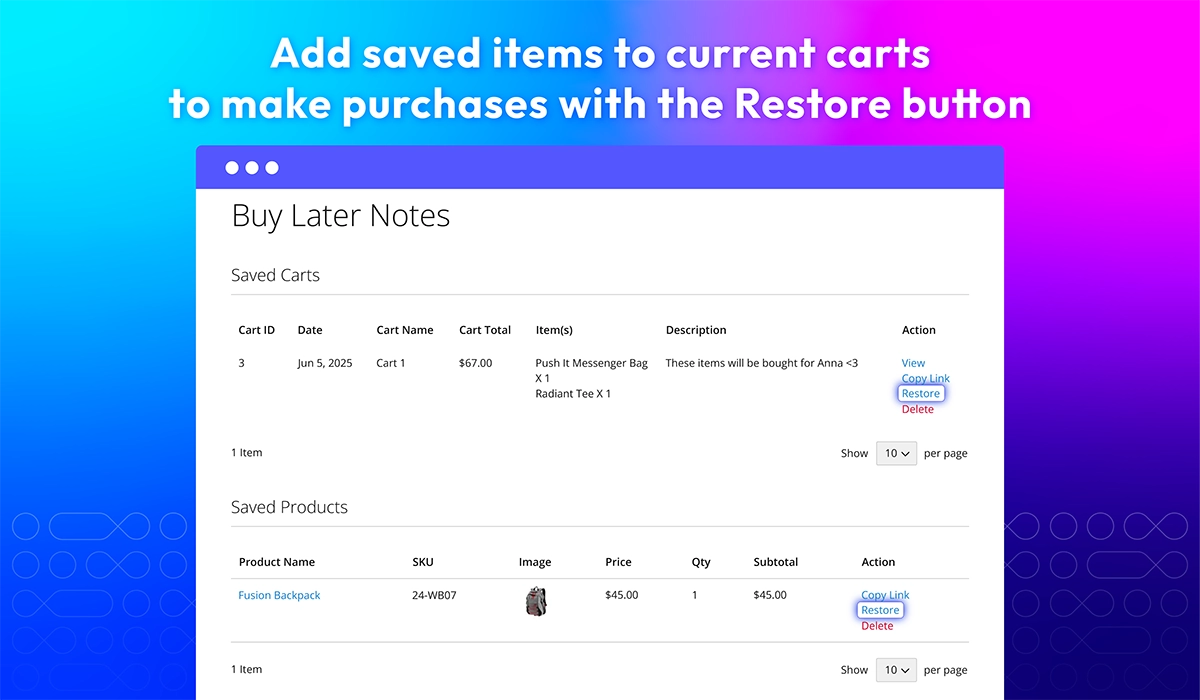
Restore saved carts for easy checkout
Manage saved carts/ products
What customers say about us

Release notes
-
v4.1.1 (Magento v2.4.x)
25 June 2026
- Compatibility: Added compatibility with Magento v2.4.9.
-
v4.1.0 (Magento v2.4.x)
09 December 2025
- New Feature: Added new feature Save Cart and Buy Later
-
v4.0.5 (Magento v2.4.x)
26 April 2025
- Compatibility: Now compatible with Hyva theme
- Compatibility: Now compatible with Magento 2.4.7
- Compatibility: Now compatible with Magento 2.4.8
-
v4.0.4 (Magento v2.4.x)
22 May 2023
- Compatible with Magento 246
-
v4.0.3 (Magento v2.4.x)
17 November 2021
- Fix minor bugs
-
v4.0.2 (Magento v2.4.x)
10 August 2021
- Fixed minor bugs
-
v1.1.2 (Magento v2.3.x)
10 August 2021
- Compatible with Magento v2.3.7
- Fixed minor bugs
-
v4.0.1 (Magento v2.4.x)
12 May 2021
- Compatible with Magento v2.4.2
- Fixed minor bugs
-
v1.1.1 (Magento v2.3.x)
12 May 2021
- Fixed minor bugs
-
v1.1.0 (Magento v2.3.x)
30 March 2021
- Supported RestAPI & GraphQL
- Improved compatible with Magento v2.3.6
- Compatible with Mageplaza Quick View & Ajax Cart
-
v4.0.0 (Magento v2.4.x)
23 March 2021
Supported Magento v2.4
-
v1.0.5 (Magento v2.3.x)
16 October 2020
- Fixed minor bugs
-
v1.0.4 (Magento v2.3.x)
17 August 2020
- Fixed backend wishlist cache error
-
v1.0.3 (Magento v2.3.x)
29 June 2020
- Fixed minor bugs
-
v1.0.2 (Magento v2.3.x)
18 October 2019
- Fixed error add to wishlist
- Fixed XSS & minor bugs
-
v1.0.1 (Magento v2.3.x)
30 August 2019
Compatible with Magento 2.3
-
v1.0.0 (Magento v2.3.x)
06 March 2019
Initial Release
Frequently Asked Questions
The number of wishlists will depend on the setting of admins from the backend. From the backend, please go to Limit Number of Wishlists
A pop-up will appear and the customers can select a wishlist via the drop-down box.
Yes. Please add default wishlists from the admin backends. They are undeletable wishlists.
It depends on your setting. You can enable/ disable removing a product after being added to cart from the admin backend.
Yes, there is. This tab will contain all your desired item and admins can allow showing/ hiding it from the admin backend.
Yes. They can do it easily by clicking on function buttons.
Yes, Save Cart and Buy Later can save the items separately by clicking on "Buy Later" button below each item.
When you click Restore of a product or a cart. The saved cart or saved product will be removed from Buy Later Notes and moved to current shopping cart and you can process checkout.
Yes, Magento 2 Multiple Wishlists | Built-in Save Carts is compatible with Hyva theme. However, the checkout only supports hyva-themes/magento2-theme-fallback. To learn how to enable checkout on Hyva, please follow this guide.
Mageplaza provides FREE Hyva Checkout Compatibility for all of our extensions upon requests. You can request by contacting us via email, live chat, or support ticket. Our team will respond within 24 hours and ask for details such as Order ID, extension name, Magento & Hyva versions, and any special requirements. To qualify, your module subscription must be active. If your subscription has expired, renewal is required as some older modules do not support Hyva. Additional customization requests may incur extra costs, and our team will inform you before proceeding. For assistance, feel free to reach out - we're here to help!
2.4.4 - 2.4.9
Theme
Pricing
Community
$129 first year
Enterprise/ Magento Cloud