





2 mins read
|
10-30-2026
Magento 2 Checkout is Slow: How to Check & Fix it Fast
Vinh Jacker
|
03-07-2026

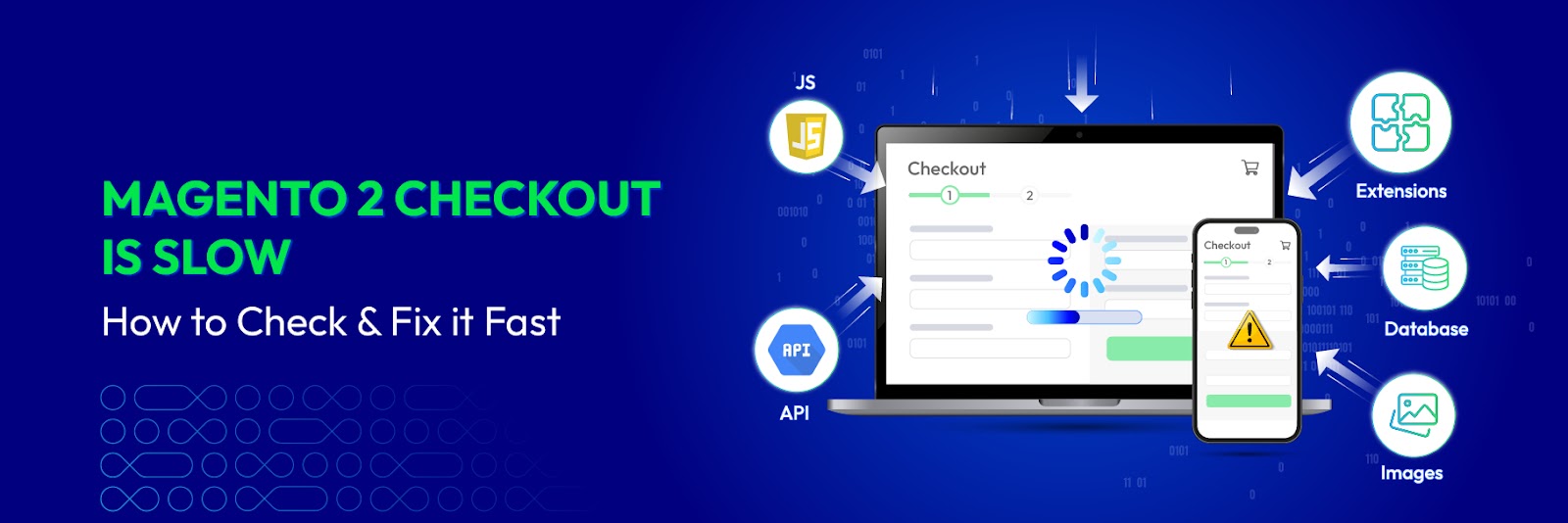
Magento 2 checkout slowdowns rarely have a single cause. By the time a customer clicks “Proceed to Checkout”, your store is already juggling JavaScript execution, API calls, and database queries, all at once. When any of these stalls, the customer notices.
To help you win back customer trust, this article will walk you through a 5 tools audit process and 10 practical solutions to optimize your Magento 2 checkout speed.
How to check Magento 2 checkout speed
Before diving into tools, you can quickly identify if your checkout has serious performance issues.
Quick Magento checkout audit checklist
| Indicator | Warning Level |
|---|---|
| TTFB > 1s | ⚠️ Warning |
| High TBT (Total Blocking Time) | ⚠️ Warning |
| > 100 requests | ⚠️ Warning |
| Slow API calls (shipping, payment) | ⚠️ Warning |
| Multiple page reloads during interactions | ⚠️ Warning |
| Too many extensions (especially checkout-related) | ⚠️ Warning |
👉 If your store fails more than 3 items above, your checkout likely has serious performance issues and needs immediate attention. To identify the root causes more precisely, you can use the following 5 tools to analyze and measure your checkout performance in detail.
1. Google PageSpeed Insights
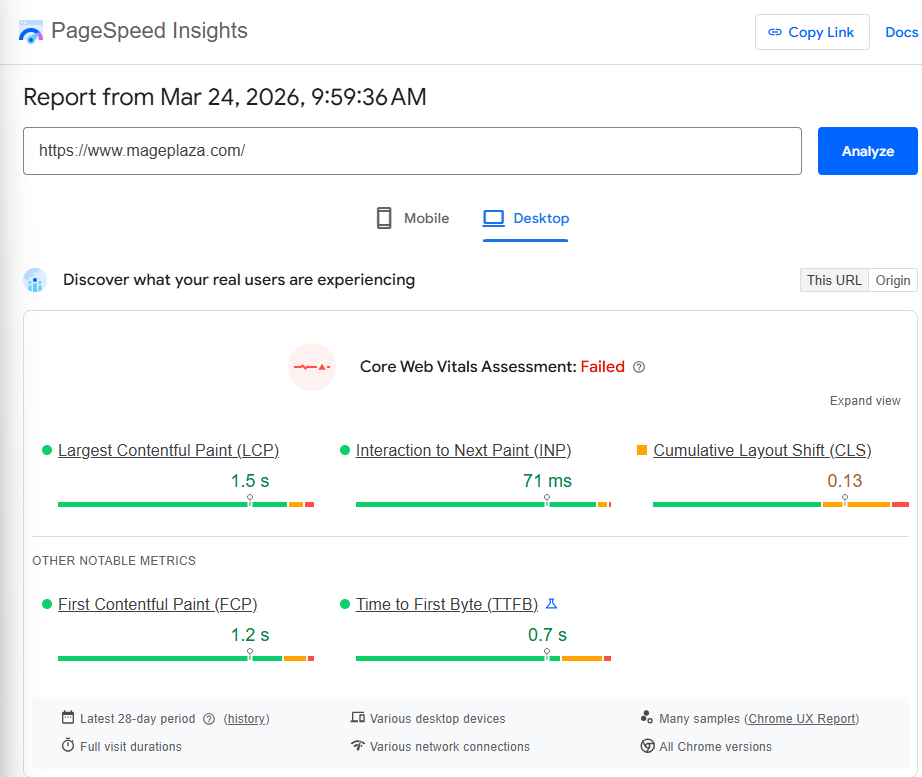
Quick steps:
- Go to pagespeed.web.dev
- Enter your checkout page URL (e.g., domain.com/checkout)
- Click Analyze and wait for the results (both Mobile and Desktop)
What to check:
- Core Web Vitals (LCP, INP, CLS)
- Opportunities: main issues affecting performance
- Diagnostics: detailed causes (JS, CSS, images)
💡 Tip: Focus on issues like unused JavaScript, render-blocking resources, and large images to prioritize optimization.
2. GTmetrix
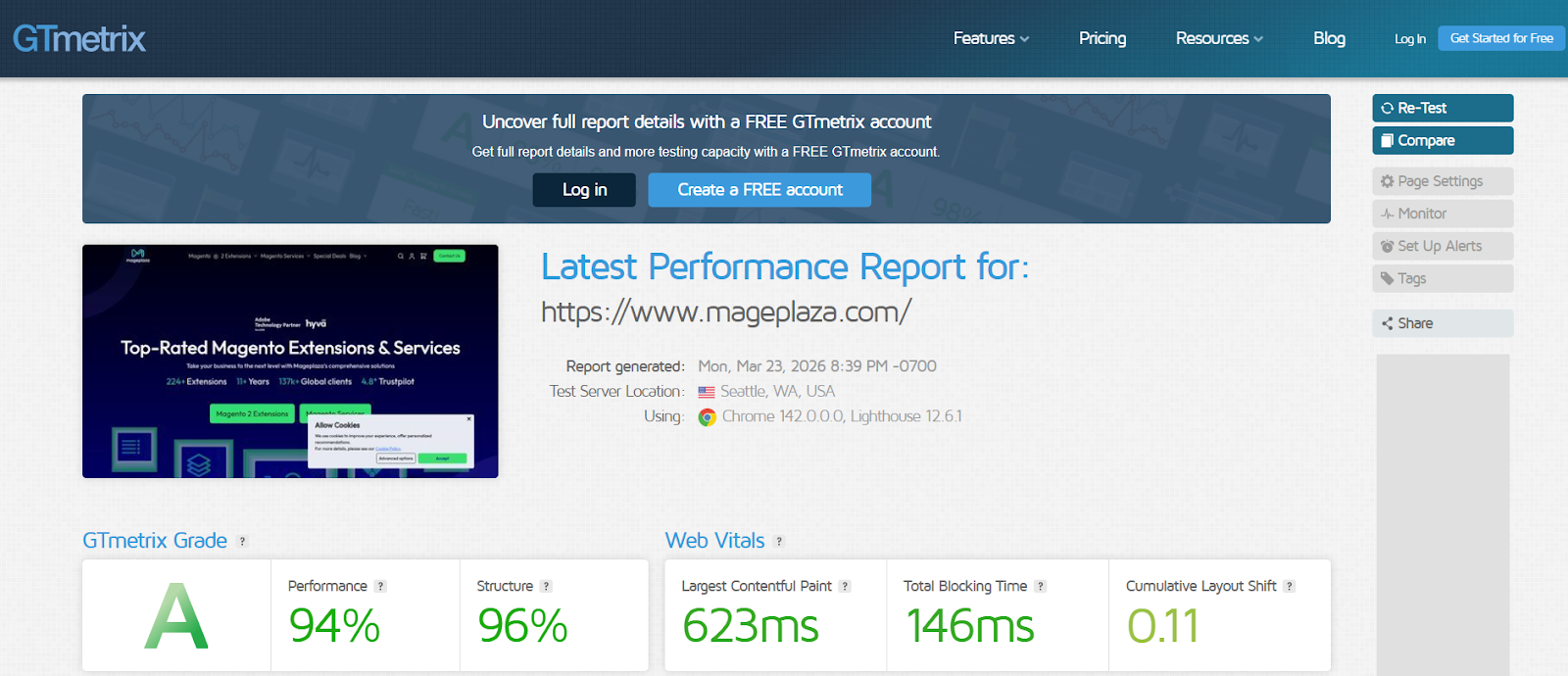
Quick steps:
- Go to gtmetrix.com
- Enter your checkout URL → click Test your site
- When results appear, click the Waterfall tab
What to check:
- Slow files (long red/orange bars)
- JS blocking rendering
- Heavy third-party scripts
💡 Tip: Use JS/CSS filters to quickly find heavy files and compare multiple tests to track improvements.
3. WebPageTest
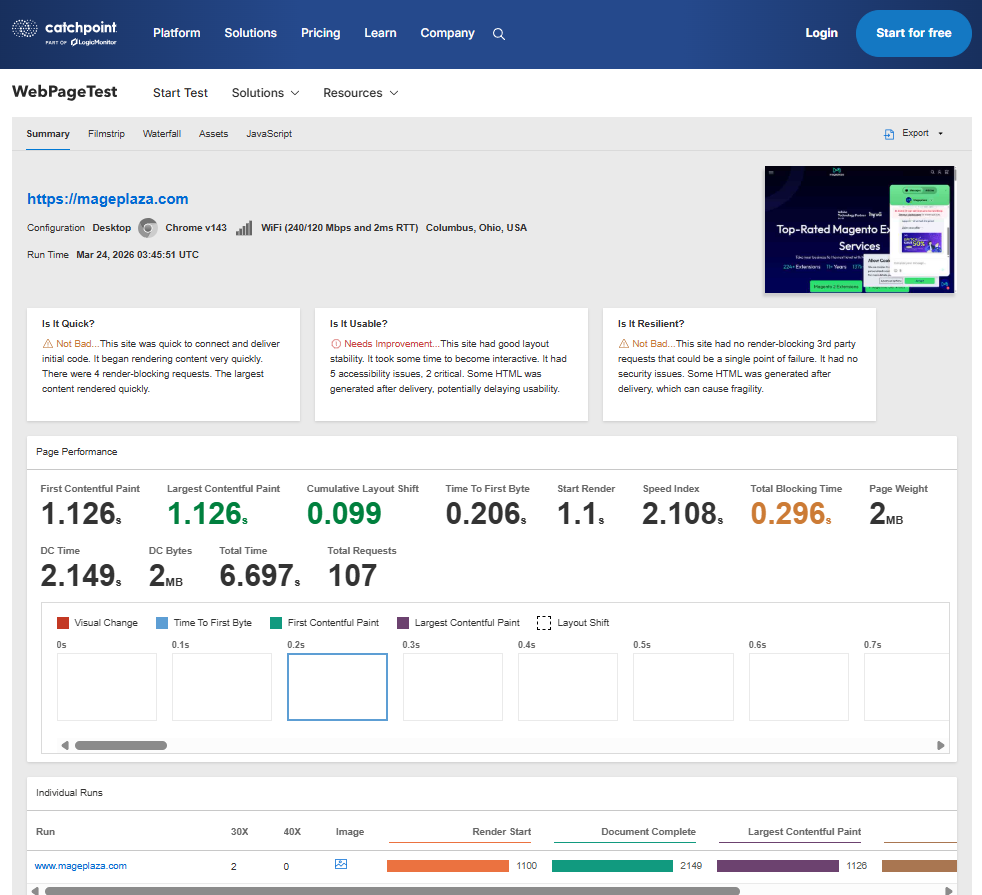
Quick steps:
- Go to webpagetest.org
- Configure:
- Test Location: Choose a location close to your target customers
- Browser: Chrome (Desktop or Mobile)
- Click Start Test
What to check:
- TTFB > 1s → server issue
- Start Render > 2s → heavy initial load
- Waterfall & Filmstrip for real user experience
💡 Tip: Use the Repeat View feature to compare performance with and without cache. You can also run tests with a slow Connection (3G, 4G) to simulate real-world mobile experiences.
Common reasons your Magento 2 checkout is slow (and how to fix)
Below are the 10 most common reasons why your Magento 2 checkout is sluggish, along with solutions for each.
1. Heavy JS & CSS
Reason:
Magento 2 loads many unnecessary JavaScript and CSS files on the checkout page, especially from themes or poorly optimized extensions. Each file creates a request and consumes processing resources.
How to fix:
- Minify & merge JS/CSS
Go toAdmin → Stores → Configuration → Advanced → Developerand enable:Merge JavaScript FilesMerge CSS FilesMinify JavaScript FilesMinify CSS Files
- Defer non-critical JavaScript and remove unused scripts.
Reference: Remove unused CSS in Magento 2
2. Too many extensions
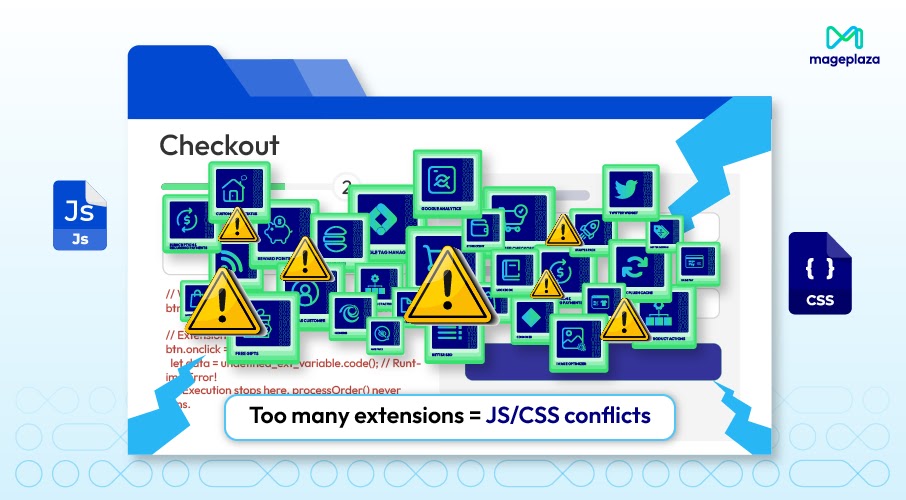
Reason:
Each installed extension can inject additional JS, CSS, or run observers on checkout. Too many overlapping extensions cause conflicts and slow down processing.
How to fix:
- Disable and remove extensions that are not truly necessary or are no longer used.
- Audit & disable unnecessary extensions, especially those related to checkout.
💡 Tip: Switch to Mageplaza extensions to benefit from comprehensive support, regular updates, and ensured compatibility across your Magento 2 store. This helps minimize conflicts, reduce performance issues, and maintain a more stable checkout experience.
3. Weak hosting
Reason:
Magento 2 is a heavy platform requiring high server resources. Shared hosting or low-spec VPS leads to high TTFB, especially during peak traffic.
How to fix:
- Upgrade your server (minimum 4GB RAM, strong CPU) or switch to Magento-optimized cloud hosting.
- Use a CDN (Cloudflare, Fastly) to offload your origin server.
4. Complex checkout flow
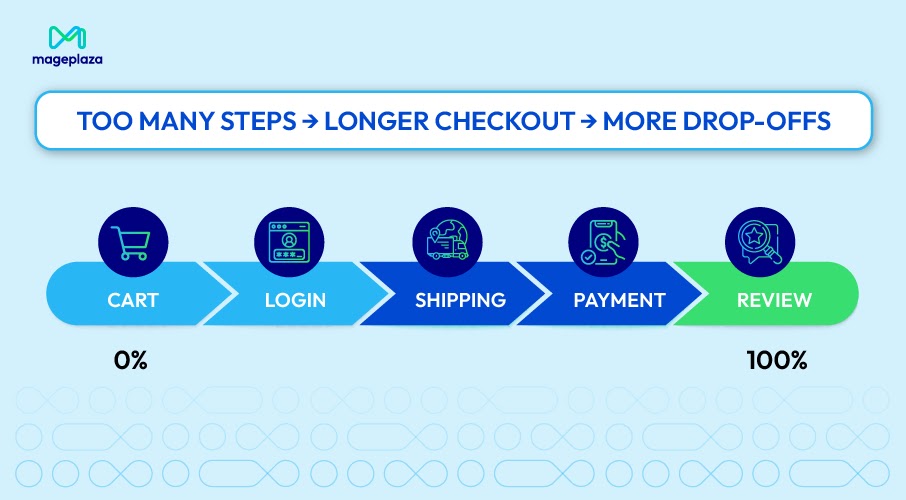
Reason:
Magento 2’s default checkout has 2 steps (shipping and payment). Some themes or extensions expand it to 3–4 steps, with additional popups and forms, causing waiting times and extra reloads.
How to fix:
- Switch to One Step Checkout –combine all steps onto a single page.
- Remove non-mandatory fields and enable guest checkout by default.
5. Database & cart rules
Reason:
The quote, sales_order tables, and especially Cart Price Rules - if too many active rules exist - slow down checkout because the system must evaluate conditions for each cart.
How to fix:
- Reindex & clean up the database (remove old quotes, logs).
- Reduce the number of active Cart Price Rules and avoid overly complex conditions.
6. Third-party APIs
Reason:
Checkout often calls shipping (rate calculation), payment (PayPal, Stripe, VNPAY), and address validation APIs. If these APIs respond slowly or time out, the entire checkout process stalls.
How to fix:
- Cache API results (shipping rates, payment methods) for 15–30 minutes.
- Reduce call frequency – only call when the customer changes the address.
7. Poor cache configuration
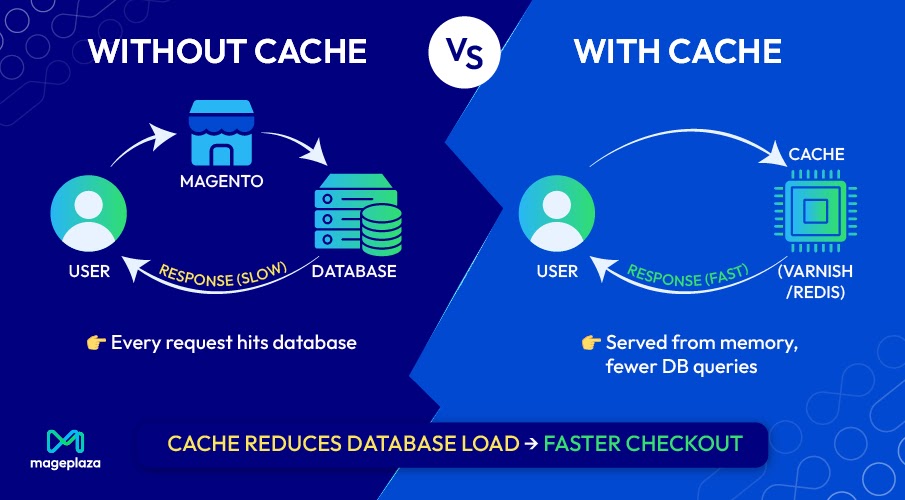
Reason:
Cache disabled or misconfigured forces every checkout request to hit the database repeatedly instead of serving from memory.
How to fix:
- Enable Full Page Cache (Built-in Cache or Varnish).
- Use Redis for session and backend cache instead of file-based storage.
Reference: How to Configure Magento 2 Full Page Cache / Varnish Cache
8. Unoptimized images
Reason:
Even though checkout doesn’t display many images, product images in the mini-cart, logo, background, and icons - if unoptimized - can increase page weight.
How to fix:
- Compress images (TinyPNG, ShortPixel) and convert to WebP.
9. Developer mode enabled
Reason:
Many administrators forget to switch from Developer to Production after development. Developer mode loads uncompiled static files and does not use caching, resulting in extremely slow performance.
How to fix:
- Check current mode:
bin/magento deploy:mode:show - Switch to Production mode:
bin/magento deploy:mode:set production - After switching, run
bin/magento setup:static-content:deploy -fto recompile static content.
Lean more: How to Enable or Disable Developer Mode in Magento 2
10. Broken cron jobs
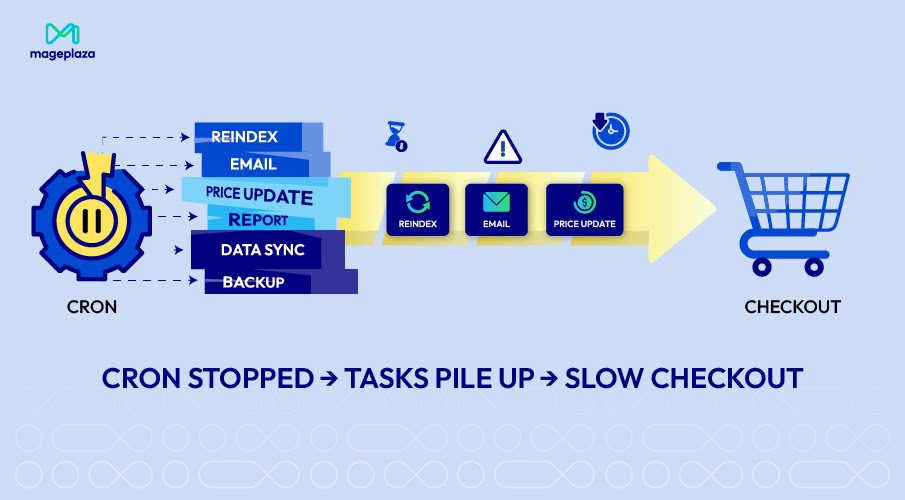
Reason:
Cron handles critical tasks like reindexing, price updates, and order confirmation emails. If cron is broken or not running on schedule, the system can become congested, affecting checkout performance.
How to fix:
- Check cron:
crontab -land review logs invar/log/cron.log. - Configure cron to run every minute to process the queue in time.
Tool: Magento 2 Cron Schedule extension
Fix multiple checkout issues with Mageplaza One Step Checkout
You’ve tried fixing:
- JavaScript
- Hosting
- Extensions
But checkout is still slow.
Magento checkout is a system-level problem, not a single issue, as it is not optimized for user experience:
- Too many steps: Customers have to go through separate steps → interrupts the purchase journey.
- Too many reloads: Every action (selecting shipping, entering a coupon…) creates a new request → the page feels sluggish.
- Not mobile-friendly: On mobile, more steps mean more interactions → easier to lose focus and abandon.
A smarter approach: Simplify the entire checkout flow
Some store owners skip the audit entirely and restructure the checkout flow instead. The most common approach is switching to One Step Checkout.
The idea is simple: instead of forcing customers through 2–3 steps with multiple reloads, all necessary information (address, shipping, payment, coupon code) is displayed on a single page. The results:
- Fewer Ajax calls and reloads → page responds noticeably faster.
- Customers only need to input once → order completion time can drop from minutes to under 30 seconds.
- Smooth experience on both desktop and mobile → cart abandonment rates drop significantly.
Mageplaza Magento 2 One Step Checkout is one of the most trusted solutions among Magento 2 store owners, thanks to its optimized design, easy customization, and compatibility with most popular payment and shipping methods. To see how it works in detail, view demo.
When the checkout process becomes simple, customers have fewer reasons to hesitate - and that directly impacts real-world conversion rates.
Conclusion
Optimizing Magento 2 checkout speed is not just a technical improvement - it’s a direct strategy to boost revenue and elevate customer experience. By applying the systematic testing methods outlined above, you can eliminate performance bottlenecks effectively.
Start by running tests with PageSpeed Insights, GTmetrix, or WebPageTest, then identify the specific causes among the 10 common issues. Every small speed improvement can lead to significantly higher conversion rates.
If manual configuration feels overwhelming, let Mageplaza Magento 2 One Step Checkout module simplify everything for you. Our team of experts is always ready to assist.
Table of content

Jacker is the Chief Technology Officer (CTO) at Mageplaza, bringing over 10 years of experience in Magento, Shopify, and other eCommerce platforms. With deep technical expertise, he has led numerous successful projects, optimizing and scaling online stores for global brands. Beyond his work in eCommerce development, he is passionate about running and swimming.
Related Post

15 mins read
|
09-30-2026
16 mins read
|
08-30-2026
5 mins read
|
07-30-2026
7 mins read
|
06-30-2026

How to Enable DebugView in GA4 for your Magento 2 store - Mageplaza
Step-by-step guide to enabling GA4 DebugView for Magento 2 merchants — verify your GA4 events are firing correctly before trusting your data.
8 mins read
|
06-09-2026
2 mins read
|
10-30-2026
15 mins read
|
09-30-2026
16 mins read
|
08-30-2026
5 mins read
|
07-30-2026
7 mins read
|
06-30-2026
How to Enable DebugView in GA4 for your Magento 2 store - Mageplaza
Step-by-step guide to enabling GA4 DebugView for Magento 2 merchants — verify your GA4 events are firing correctly before trusting your data.
8 mins read
|
06-09-2026