


10 mins read
|
10-30-2026
PHP Security Update 2026: What Magento store must do now
Vinh Jacker
|
-67 minutes ago

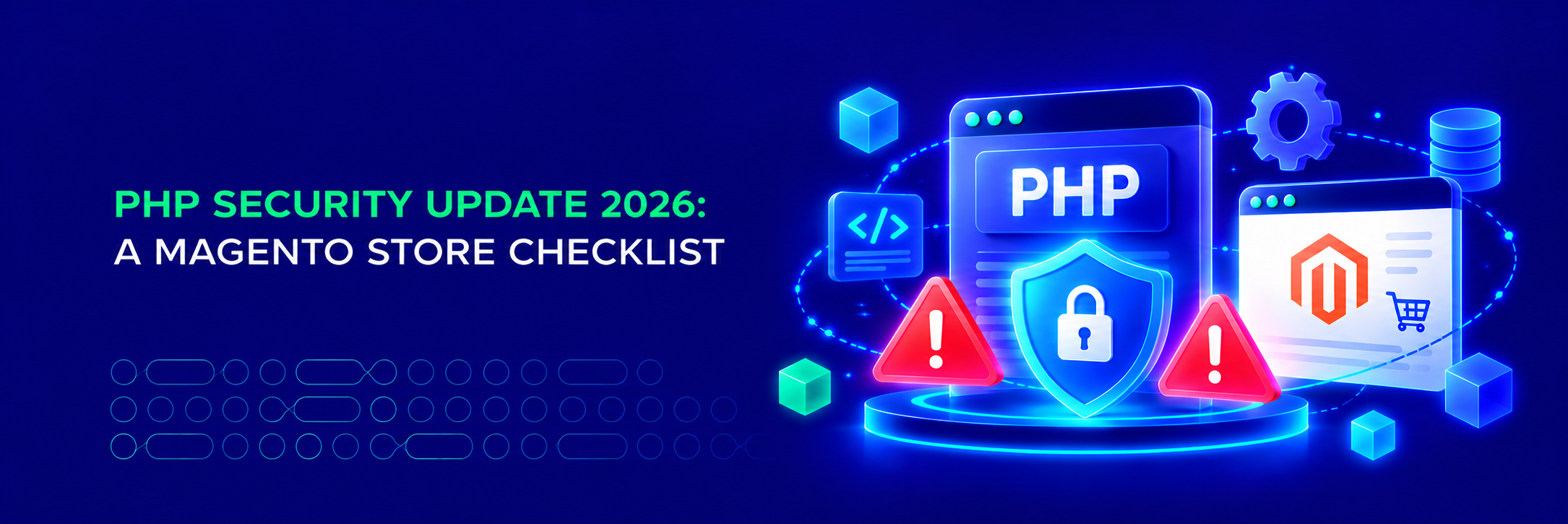
On October 21, 2026, PHP shipped an emergency patch for two critical flaws, called PHP2Shell. The hole is in PHP itself, the language every Magento store runs on, and attackers were already probing for it the day the patch landed.
This blog post points out which Magento versions are exposed, which PHP version to install, and seven steps to take this week.
💡 Note: Mageplaza extensions are not affected. The flaws are in the PHP engine, not in any module. Updating PHP is the fix regardless of which extensions you run.
Two RCE vulnerabilities, CVSS 9.2
Both vulnerabilities are fixed in PHP 8.5.12, 8.4.27, 8.3.36 and 8.2.35. If your server already runs one of those, you can skip to step 6.
| CVE-2026-109618 | CVE-2026-109619 | |
|---|---|---|
| Nickname | RCE via OOM corruption | RCE via stale global state |
| Where | Memory management | Error handling |
| How | A request that hits memory_limit at the wrong moment leaves half-initialized internal data that PHP later treats as valid |
A fatal error at the wrong point leaves internal state pointing at memory from a previous request |
| Worst case | Unauthenticated RCE, demonstrated with default settings on Apache + mod_php. Also confirmed on PHP-FPM through application code paths | Use-after-free on the same worker. RCE demonstrated against a real application on Apache + mod_php |
| Severity | Critical, CVSS 9.2 | Critical, CVSS 9.2 |
However, these are not fixed by the PHP project: PHP 8.1 and older. These branches are end-of-life.
Besides that, code execution is the worst case, not the only one. Researchers showed an attacker can read live memory from the PHP worker process without running any code. On a Magento server that memory holds admin sessions, API tokens and payment gateway credentials belonging to other requests.
The risk is highest on Apache with mod_php, where an unauthenticated request can trigger the first flaw before any application code runs. Most Magento production stacks use Nginx or Apache with PHP-FPM, which narrows the attack path but does not close it. RCE on FPM was confirmed.
Find your row
Magento only supports specific PHP versions per release. That decides which fixed PHP you can move to, and whether you can move at all. Check this table below:
| Your Magento version | Supported PHP | Fixed PHP you can install | Situation |
|---|---|---|---|
| 2.4.9 | 8.5 | 8.5.12 | Patch PHP. Done |
| 2.4.8 → 2.4.8-p5 | 8.4, 8.3 | 8.4.27 or 8.3.36 | Patch PHP. Done |
| 2.4.7 → 2.4.7-p10 | 8.3, 8.2 | 8.3.36 (preferred) or 8.2.35 | Patch PHP. If you are on 8.2, move to 8.3: PHP 8.2 reaches end of life on Dec 31, 2026 |
| 2.4.6 → 2.4.6-p15 (Adobe EOL Aug 11, 2026) | 8.2, 8.1 | 8.2.35 | If you are on 8.1, move to 8.2 first, then patch. Then plan the Magento upgrade |
| 2.4.5 → 2.4.5-p17 (EOL) | 8.1 only | None from php.net | Vendor backport or upgrade Magento |
| 2.4.4 → 2.4.4-p18 (EOL) | 8.1 only | None from php.net | Vendor backport or upgrade Magento |
| Adobe Commerce on Cloud (any version) | Managed by Adobe | Set by your .magento.app.yaml PHP line |
Check Adobe's notice for this release, then redeploy so the environment picks up the patched runtime. Confirm the version afterwards |
If you are on 2.4.7 or newer, this is a routine PHP minor update. Your hosting provider may have already done it. Check, don’t assume.
If you are on 2.4.4 or 2.4.5, you are locked to a PHP version that the PHP project no longer patches. A backport from your distribution may arrive, or it may not. This is the clearest signal yet that staying on those releases has stopped being a cost saving.
Seven steps to take this week
-
Check which PHP is actually serving requests: Use
php -vto view the CLI version. The PHP-FPM pool can be different. Ask your host if unsure. -
Update to the fixed version for your branch: 8.5.12, 8.4.27, 8.3.36 or 8.2.35. On managed hosting, ask for the exact number, not “the latest”. On your own server, use your distribution’s packages.
-
Restart every PHP worker, then review
memory_limit. A reload is not always enough. The patch adds a hard memory cap that kills the process outright when hit. Magento needs at least 756M, and 2G forsetup:di:compileand static content deploy. Undo any memory tightening you did as a workaround. -
Can’t update today? Apply PHP’s mitigations at pool or server level, not in
.user.iniorini_set(). They reduce exposure. They do not make you safe.memory_limit = -1 post_max_size = 8M ; 32M if admins need to upload product images upload_max_filesize = 2M ; must stay below post_max_size session.upload_progress.enabled = 0 fatal_error_backtraces = 0 ; PHP 8.5 onlyOn Magento, 8M breaks admin image and import uploads. Use 32M and test imports.
-
Test on staging before a minor jump. 8.4.26 to 8.4.27 is safe. 8.1 to 8.2, or 8.2 to 8.3, is not: deprecated functions, changed return types, third-party modules never run on the new branch.
-
Rotate credentials once patched. Worker memory could be read while you were exposed. Admin passwords, REST and GraphQL integration tokens, payment gateway keys, third-party API keys. Force-expire admin sessions. One hour of work.
-
On 2.4.4, 2.4.5 or 2.4.6? Plan the upgrade. Standard support has ended for all three, and two are stuck on a PHP branch with no official fix. 2.4.8 or 2.4.9 gets you patched the same day as everyone else.
Not sure where you stand? Send us your store URL for a free security health check. If any of the seven steps is more than you want to handle, we do them for you.
The bottom line
PHP is the floor every Magento store stands on. When the floor gets patched, the store has to move with it. For most stores on 2.4.7 and newer this is an afternoon. For stores on older releases it is a decision that has been postponed long enough.
Update, restart, rotate, verify. Then decide whether you want to be in this position again next time.
Table of content

Jacker is the Chief Technology Officer (CTO) at Mageplaza, bringing over 10 years of experience in Magento, Shopify, and other eCommerce platforms. With deep technical expertise, he has led numerous successful projects, optimizing and scaling online stores for global brands. Beyond his work in eCommerce development, he is passionate about running and swimming.
Related Post
PHP Security Update 2026: What Magento store must do now
PHP security update Oct 2026: CVE-2026-109618 and CVE-2026-109619 explained for Magento. Affected versions, fixes, and a 7-step checklist.
6 mins read
|
-67 minutes ago
15 mins read
|
09-30-2026
16 mins read
|
08-30-2026
5 mins read
|
07-30-2026
7 mins read
|
06-30-2026
10 mins read
|
10-30-2026
PHP Security Update 2026: What Magento store must do now
PHP security update Oct 2026: CVE-2026-109618 and CVE-2026-109619 explained for Magento. Affected versions, fixes, and a 7-step checklist.
6 mins read
|
-67 minutes ago
15 mins read
|
09-30-2026
16 mins read
|
08-30-2026
5 mins read
|
07-30-2026
7 mins read
|
06-30-2026