
 2.4.4 - 2.4.9

 Theme
Theme
Import Export Categories for Magento 2
v4.1.1
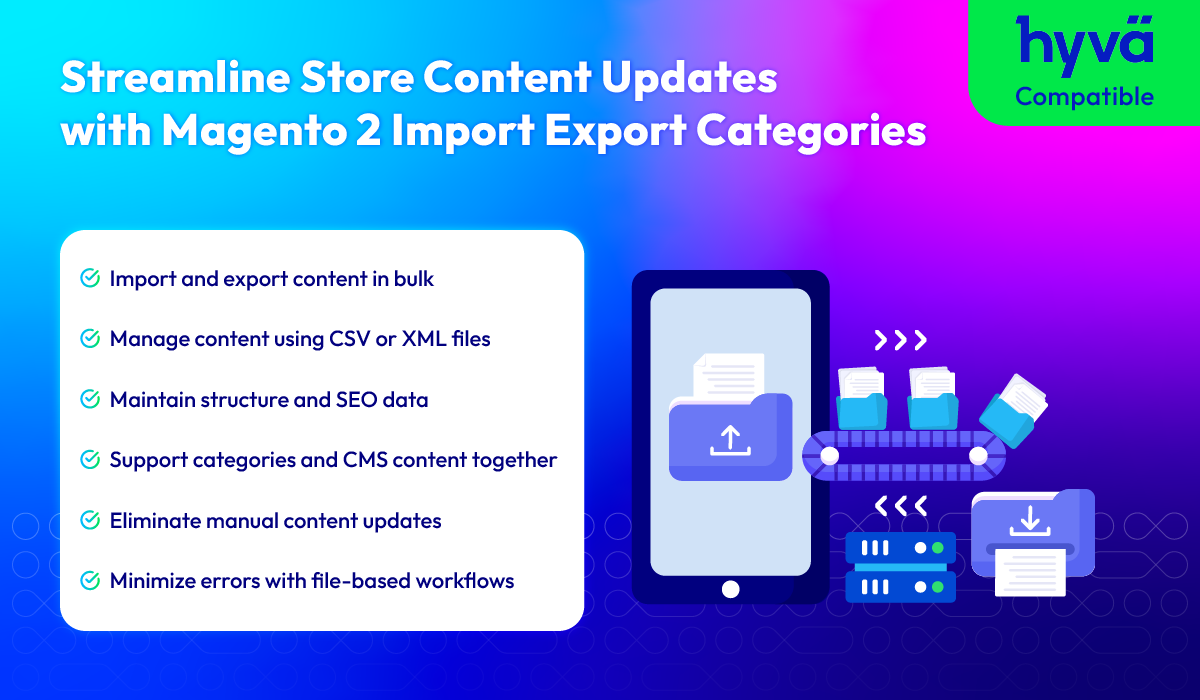
Key features of Magento 2 Import Export Categories & CMS
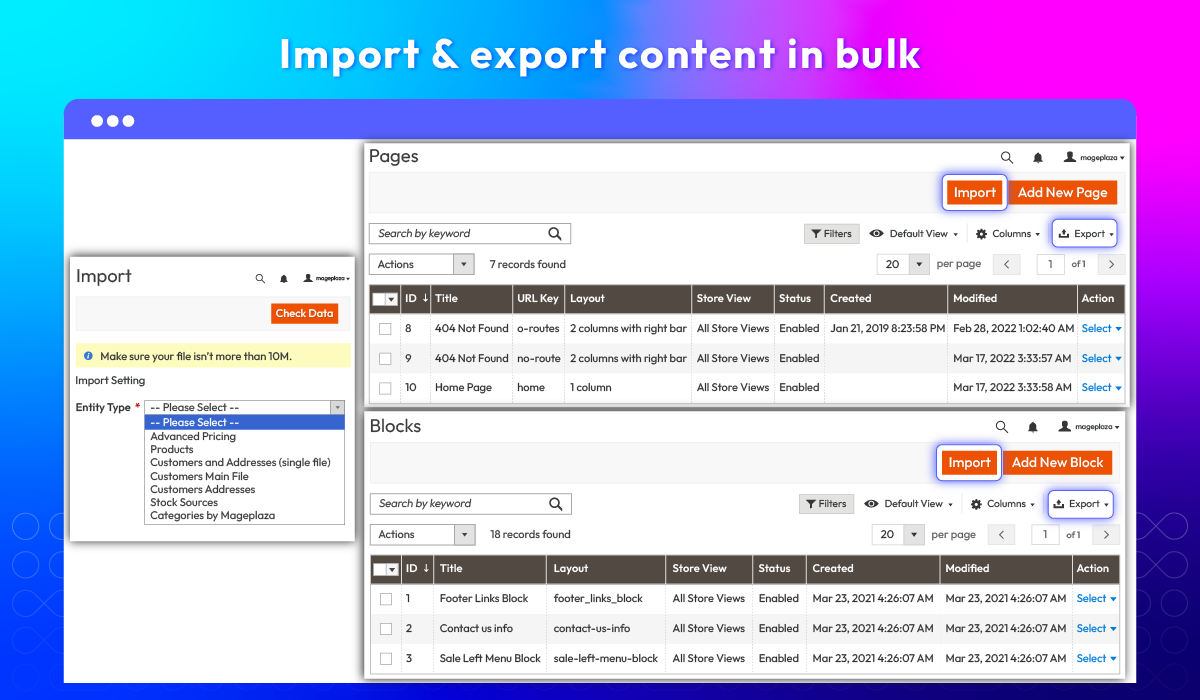
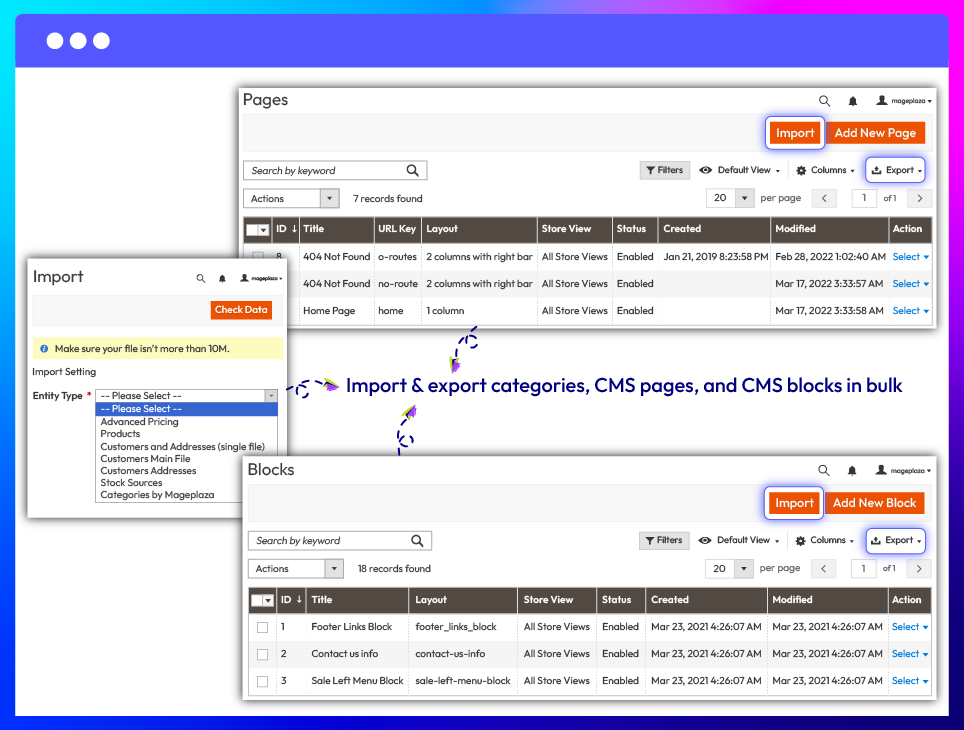
Import & export Categories, CMS Pages, and CMS Blocks in bulk
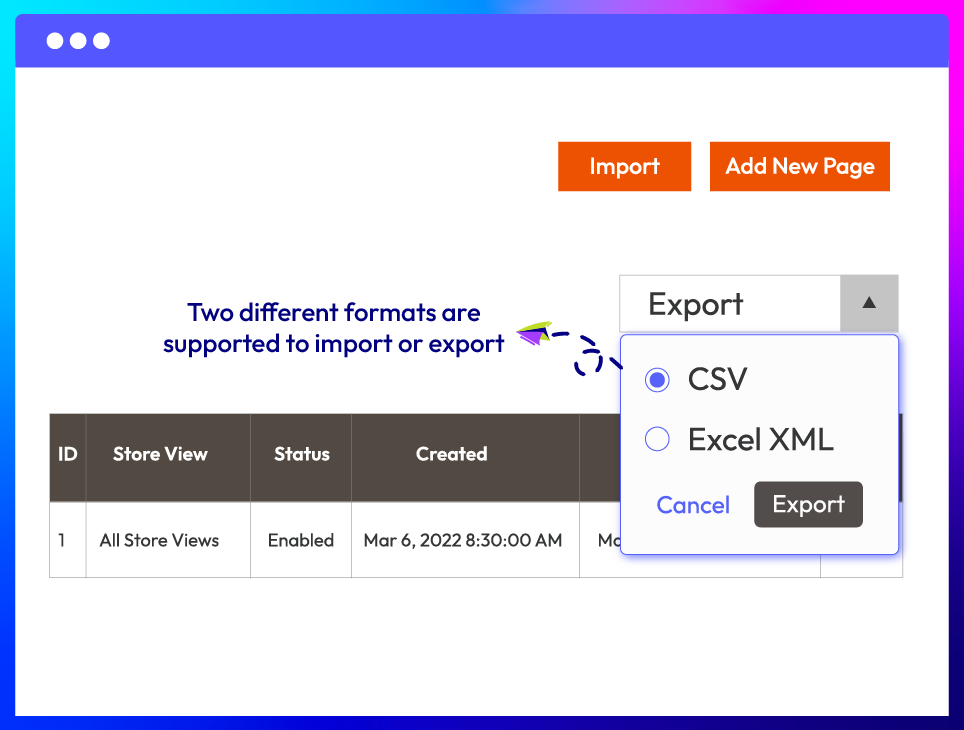
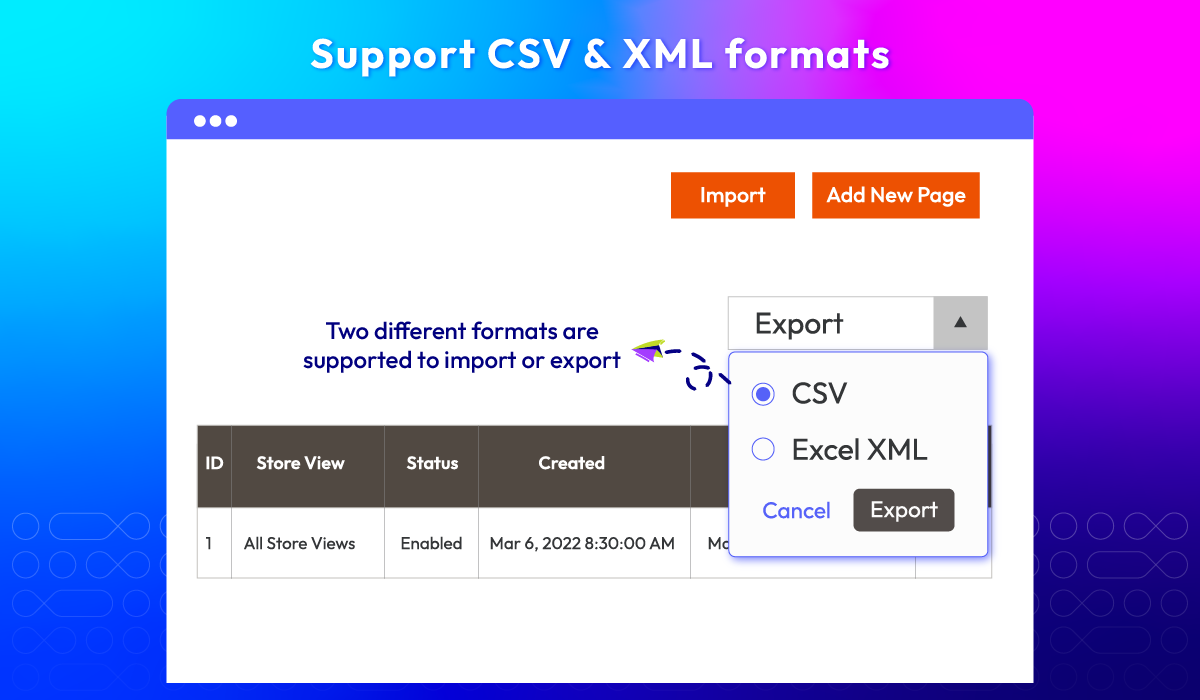
Support CSV & XML formats
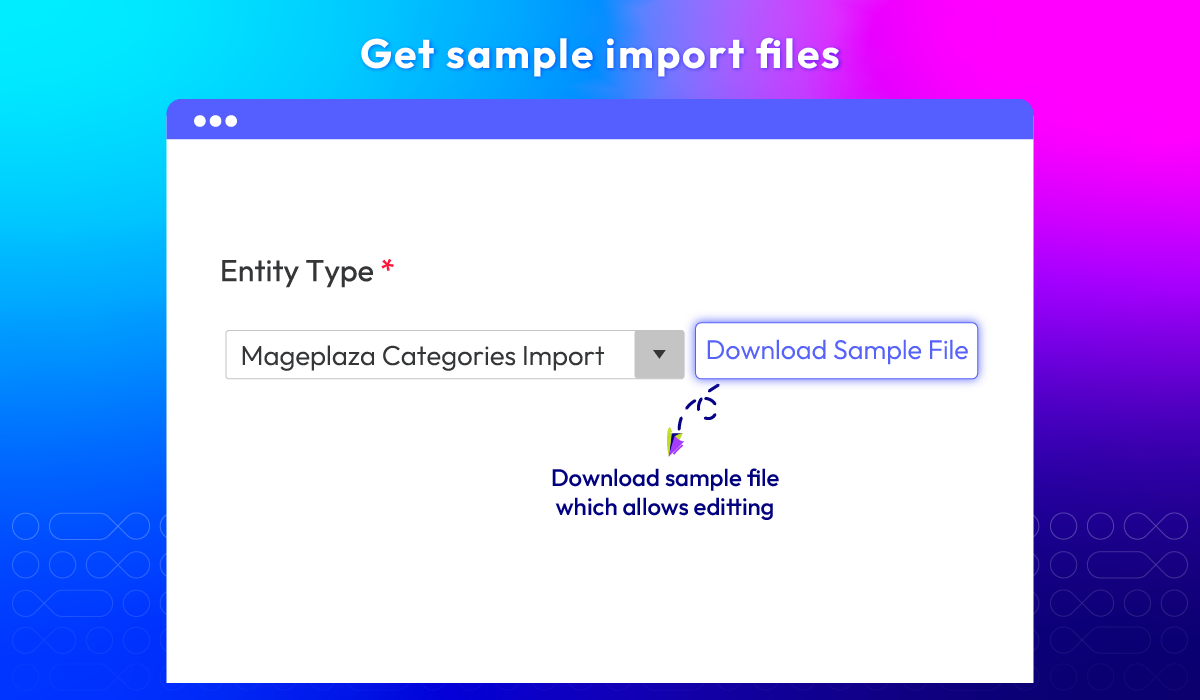
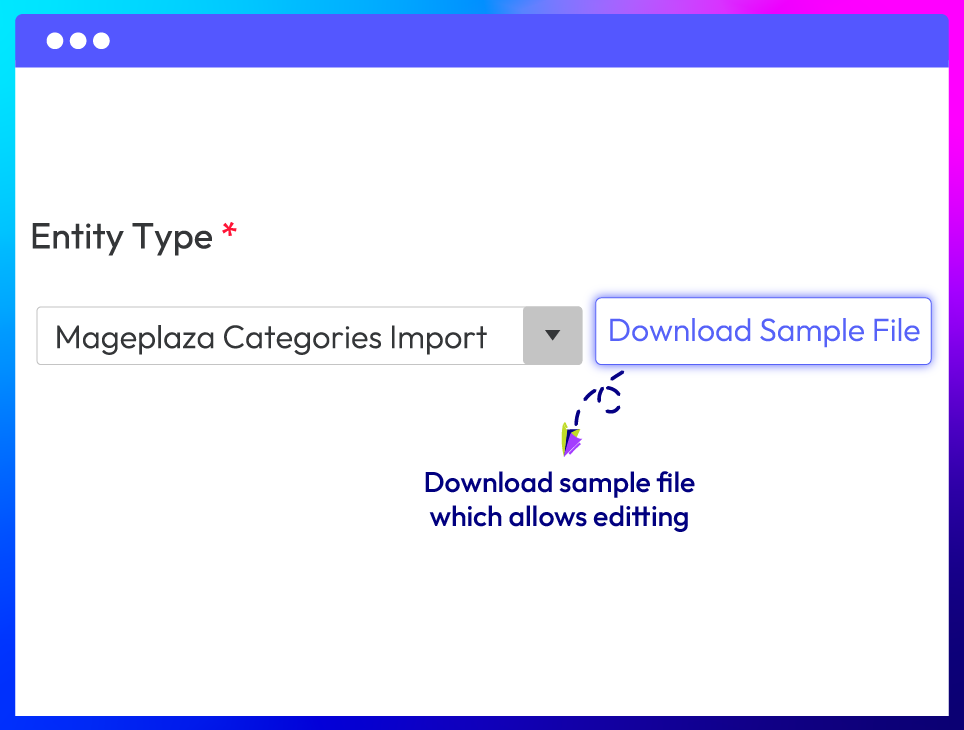
Download sample import files
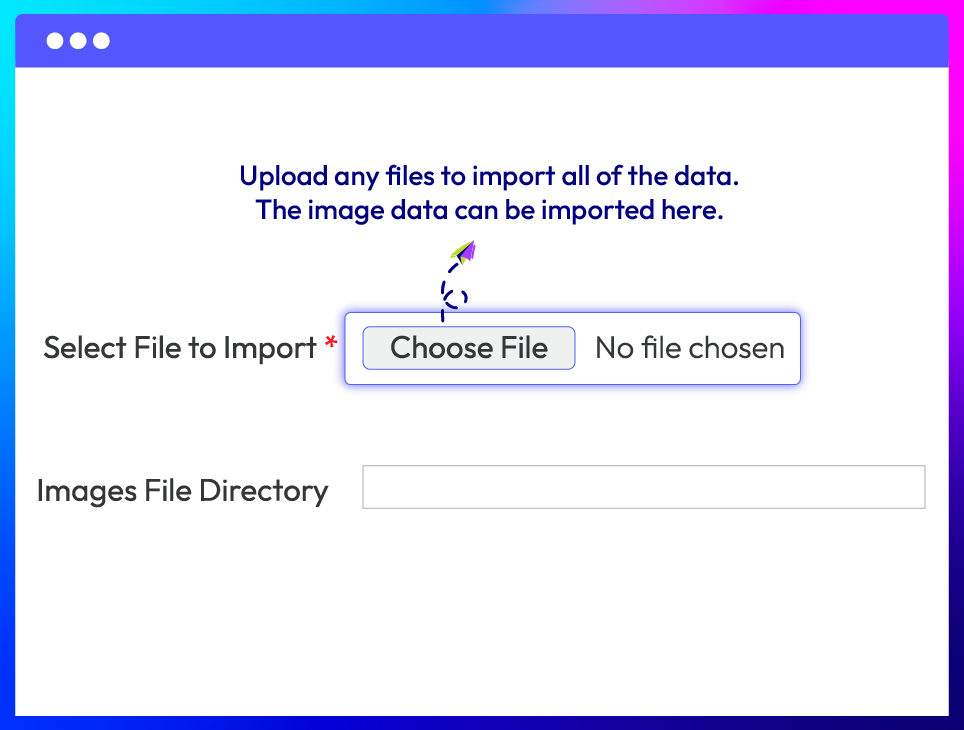
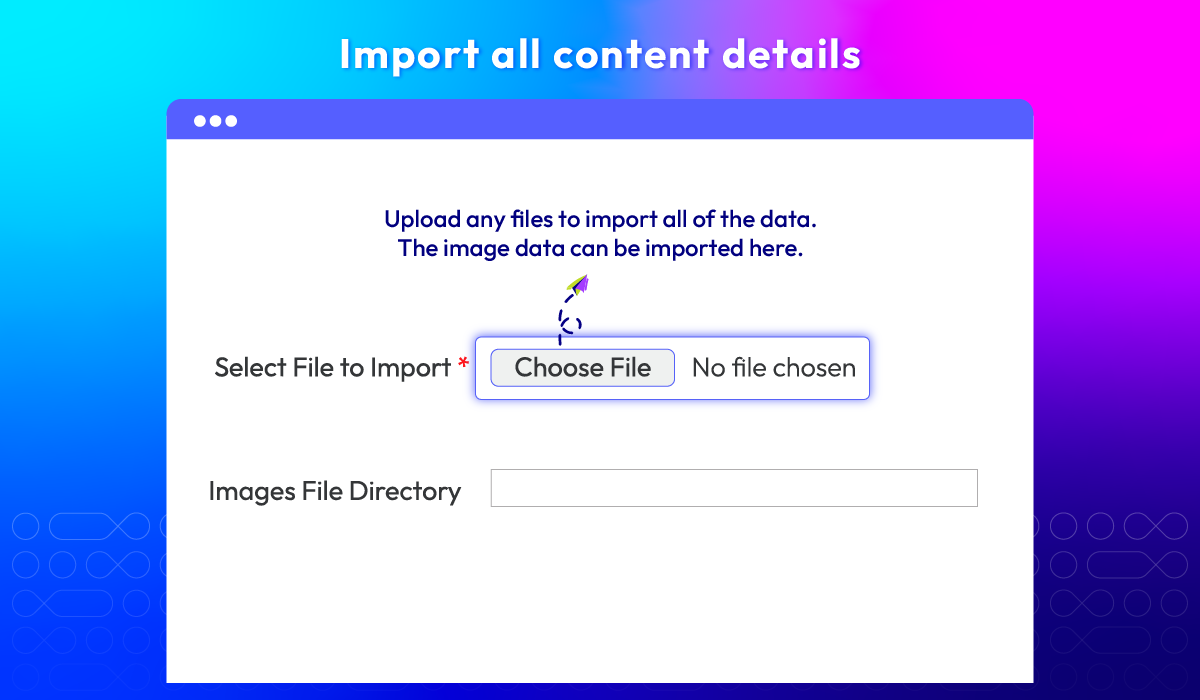
Import full content data without loss
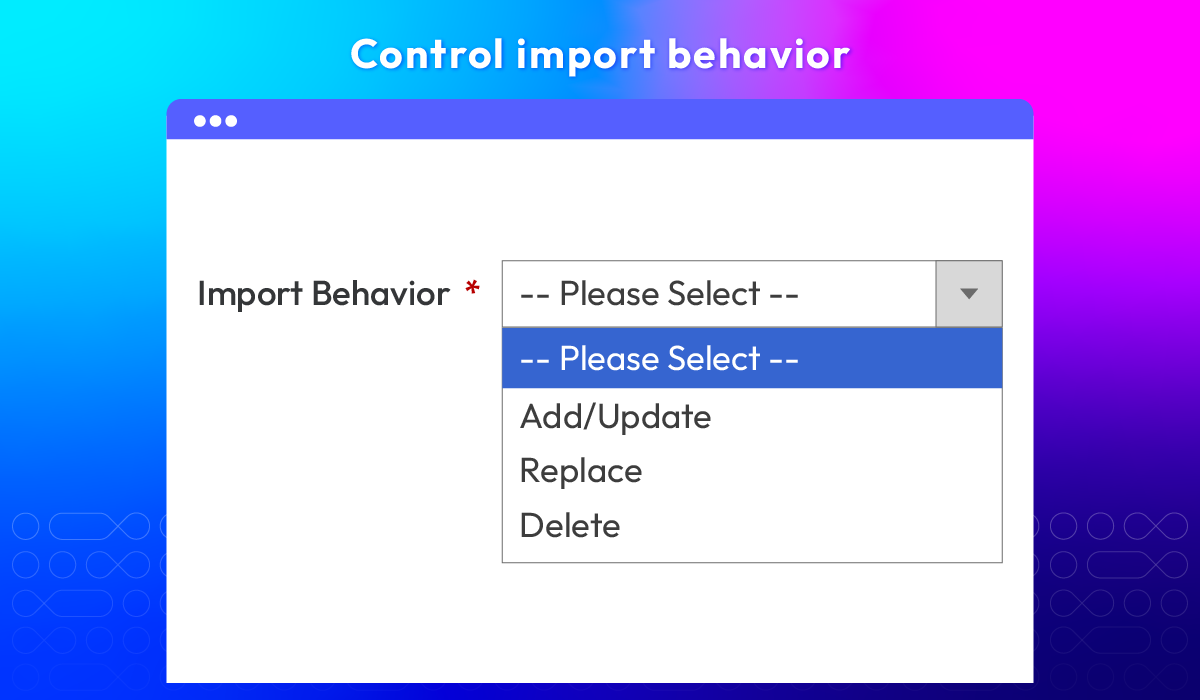
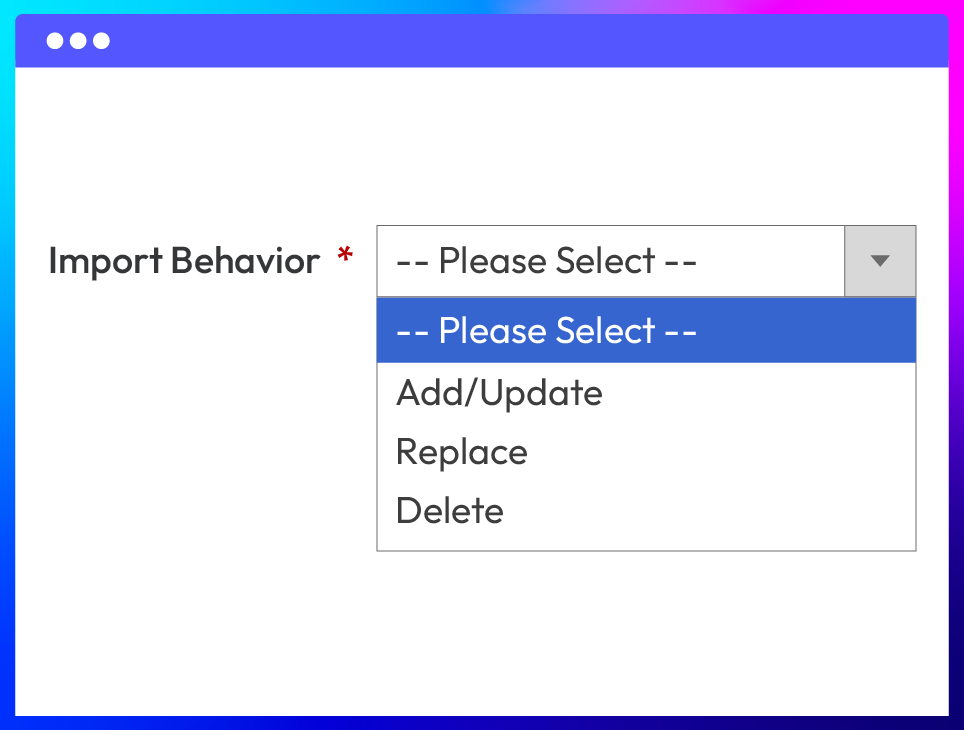
Flexible import behavior
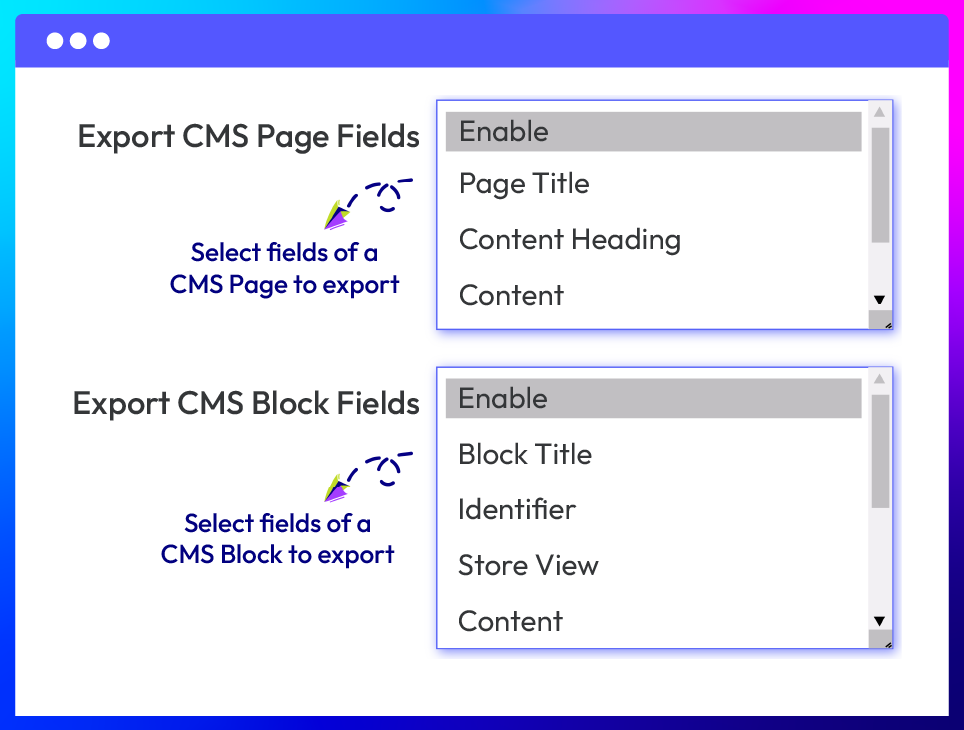
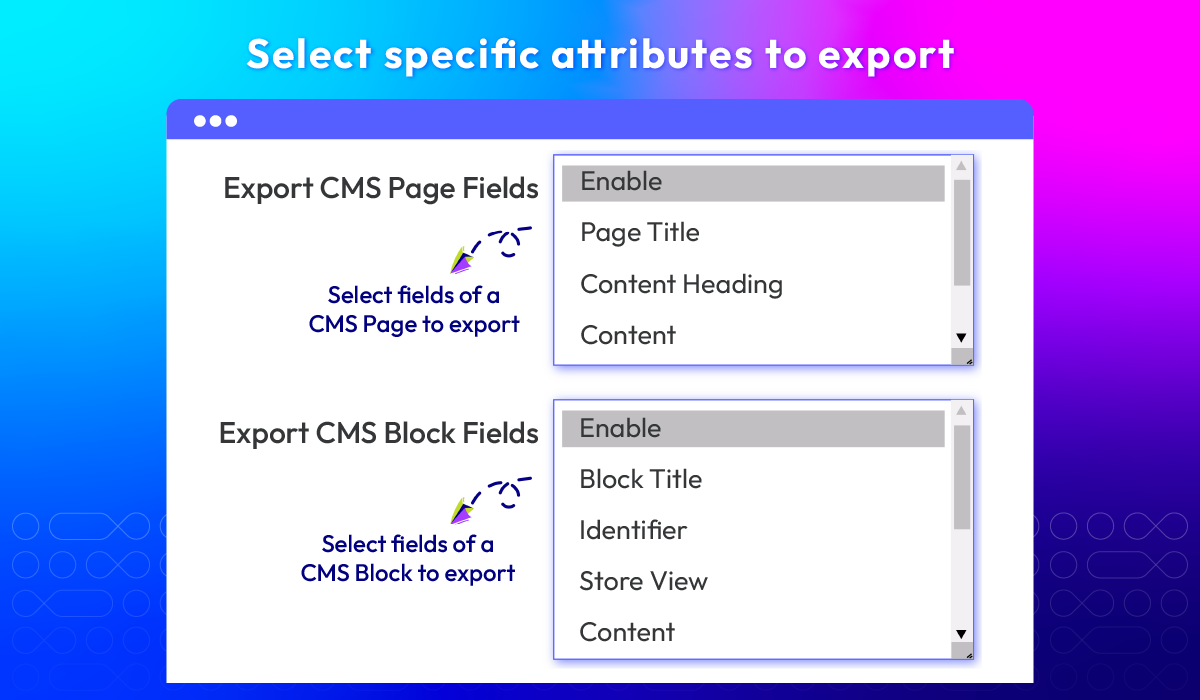
Select specific attributes to export
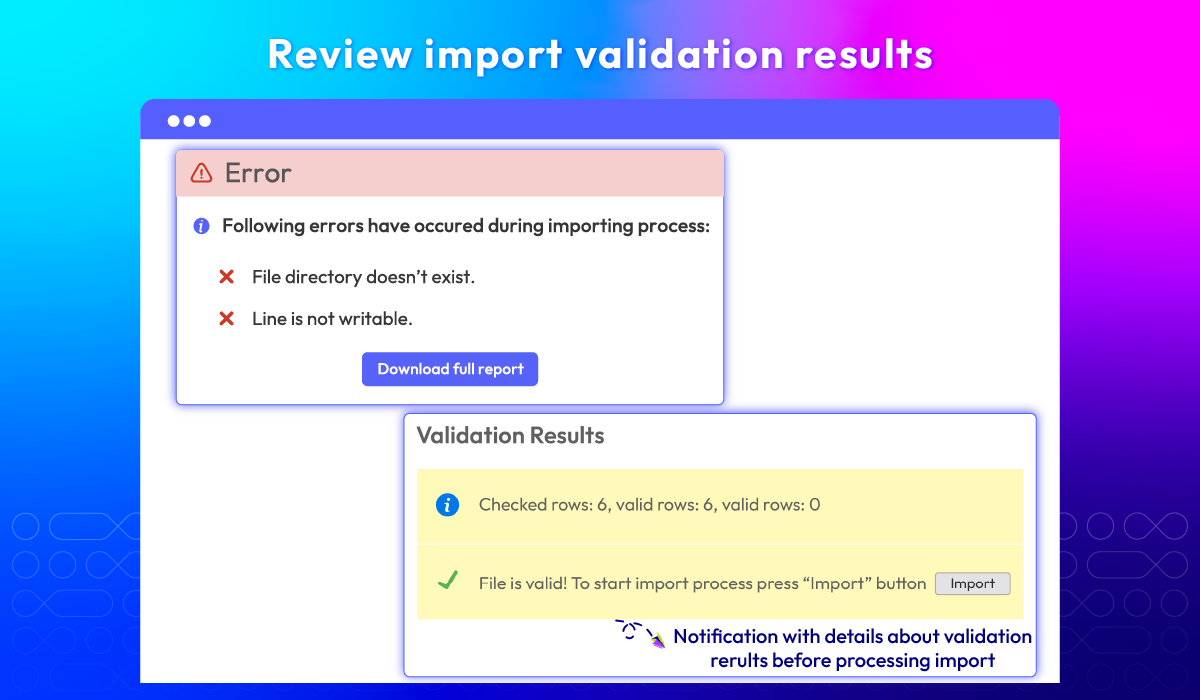
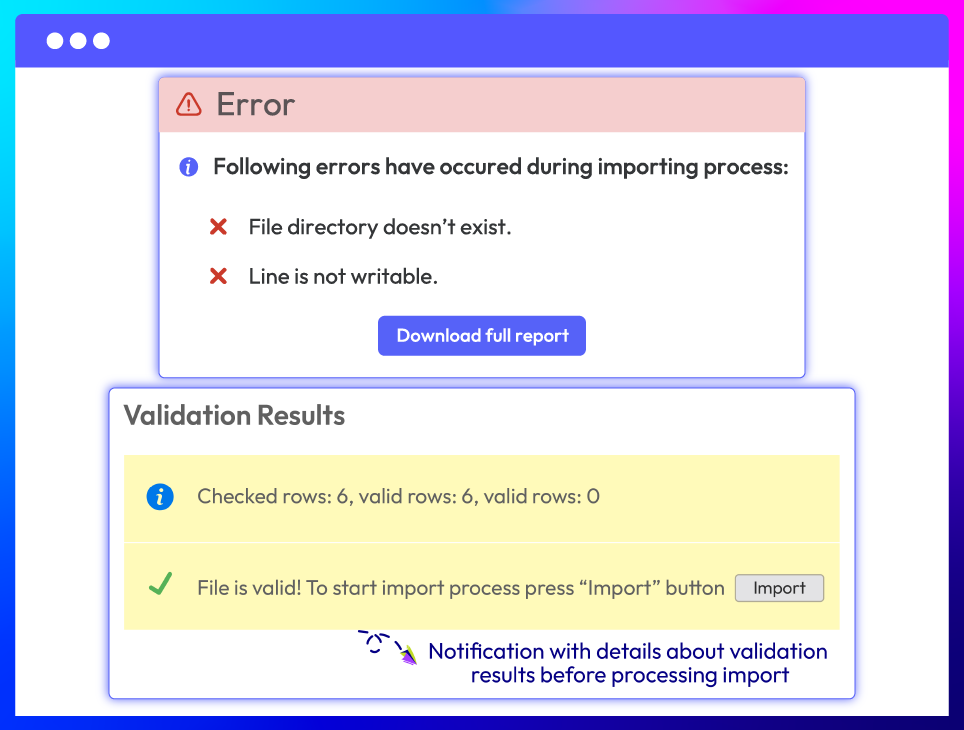
Clear validation and error notification
More features of Magento 2 Import Export Categories
Images file directory
Stop/ skip errors
What customers say about us

Release notes
-
v4.1.1 (Magento v2.4.x)
27 August 2026
- Compatibility: The extension is now compatible with Magento 2.4.9.
- Bug Fix: We added missing translation entries.
-
v4.1.0 (Magento v2.4.x)
10 March 2026
- New Feature: Added Import Export CMS feature
-
v4.0.5 (Magento v2.4.x)
17 April 2025
- Compatibility: Now compatible with Magento 2.4.8
-
v4.0.4 (Magento v2.4.x)
15 August 2024
Compatibility: Now compatible with Magento 2.4.7
-
v4.0.3 (Magento v2.4.x)
05 March 2024
- Bug Fix: We fixed the bug Error when import multiple file at the same time
-
v4.0.2 (Magento v2.4.x)
30 May 2023
- Compatible with Magento 246
-
v4.0.1 (Magento v2.4.x)
06 July 2022
- Compatible with Magento v2.4.4
-
v4.0.0 (Magento v2.4.x)
23 March 2021
Supported Magento v2.4
-
v1.0.3 (Magento v2.3.x)
10 November 2020
- Compatible with Magento v2.3.5
-
v1.0.2 (Magento v2.3.x)
08 July 2020
- Fixed minor bugs
-
v1.0.1 (Magento v2.3.x)
24 February 2020
- Fixed export categories error
-
v1.0.0 (Magento v2.3.x)
28 February 2019
Initial Release
Frequently Asked Questions
Mageplaza's Import / Export Categories supports importing and exporting via CSV files.
Yes, you can select the entity attribute label/ code before processing exporting the categories data.
Yes, you just need to enter the path to the image uploaded to the server. For example: e.g. var/export, var/import, var/export/some/dir
There are there types including Add/ Update, Replace and Delete.
In case after there is no error, you can click on Import button to import instantly the categories data. However, if there are error details, please fix them before importing.
Yes, you can do easily by filling in a number in “Allowed Errors Count” fields.
Yes, this single extension covers both, allowing you to manage Categories, CMS Pages, and CMS Blocks all from one unified interface.
Yes, Import Export Categories for Magento 2 is compatible with Hyva theme. However, the checkout only supports hyva-themes/magento2-theme-fallback. To learn how to enable checkout on Hyva, please follow this guide.
Mageplaza provides FREE Hyva Checkout Compatibility for all of our extensions upon requests. You can request by contacting us via email, live chat, or support ticket. Our team will respond within 24 hours and ask for details such as Order ID, extension name, Magento & Hyva versions, and any special requirements. To qualify, your module subscription must be active. If your subscription has expired, renewal is required as some older modules do not support Hyva. Additional customization requests may incur extra costs, and our team will inform you before proceeding. For assistance, feel free to reach out - we're here to help!
2.4.4 - 2.4.9
Theme
Pricing
Community
$99 first year
Enterprise/ Magento Cloud