 2.4.4 - 2.4.9

 Theme
Theme
Product Attachments for Magento 2
v4.2.8
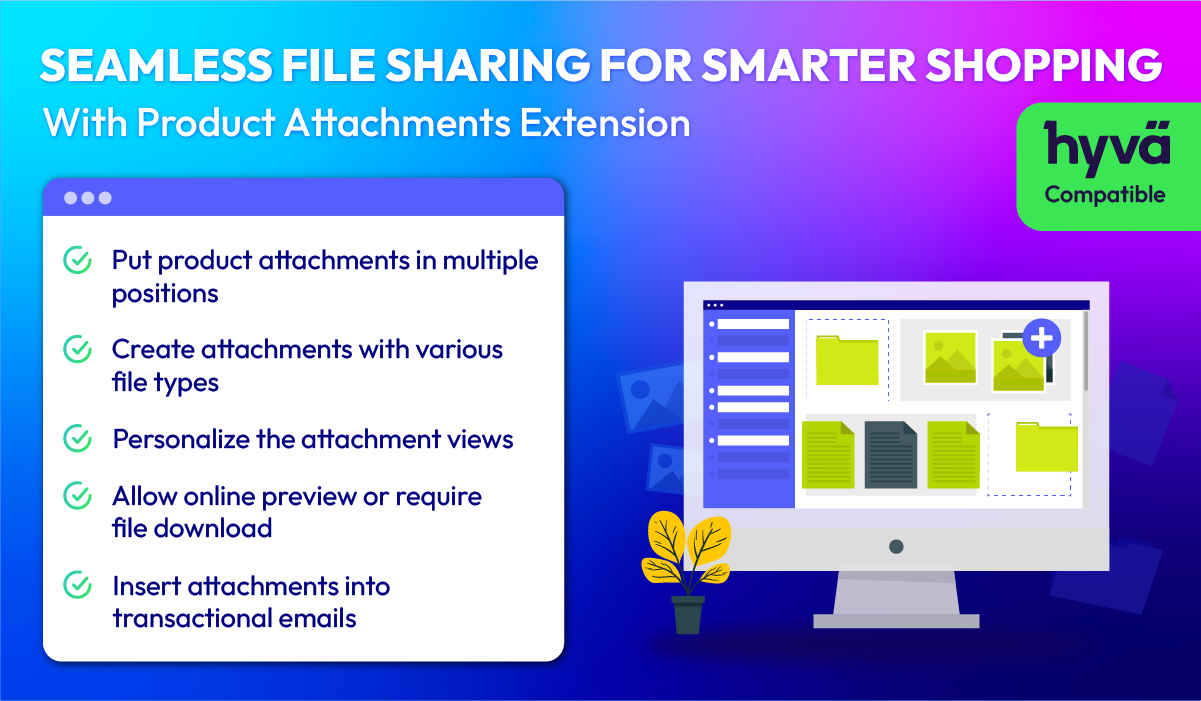
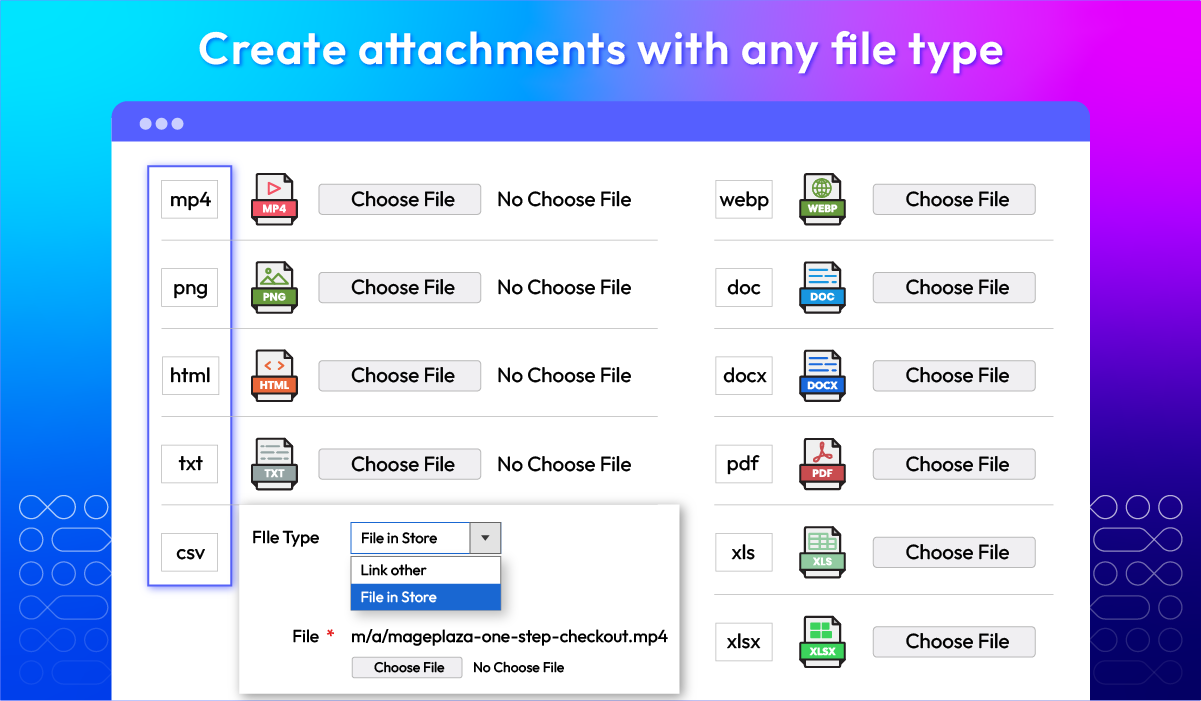
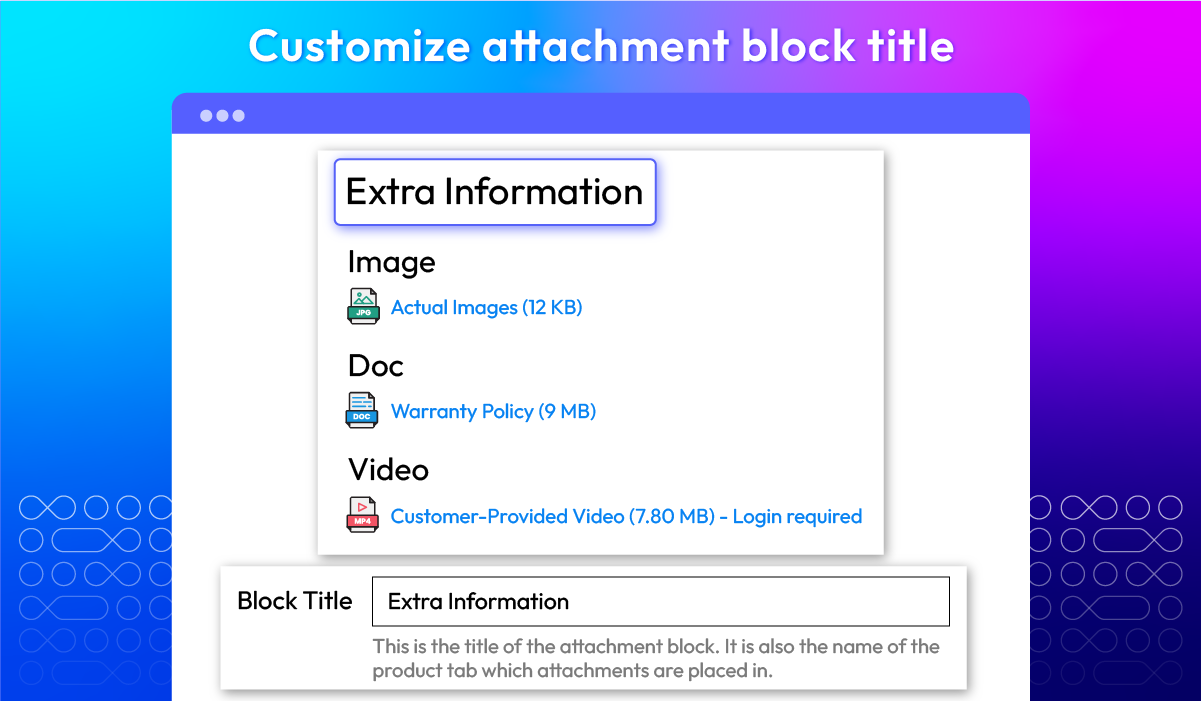
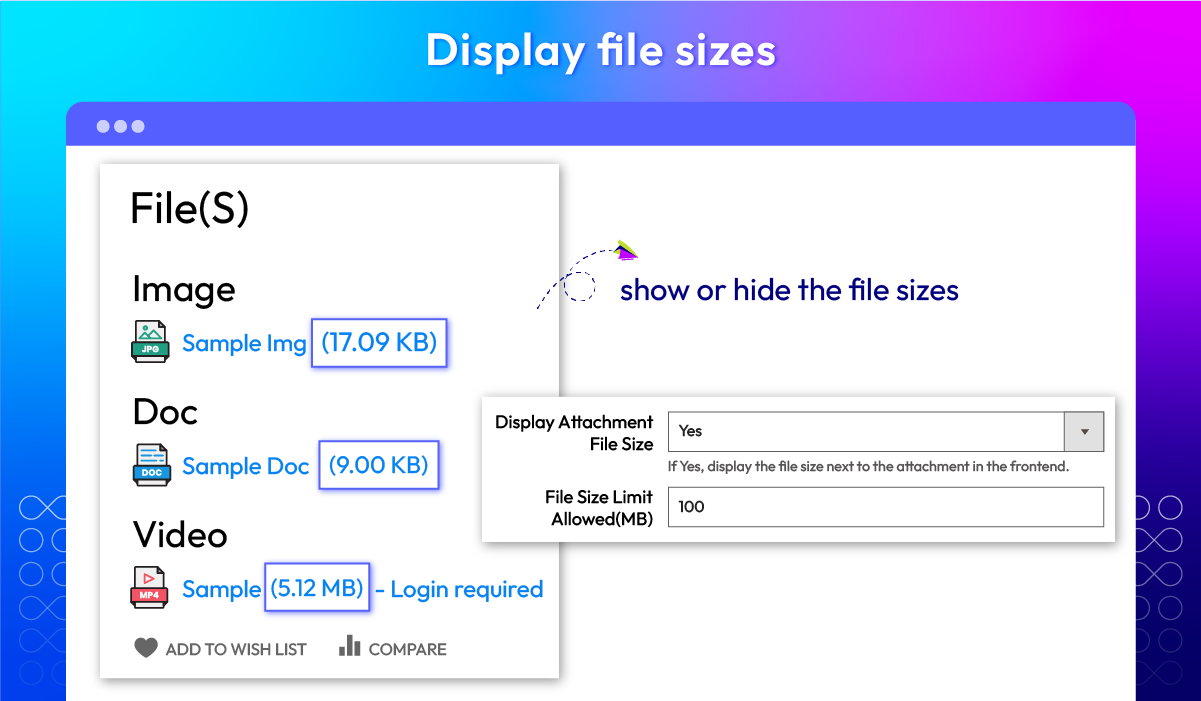
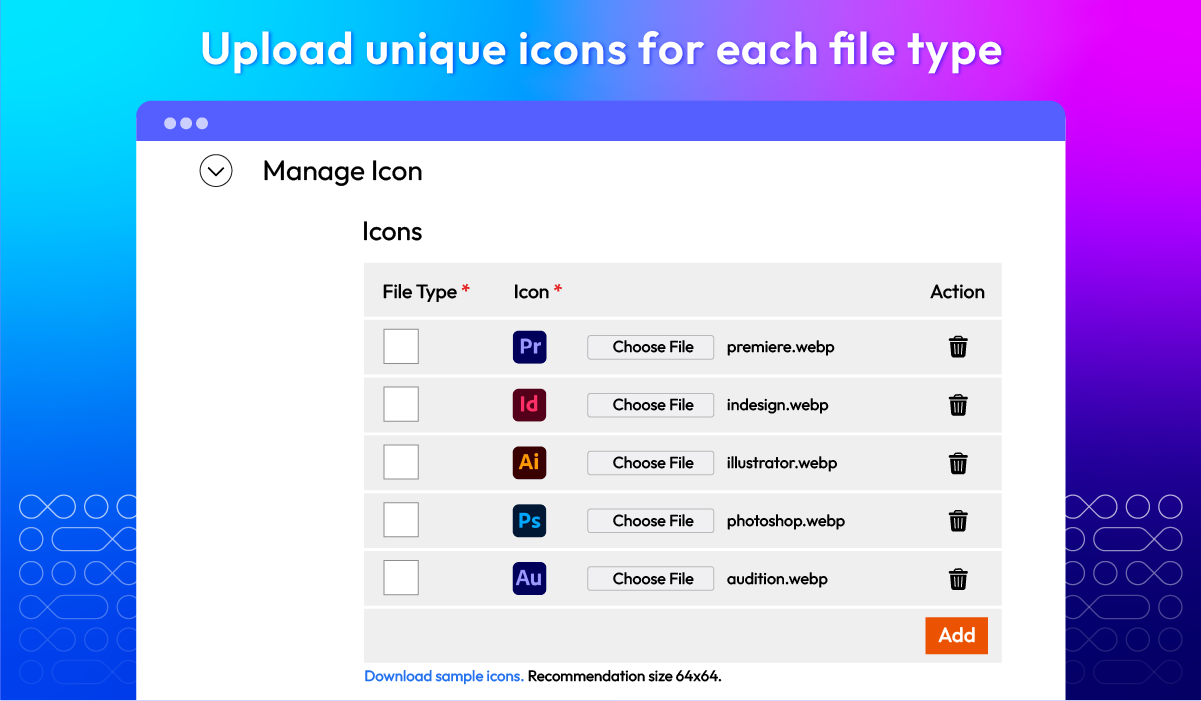


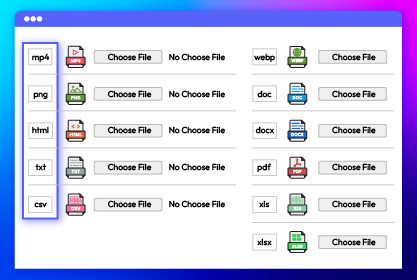
Create attachments with multiple file types
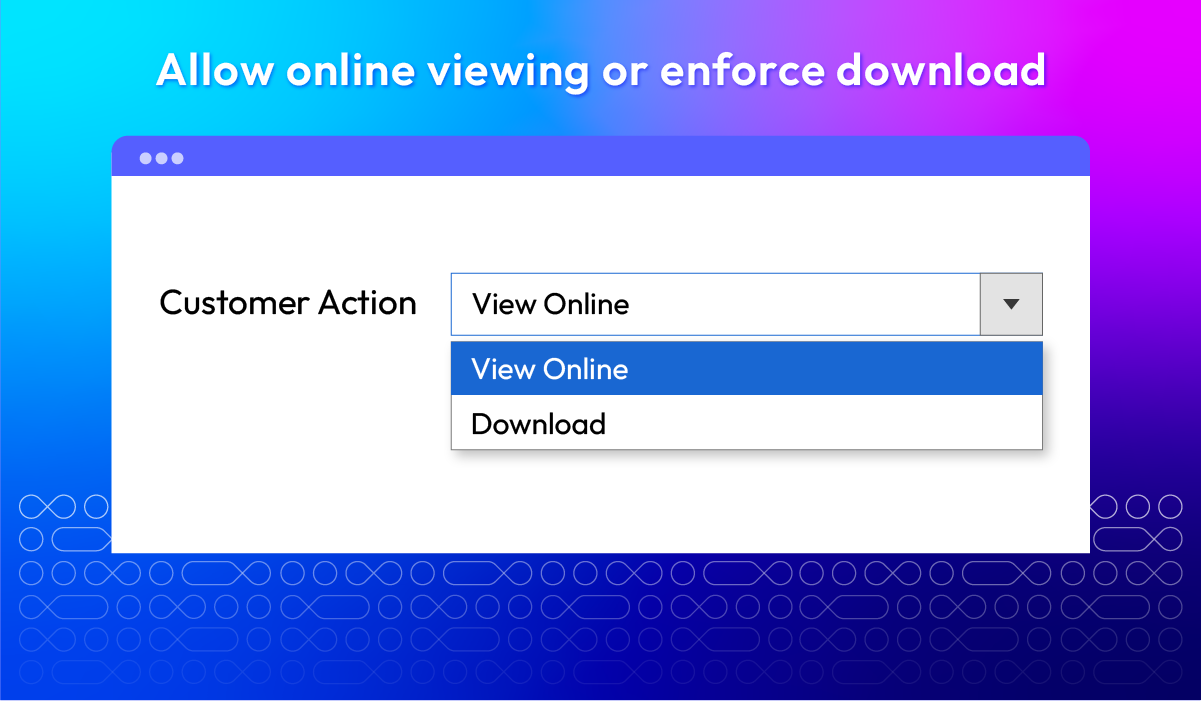
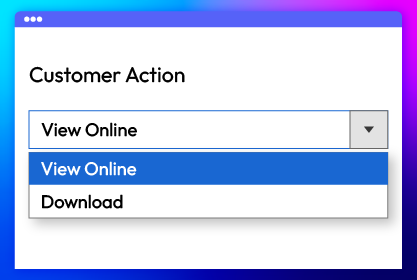
Enable online viewing or mandatory download
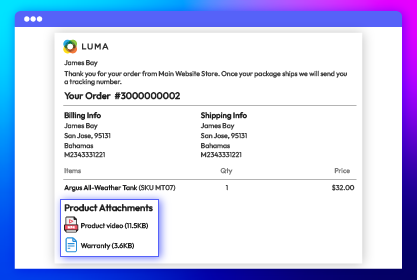
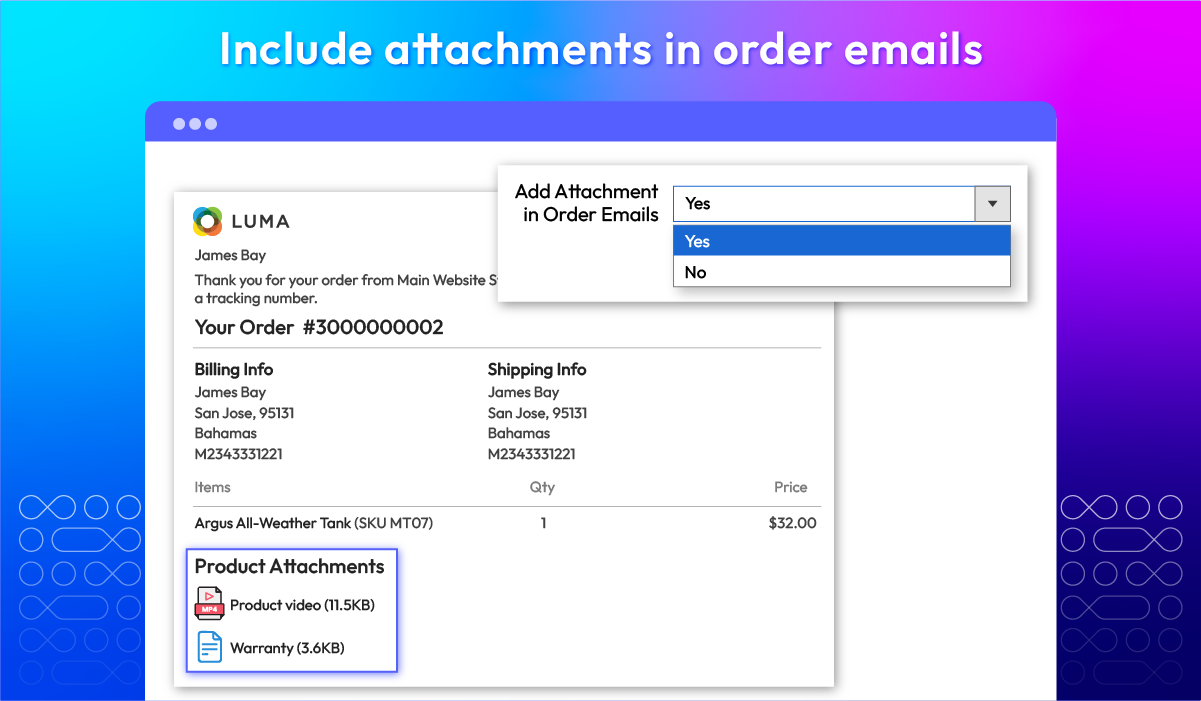
Add attachments in order emails
All features
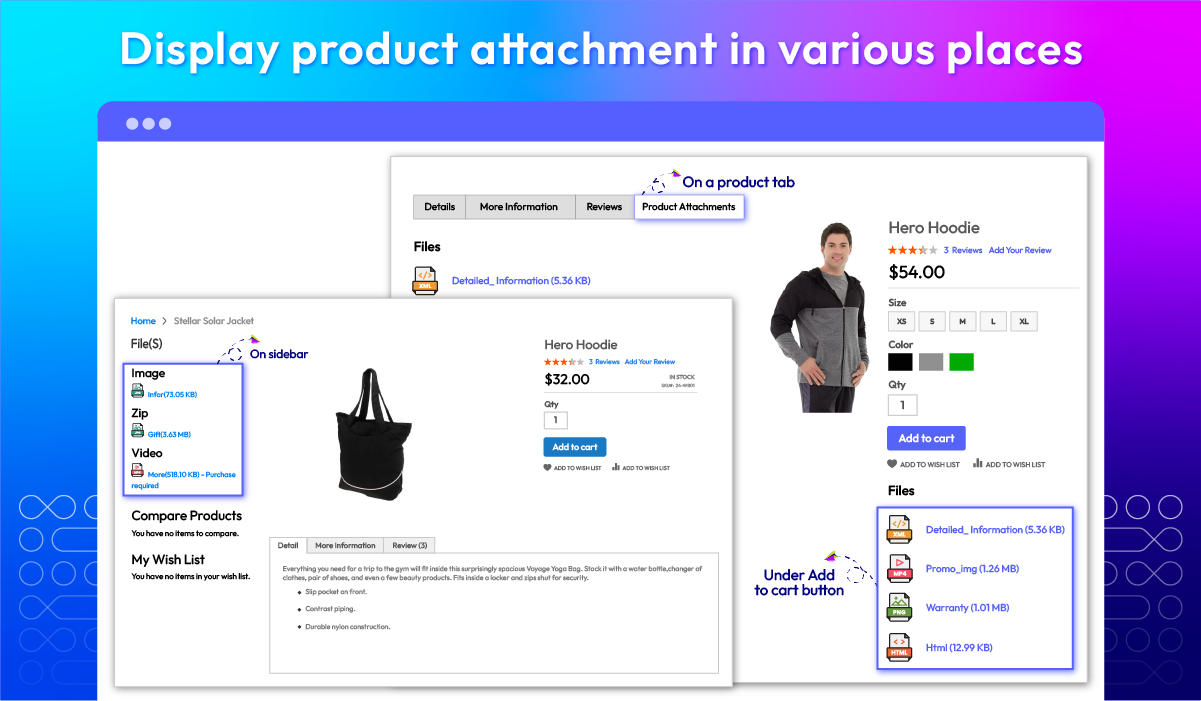
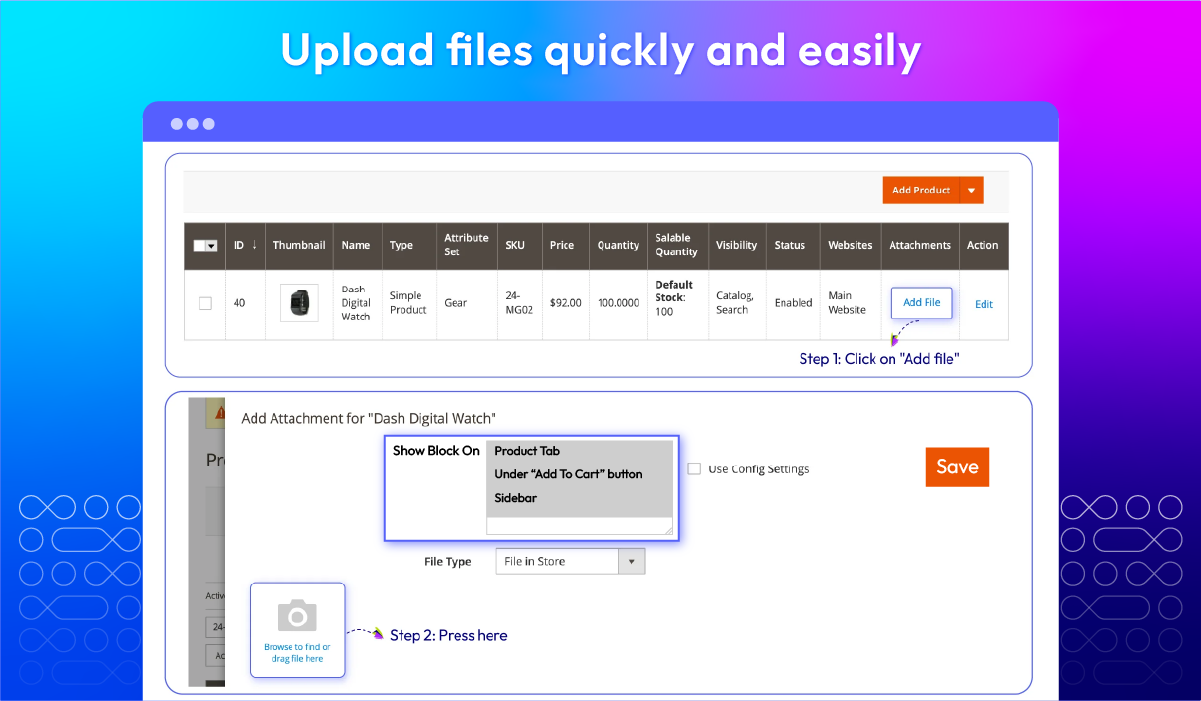
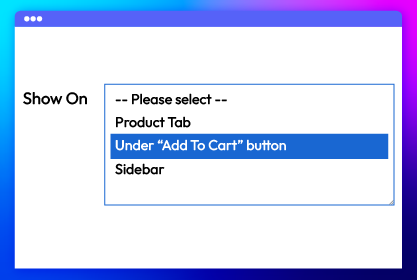
Flexible attachment placement
Various file types
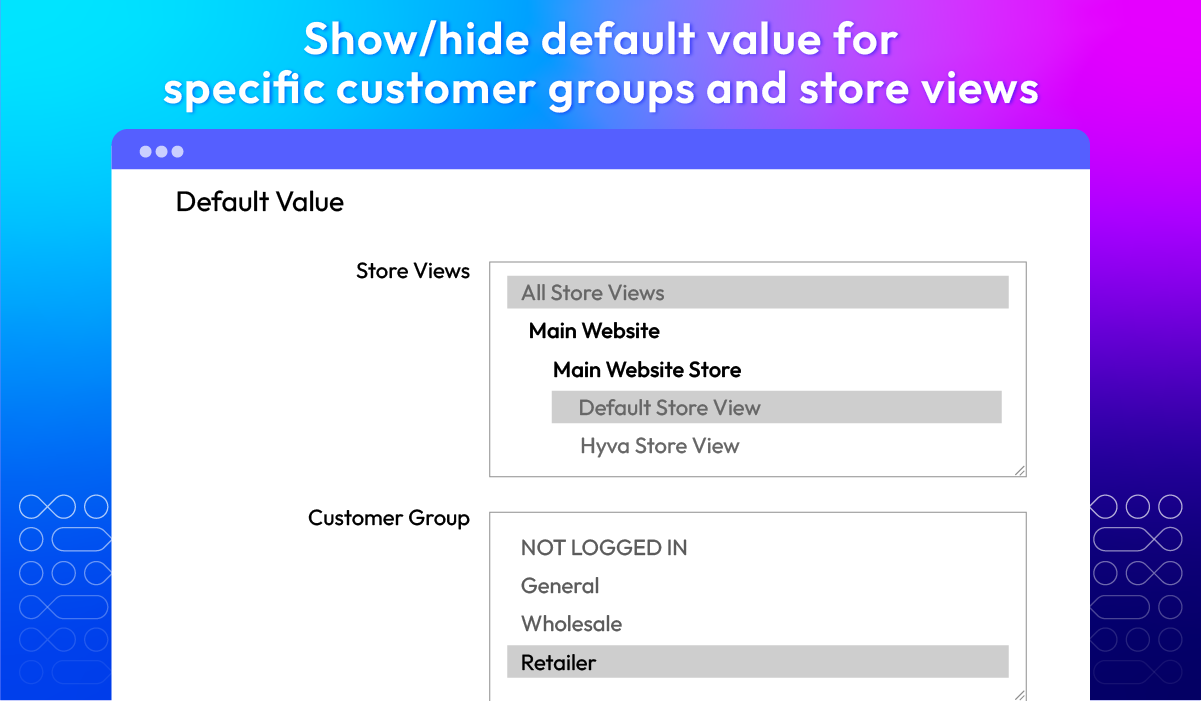
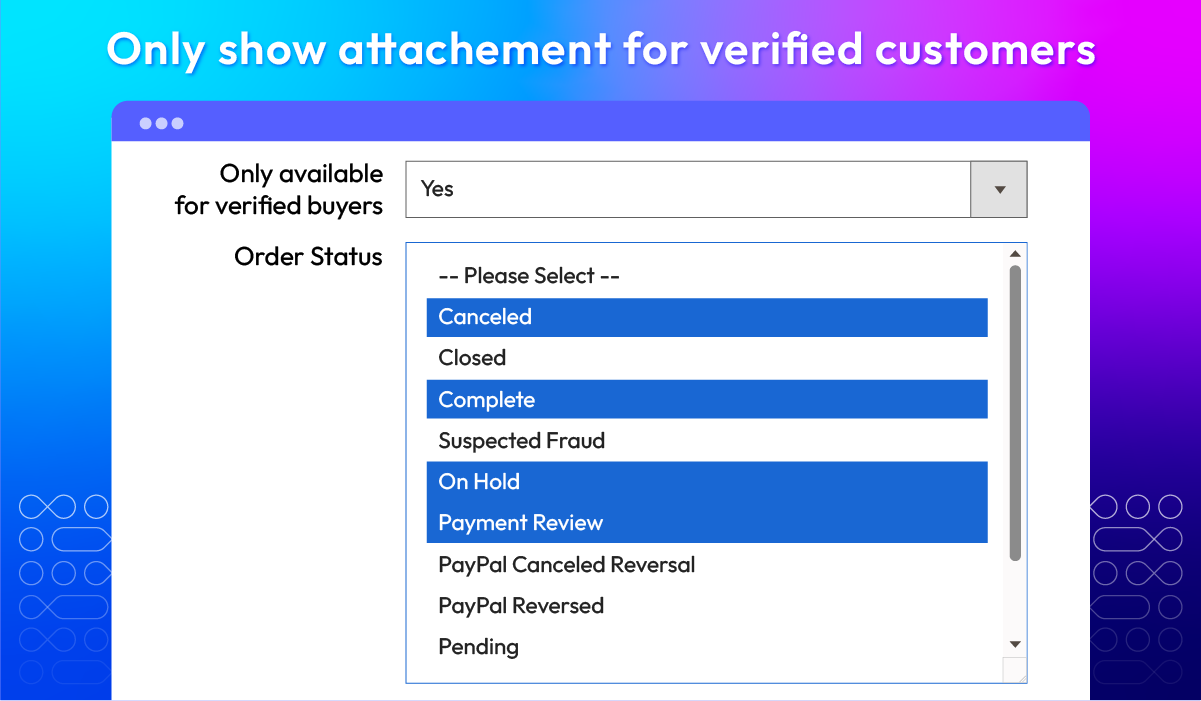
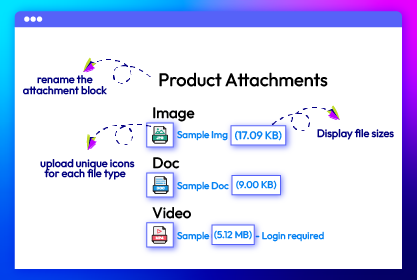
Attachment display setting
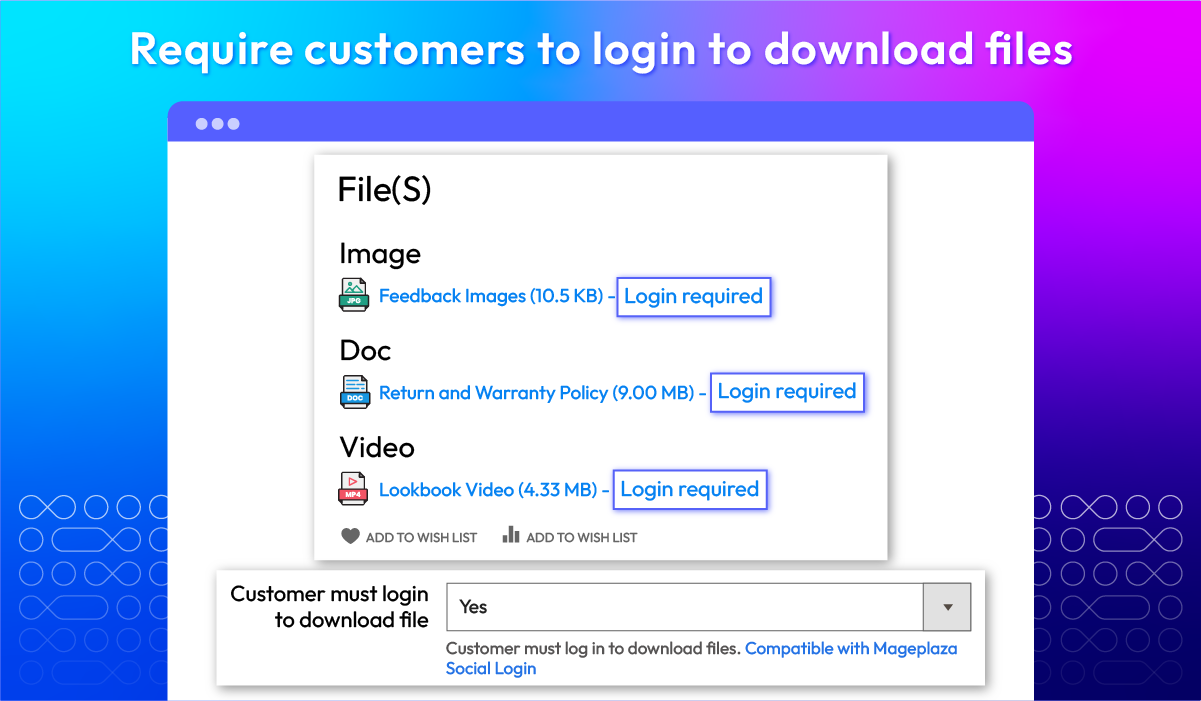
Online file view & compulsory file download
Order email with attachments
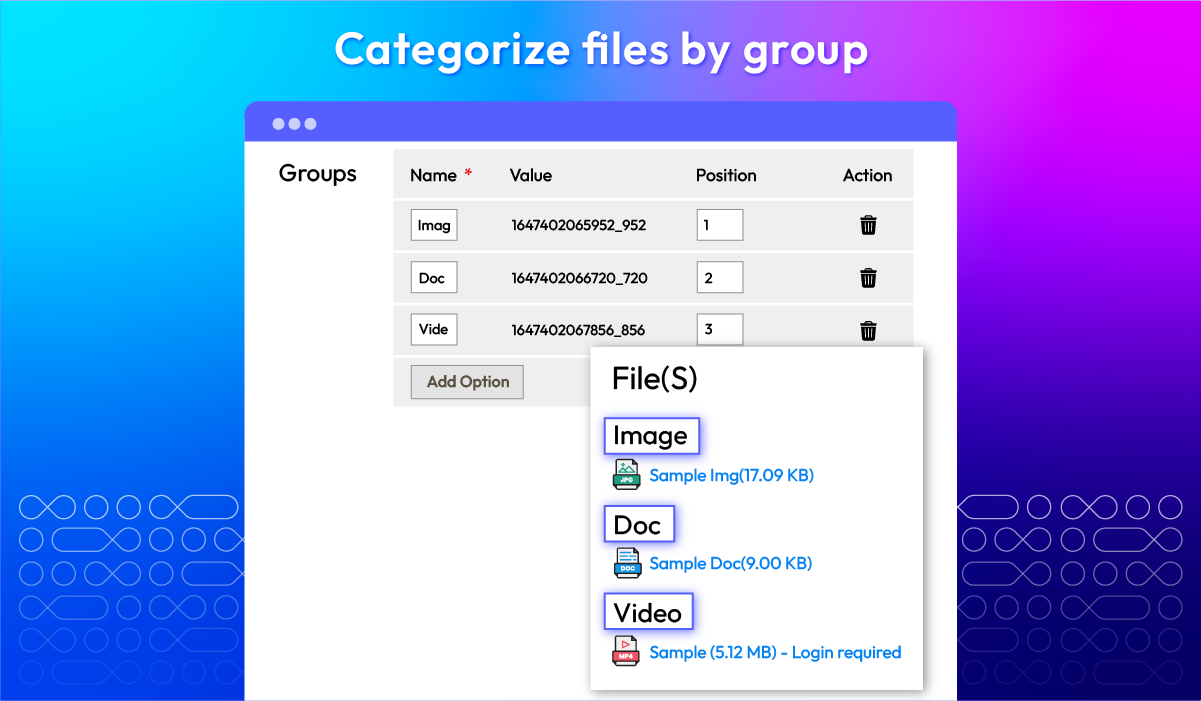
Attachment categories
Quick file upload
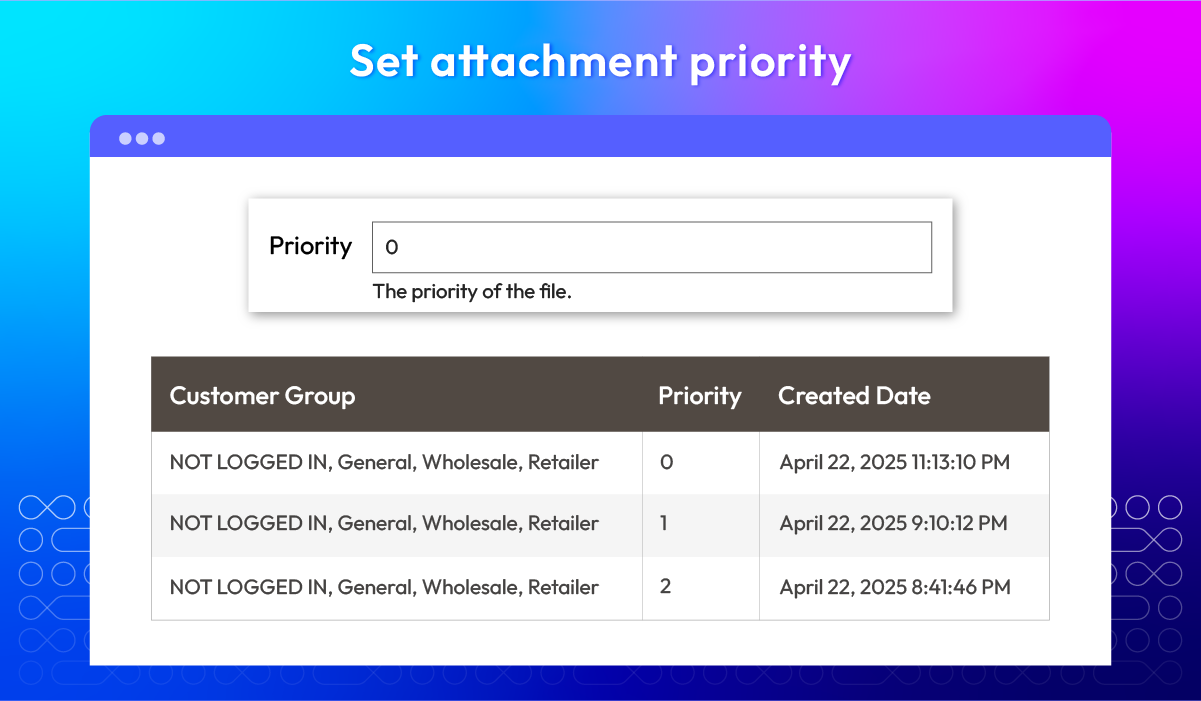
Attachment priority
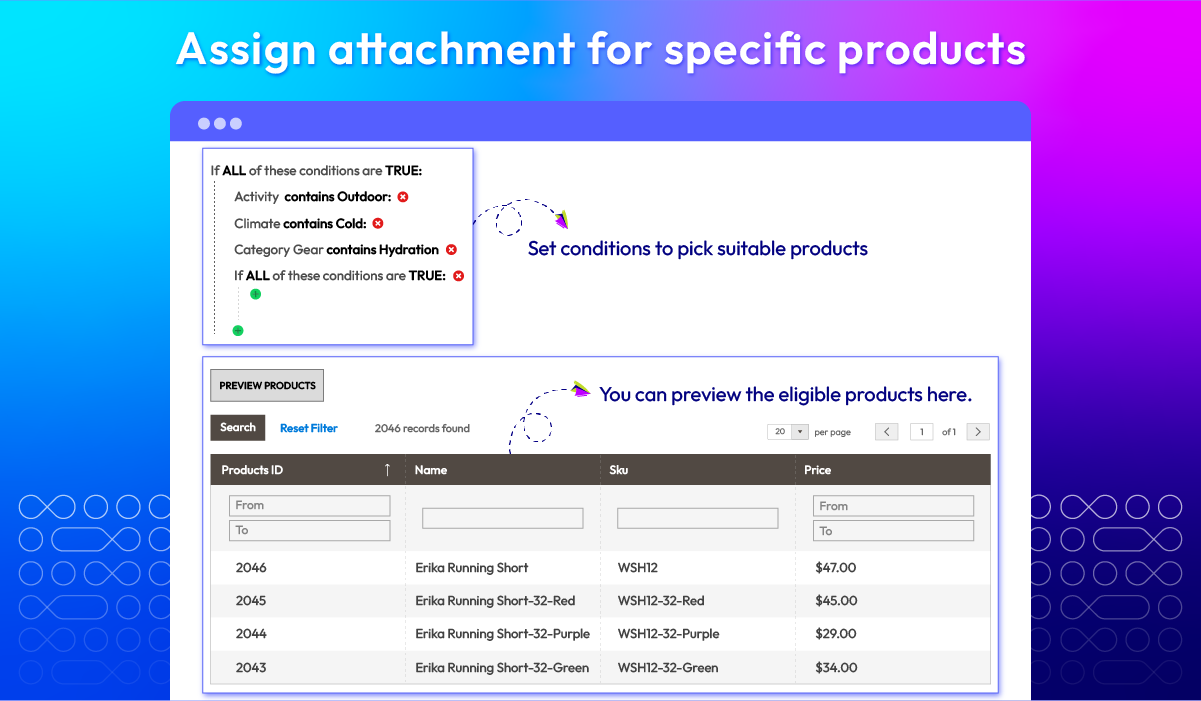
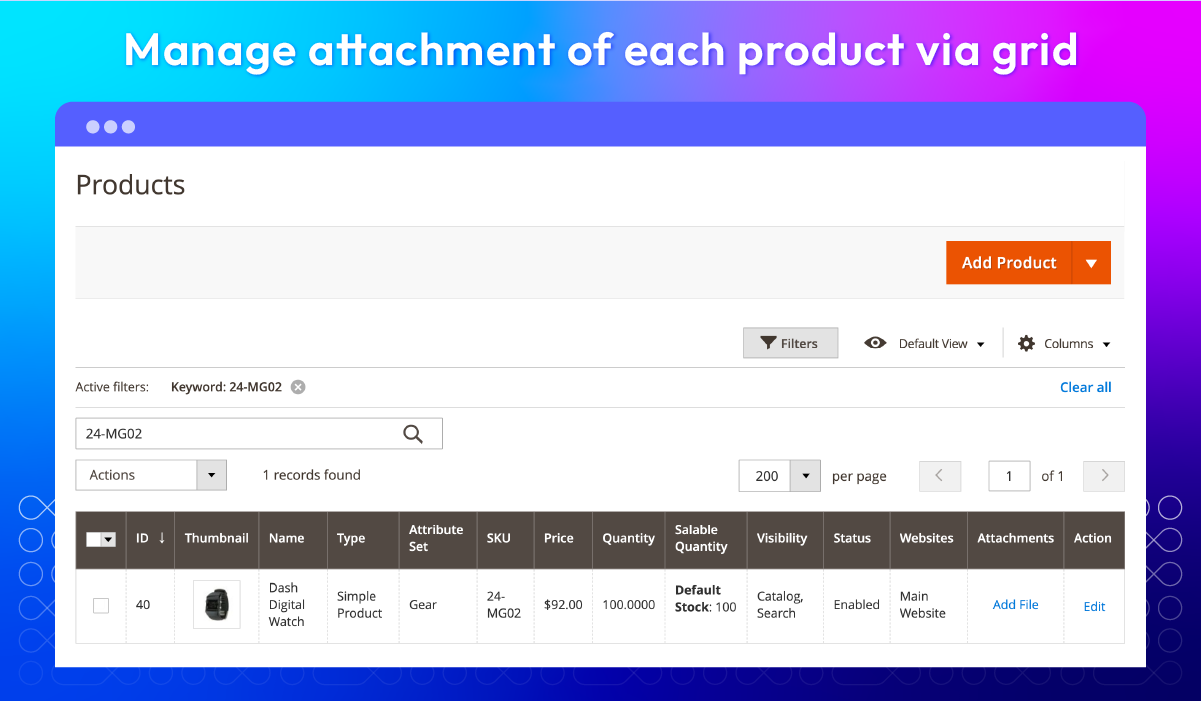
Assigning to specific products
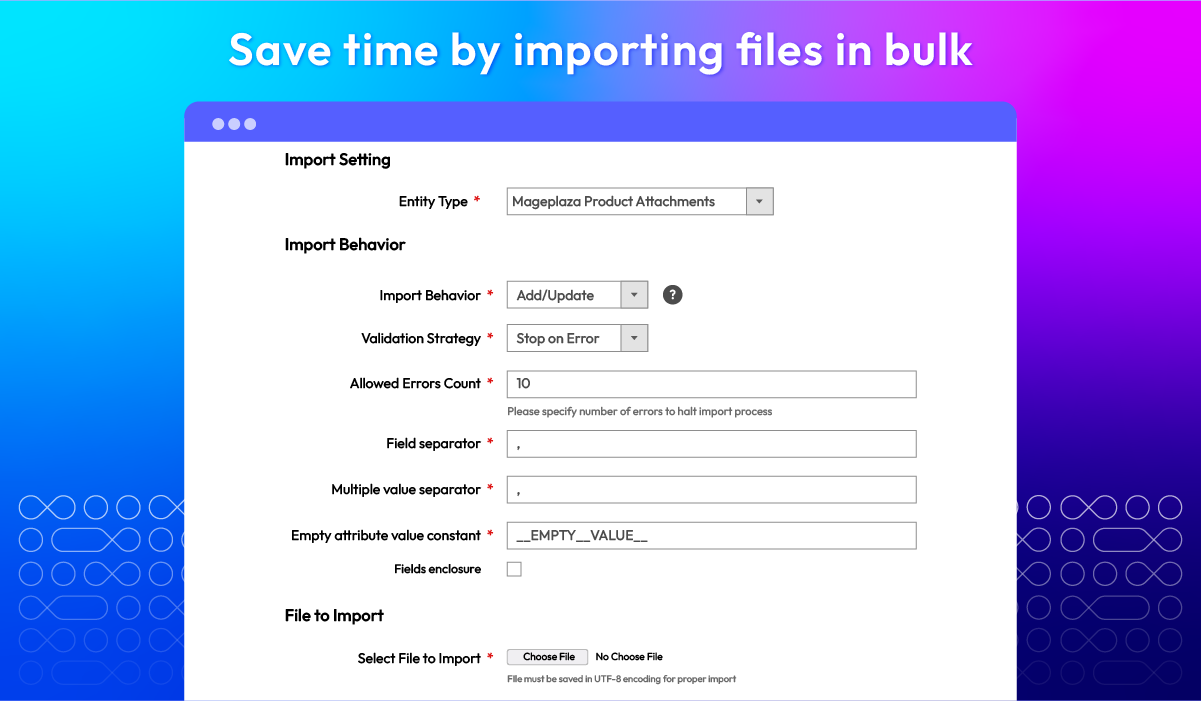
Bulk file import
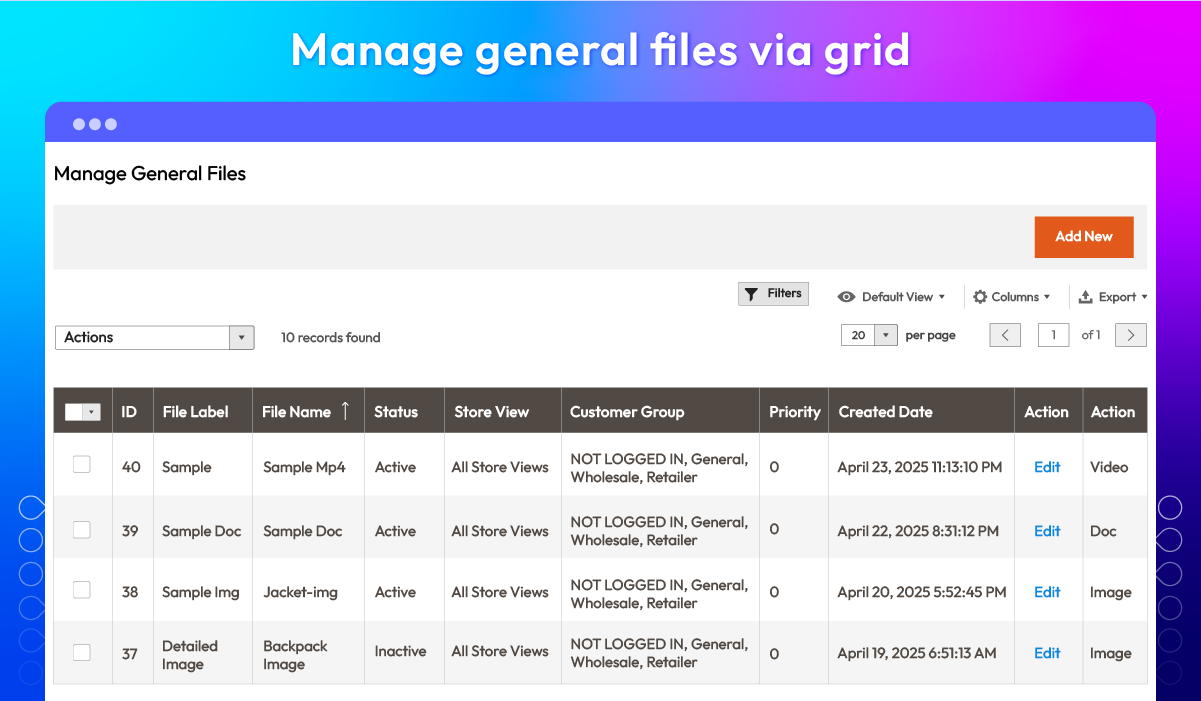
General file management grid
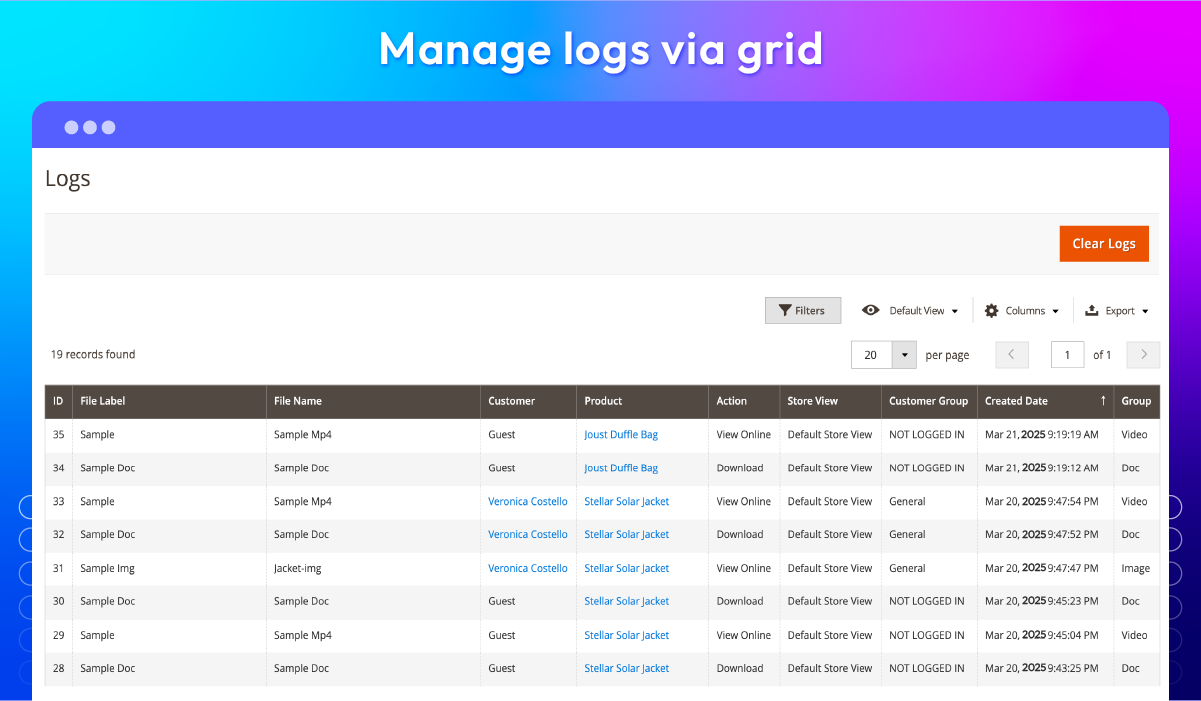
Log management grid
Rest API
What customers say about us

Release notes
-
v4.2.8 (Magento v2.4.x)
13 August 2026
- Compatibility: The extension is now compatible with Magento 2.4.9 and PHP 8.4
- Bug Fix: We fixed missing translation entries in the language package
-
v4.2.7 (Magento v2.4.x)
05 May 2025
- Bug Fix: Fixed old PHP compatibility issue
-
v4.2.6 (Magento v2.4.x)
21 April 2025
- Compatibility: Now compatible with Magento 2.4.8
-
v4.2.5 (Magento v2.4.x)
17 January 2025
- Compatibility: Now compatible with Hyva theme
- Compatibility: Now compatible with Magento 2.4.7
-
v4.2.4 (Magento v2.4.x)
01 July 2024
Compatibility: Now compatible with Magento 2.4.7
-
v4.2.3 (Magento v2.4.x)
01 April 2024
- Bug fix: Error Swagger
-
v4.2.2 (Magento v2.4.x)
28 August 2023
- Bug Fix: We fixed the bug EQP
-
v4.2.1 (Magento v2.4.x)
18 May 2023
- Compatibility: The extension is now compatible with Magento 2.4.6
- Bug Fix: We fixed the bug not have groups
-
v4.2.0 (Magento v2.4.x)
05 January 2023
New Feature: We added supported GraphQL
-
v4.1.4 (Magento v2.4.x)
21 July 2022
Compatible with Magento v2.4.4
-
v1.3.1 (Magento v2.3.x)
26 February 2022
- Change id upload attachment input on product edit page
-
v4.1.2 (Magento v2.4.x)
26 February 2022
- Compatible with M2-EE.
- Change id upload attachment input on product edit page.
-
v4.1.1 (Magento v2.4.x)
27 October 2021
- Compatible with Magento 2.4.3
- Fix some minor bugs
-
v4.1.0 (Magento v2.4.x)
16 July 2021
- Added order status for each attached file
- Added Import File Sample
- Added group column in Logs
- Fixed minor bugs
-
v1.3.0 (Magento v2.3.x)
16 July 2021
- Compatible with Magento 2.3.7
- Added order status for each attached file
- Added Import File Sample
- Added group column in Logs
- Fixed minor bugs
-
v4.0.1 (Magento v2.4.x)
08 April 2021
- Compatible with Magento v2.4.2
- Fixed minor bugs
-
v4.0.0 (Magento v2.4.x)
20 January 2021
- Supported Magento v2.4
-
v1.2.0 (Magento v2.3.x)
20 January 2021
- Added feature: Import product attachment with SKU
- Fixed bug: Cannot save attachment while create new product
-
v1.1.2 (Magento v2.3.x)
30 July 2020
- Compatible with Magento v2.3.5
-
v1.1.1 (Magento v2.3.x)
23 June 2020
- Supported Catalog Product Rest API
- Compatible with Magento 2.3.4
Frequently Asked Questions
Definitely, you can upload multiple files like images, documents, compressed files, and others by using the product attachments extension by Mageplaza.
Yes. Product Attachments extension does not allow attachments that exceed 2MB.
There are many benefits to using Magento 2 Product Attachments Extension. Firstly, this extension can make product pages more detailed and easily understood, which means this module can create product page enhancements. Secondly, it helps increase trust and credibility by providing additional product information that builds customer trust. When shoppers can find all the necessary details and documentation, they are more likely to trust your brand and feel confident in their purchases.
To configure general extension settings, you need to follow these steps:
- Log in to your admin panel and go to Stores > Settings > Configuration > Magplaza > Product Attachments.
- In the General section, navigate to the Enable field and choose "Yes" to turn on the module.
Yes, this extension is well-compatible with otherextensions of Mageplaza including:
- Store Pickup: Allows customers to choose in-store pickup for their orders.
- Google Maps: Provides additional features for the Google Maps integration.
- GeoIP Redirect: Automatically redirects customers to their nearest store based on their IP address.
Yes, Magento 2 provides customization options, permitting you to control the layout of attachments for a seamless user experience.
Non-logged or non-verified customers are usually informed of their restricted access to attachments through a variety of methods. Some common methods include:
- Displaying a notice that is visible to inform the user that they need to log in or verify their account to access the attachment.
- Disabling the download button or hiding the attachment altogether from non-logged or non-verified users.
Product attachments can contribute to SEO by providing additional information like user manuals and demo videos to increase time spent on the site and decrease bounce rates. Besides, optimizing file names and descriptions with keywords improves overall keyword relevance, increasing the appearance in search results.
Product Attachments are optimized for performance, ensuring minimal impact on page load speed.
Yes, Product Attachments is compatible with Hyva theme. However, the checkout only supports hyva-themes/magento2-theme-fallback. To learn how to enable checkout on Hyva, please follow this guide.
Mageplaza provides FREE Hyva Checkout Compatibility for all of our extensions upon requests. You can request by contacting us via email, live chat, or support ticket. Our team will respond within 24 hours and ask for details such as Order ID, extension name, Magento & Hyva versions, and any special requirements. To qualify, your module subscription must be active. If your subscription has expired, renewal is required as some older modules do not support Hyva. Additional customization requests may incur extra costs, and our team will inform you before proceeding. For assistance, feel free to reach out - we're here to help!
2.4.4 - 2.4.9
Theme
Pricing
Community
$149 first year
Enterprise/ Magento Cloud