
 2.4.4 - 2.4.9

 Theme
Theme
FAQ for Magento 2
v4.4.5
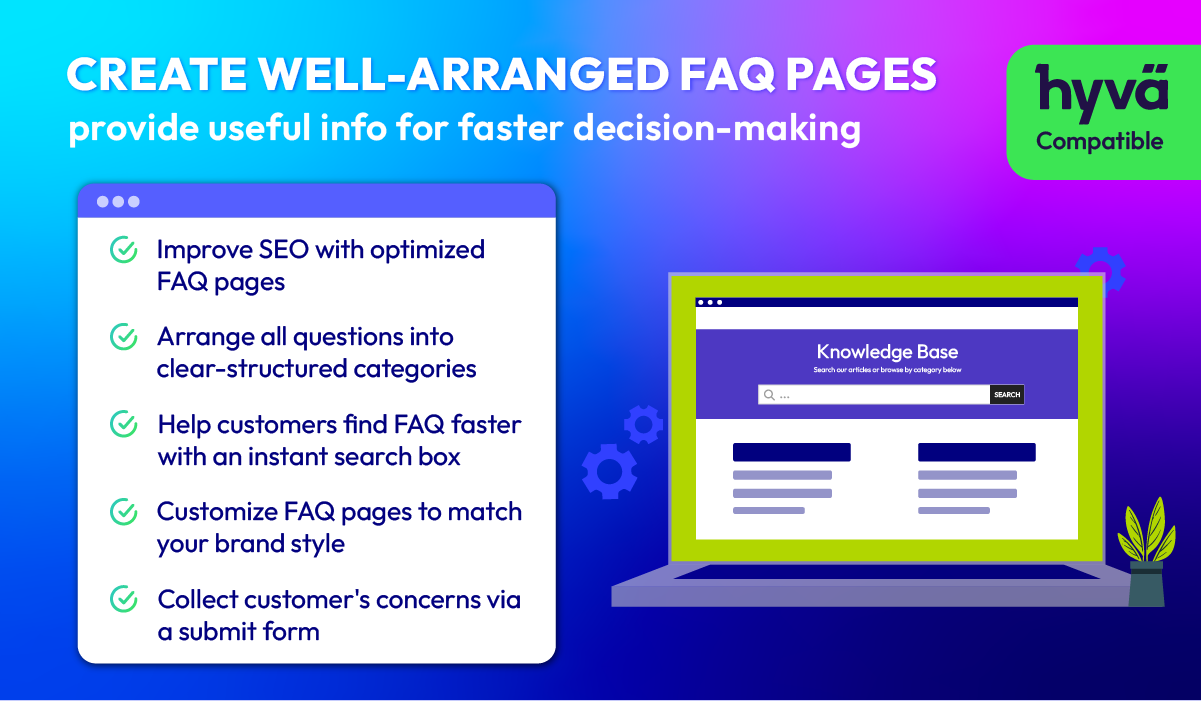
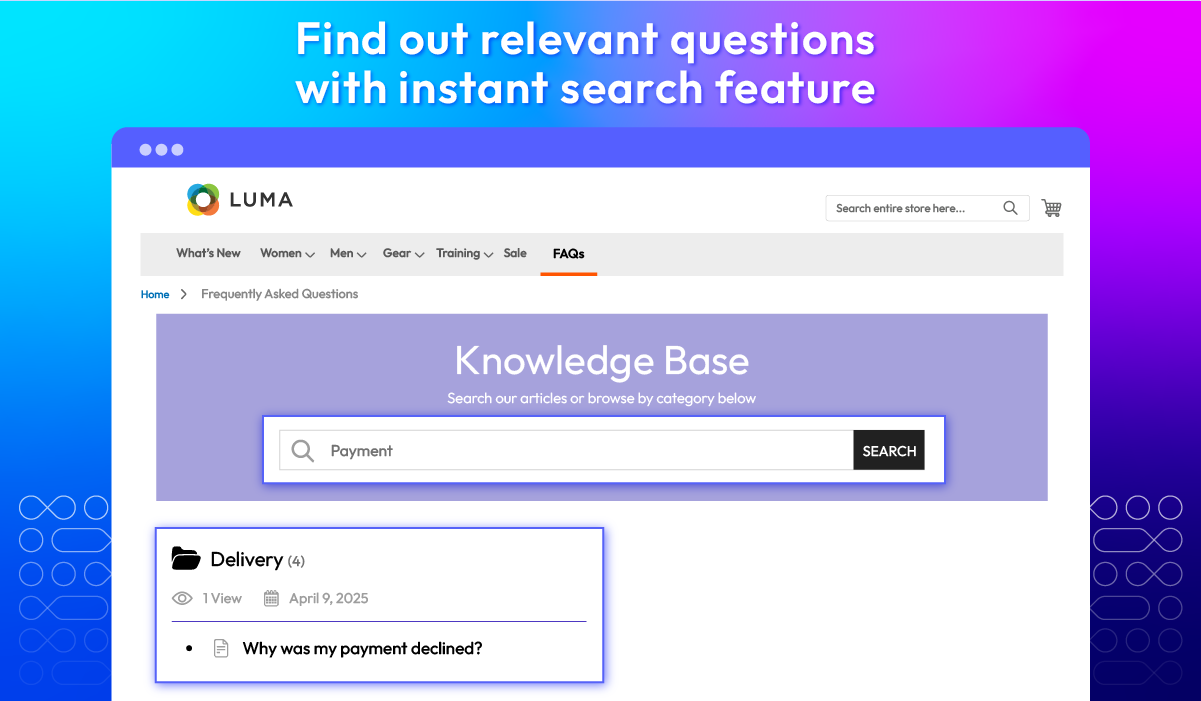
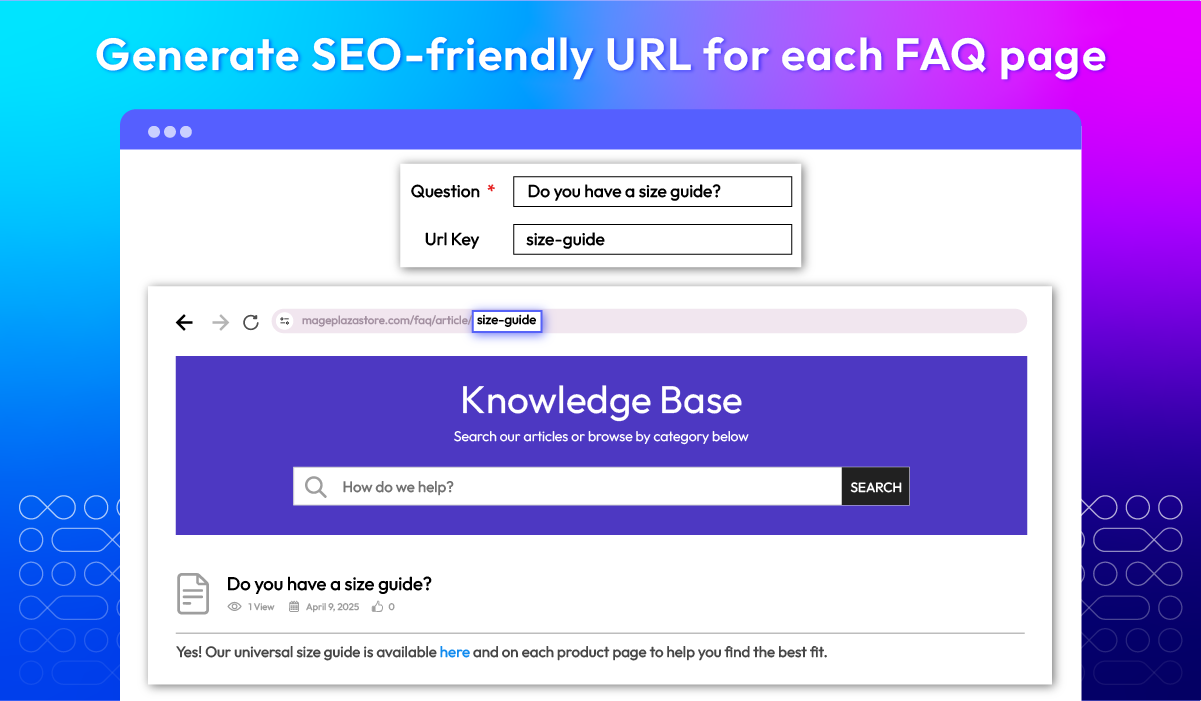
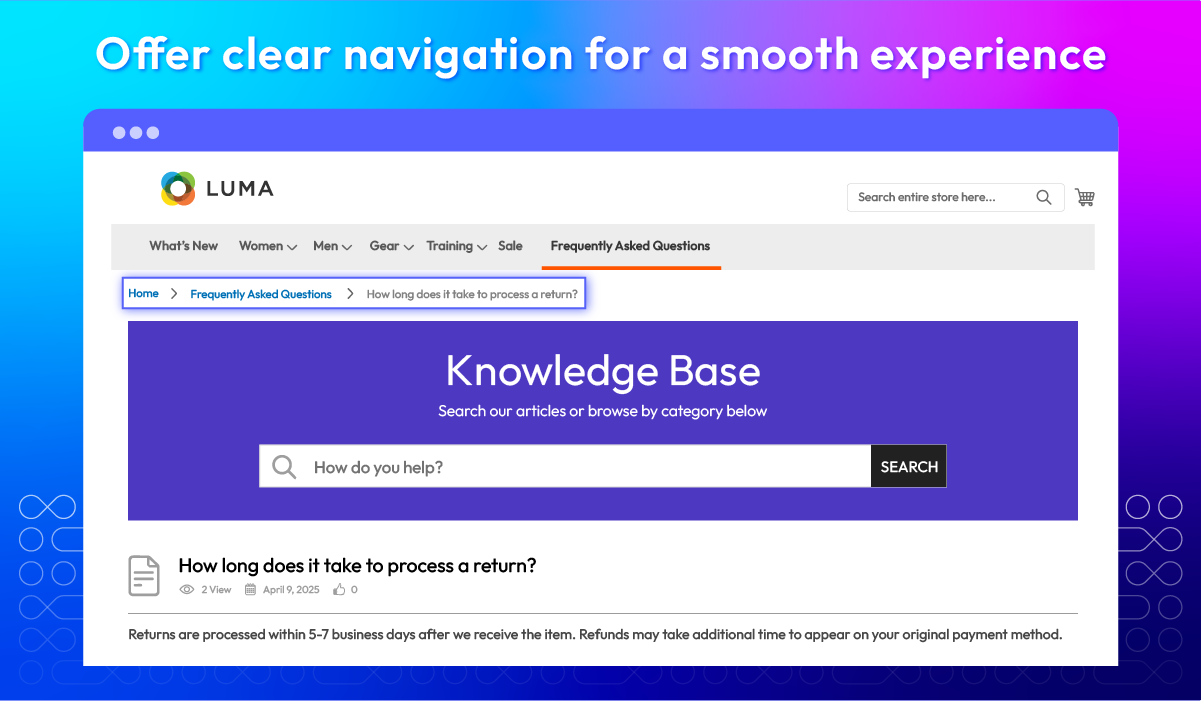
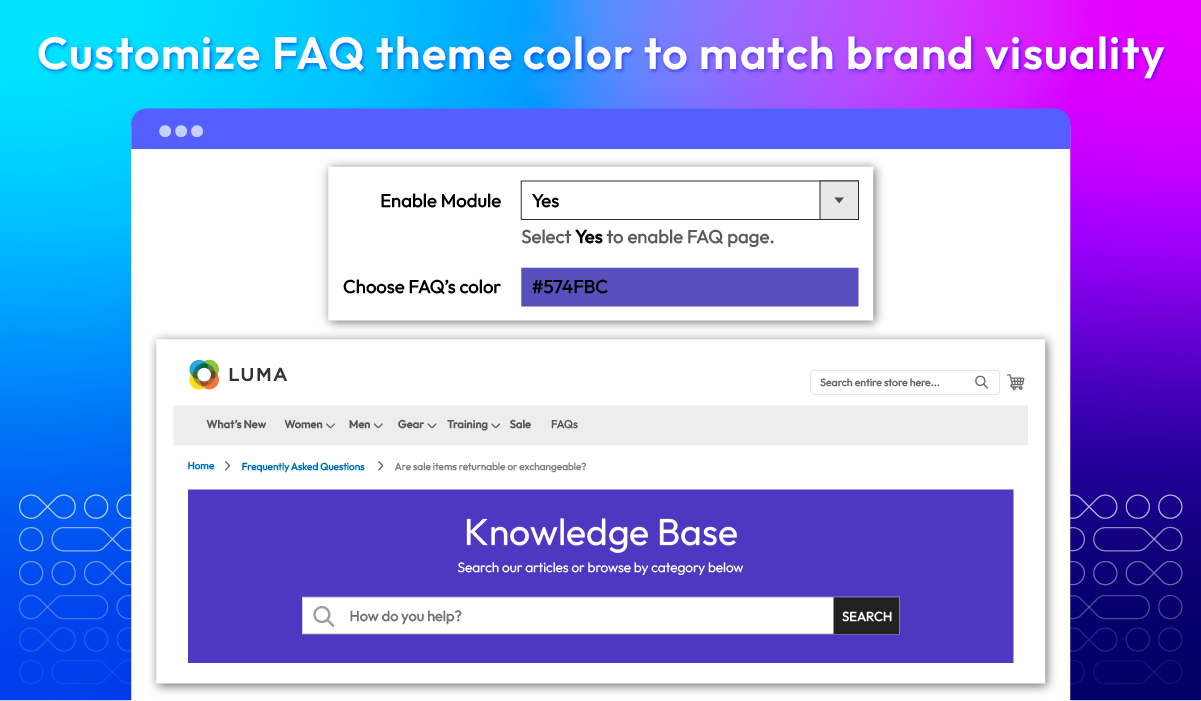
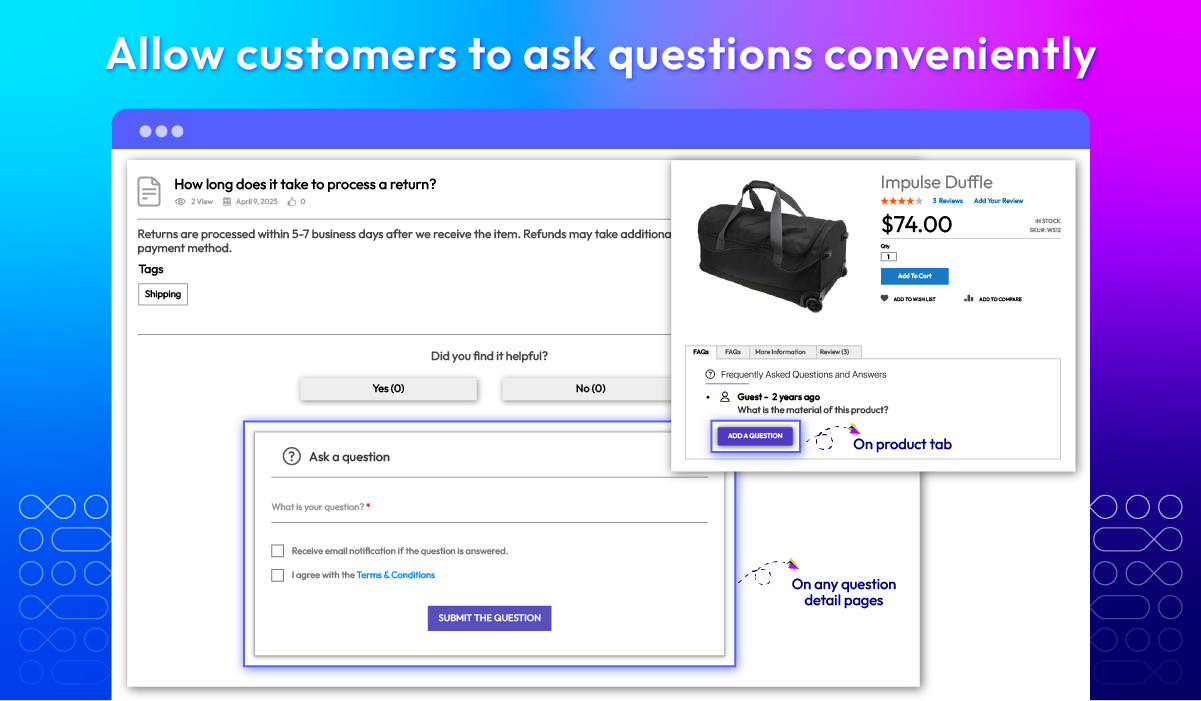
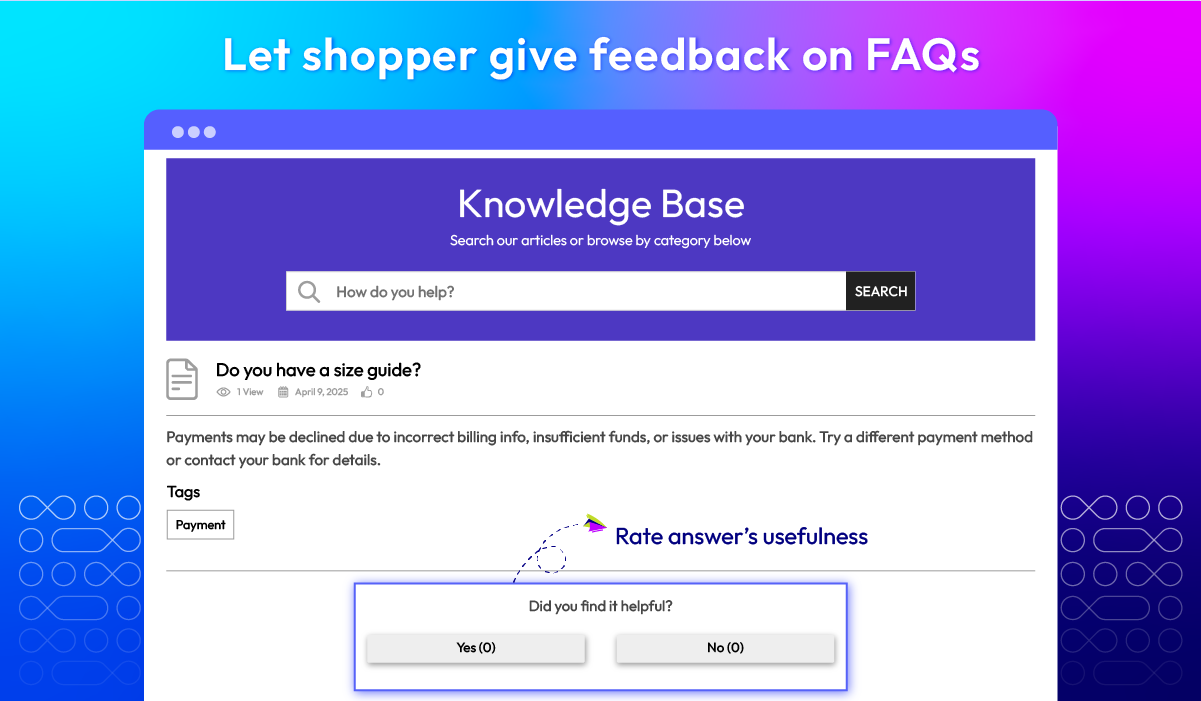
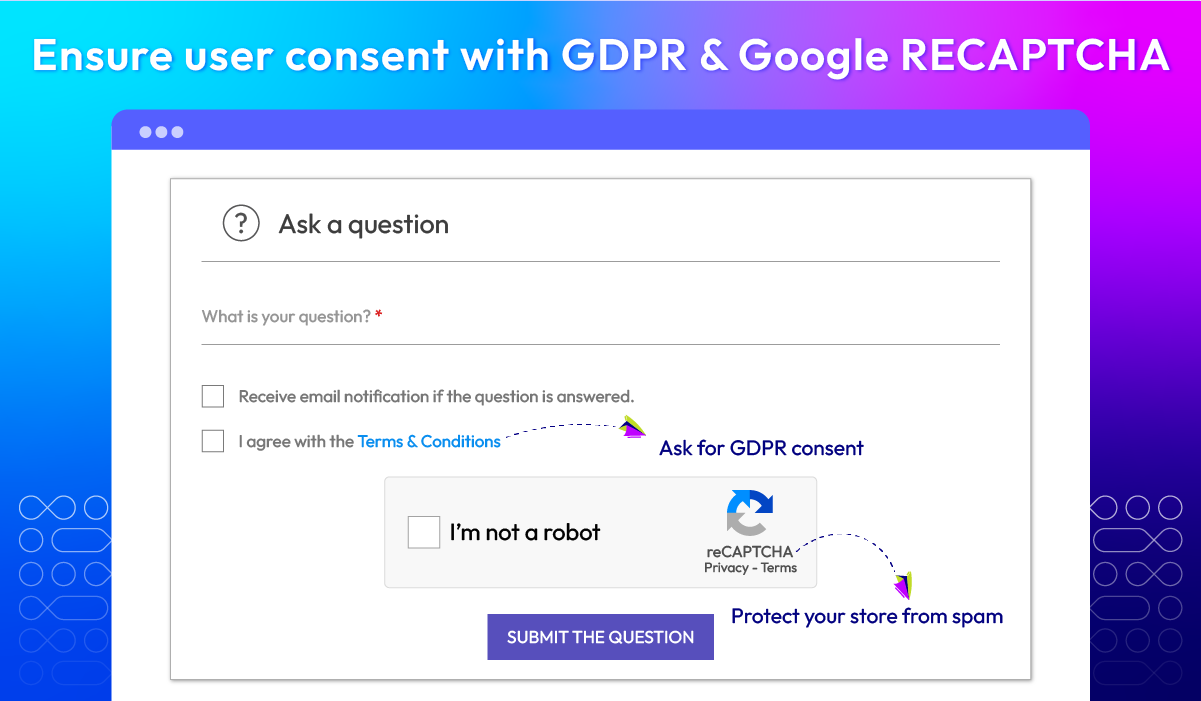
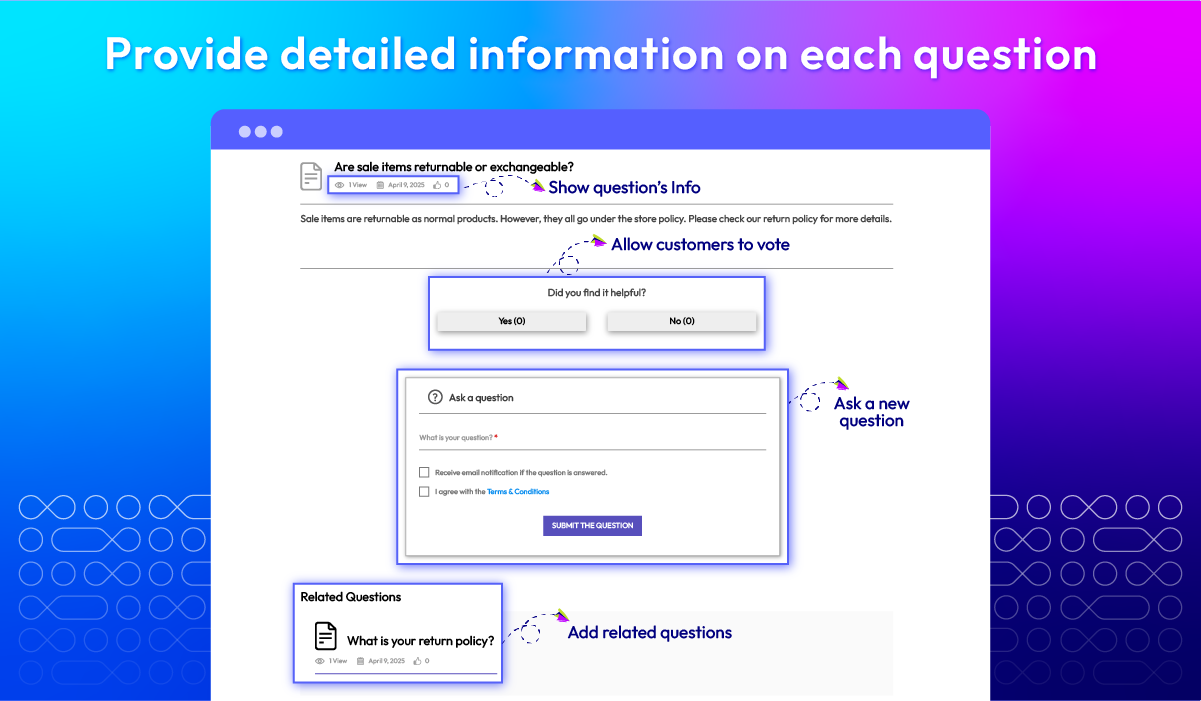
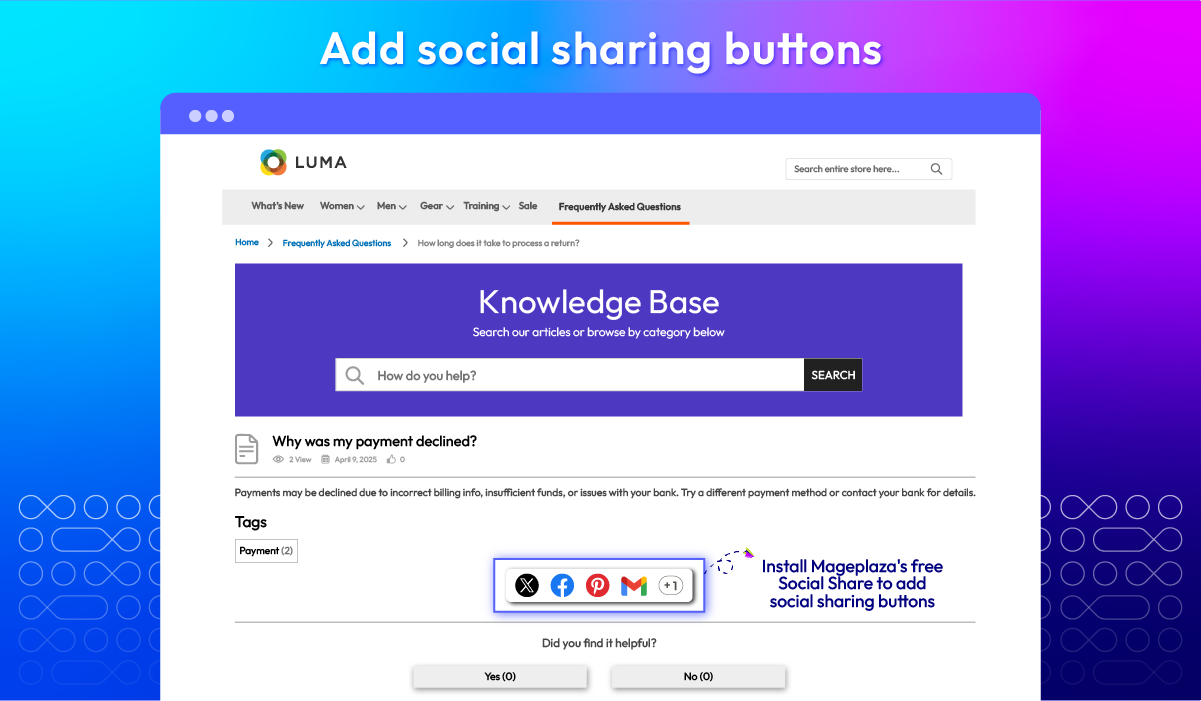
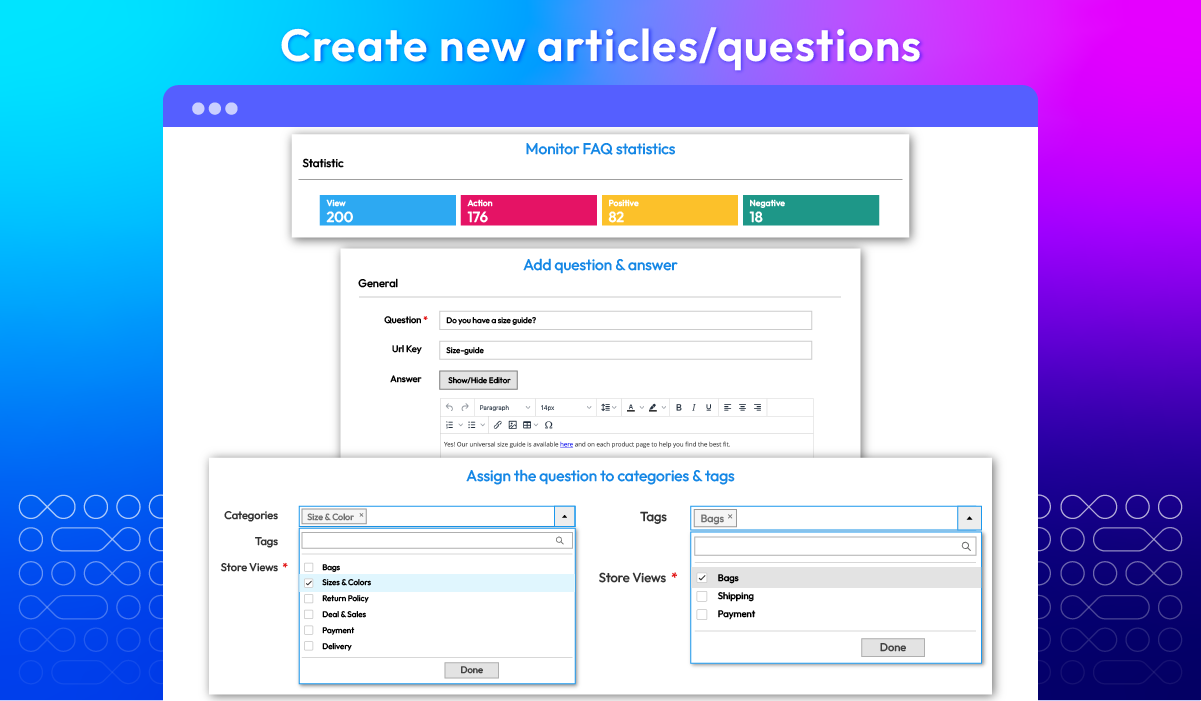
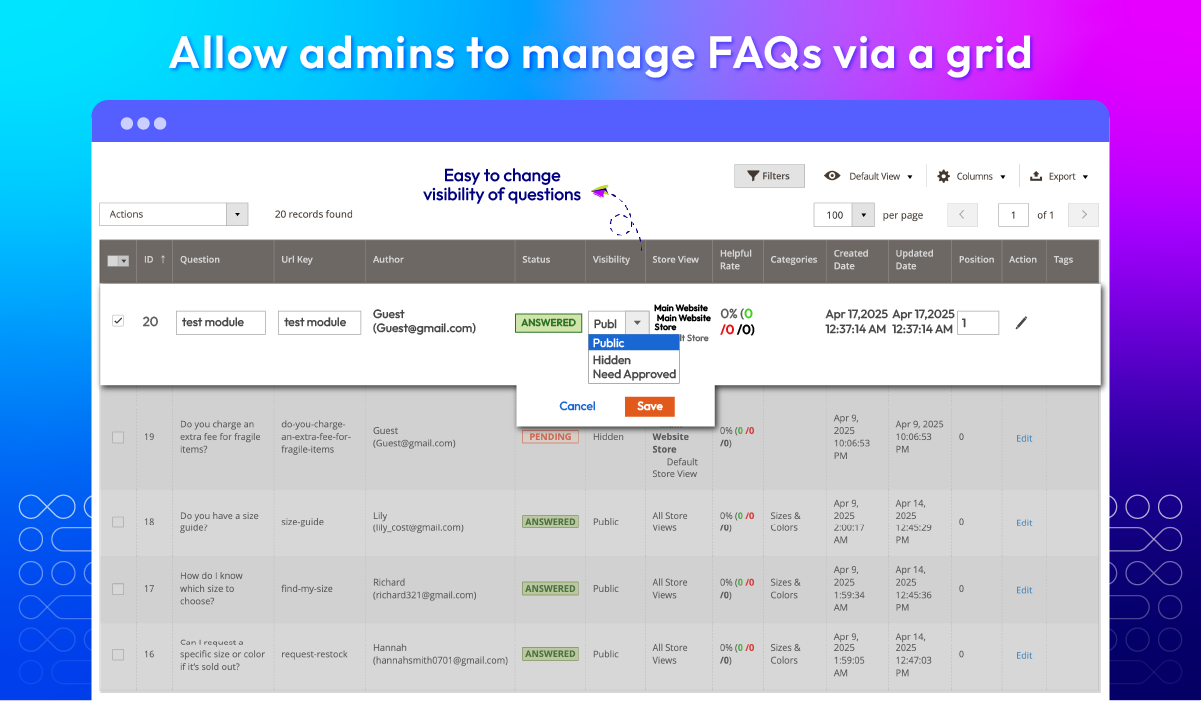
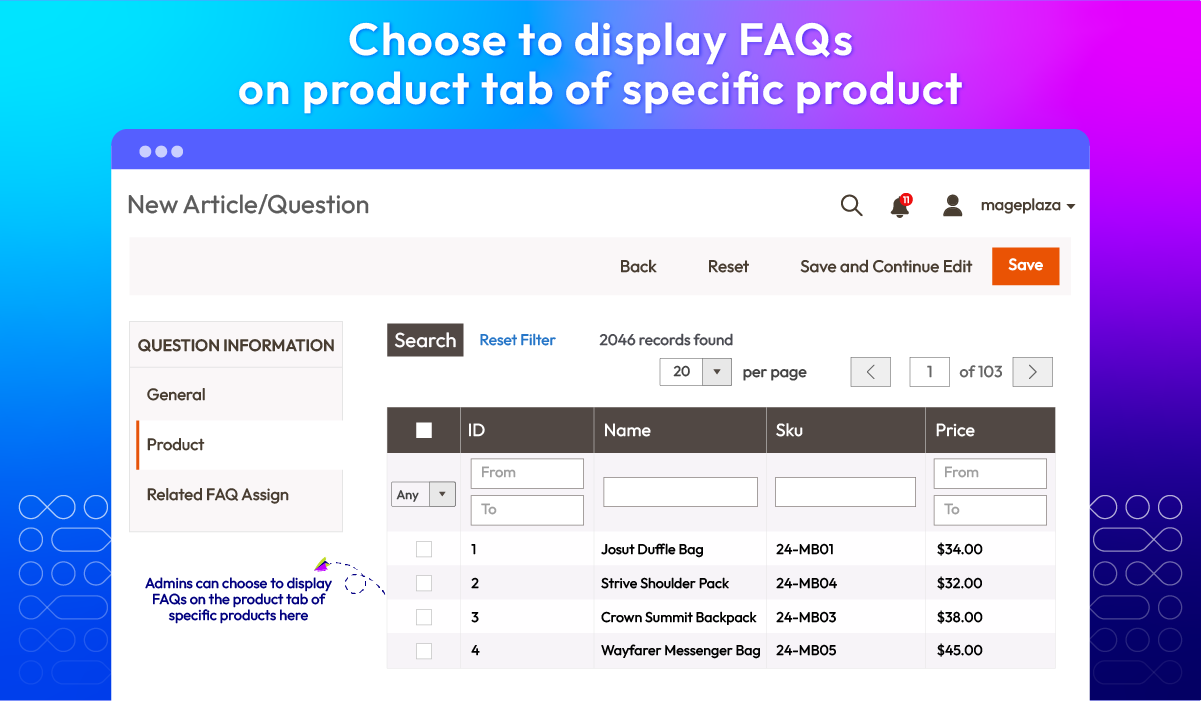
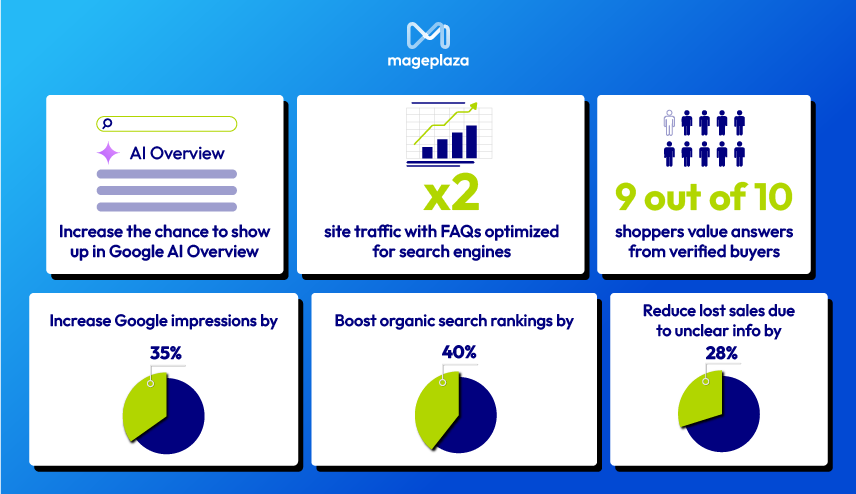
You'll be surprise at what optimized FAQs can do
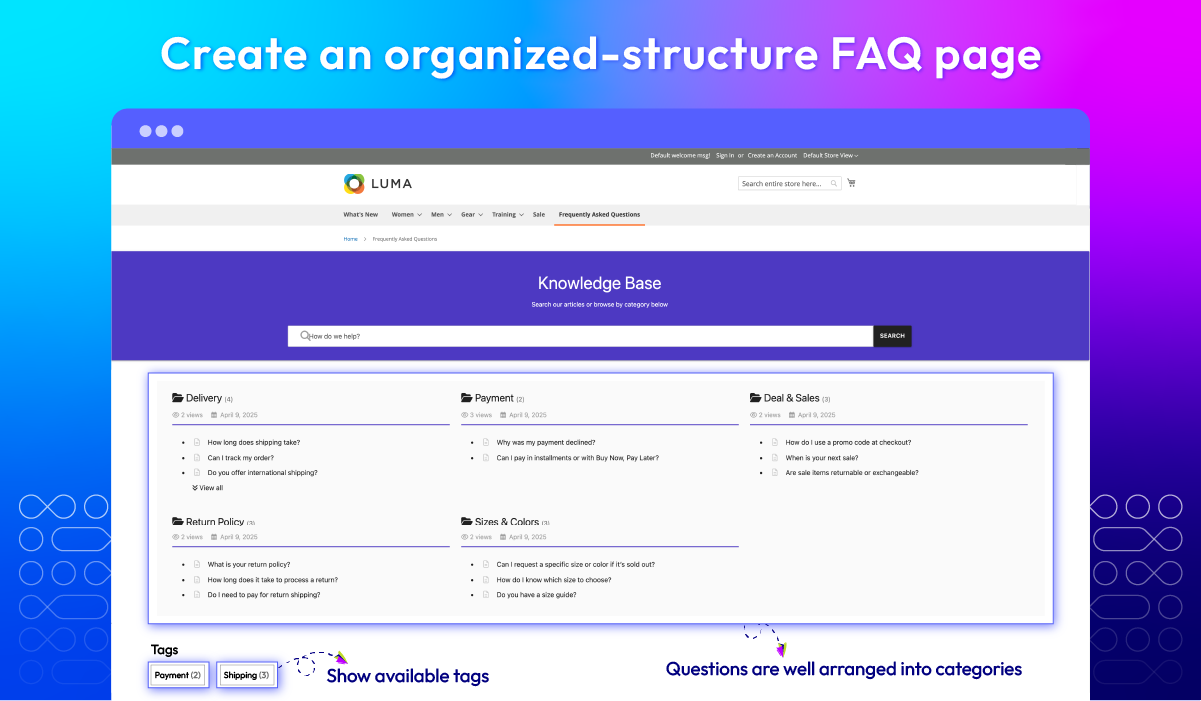
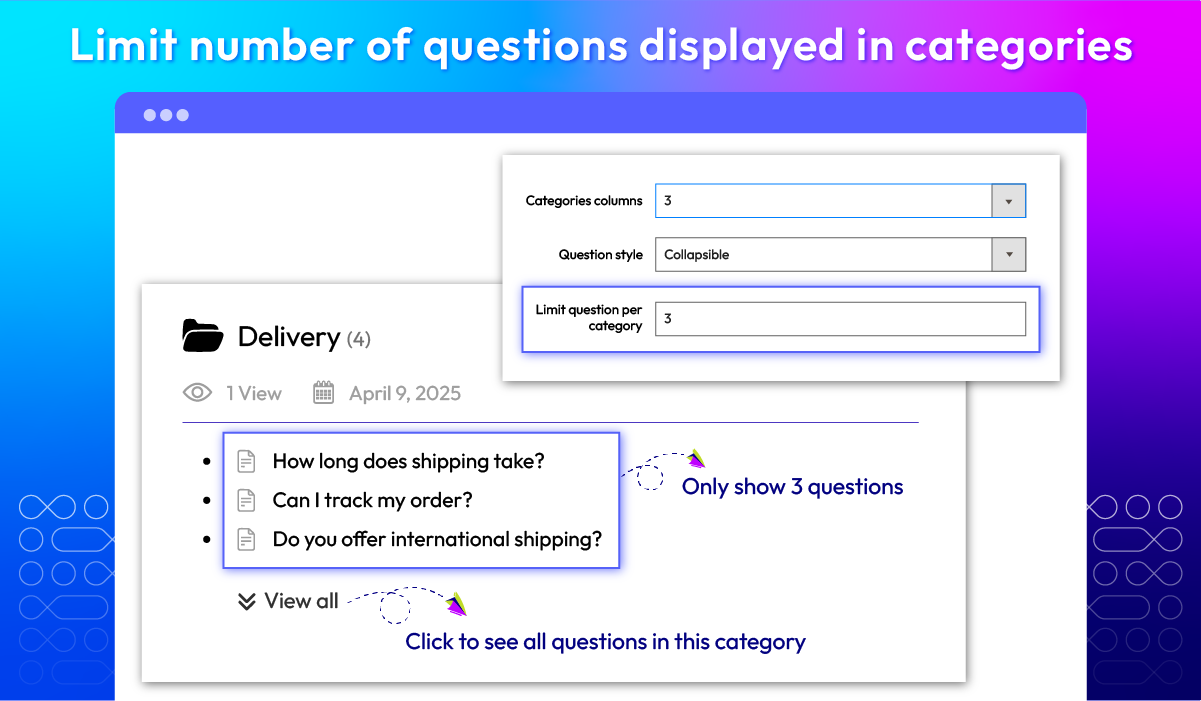
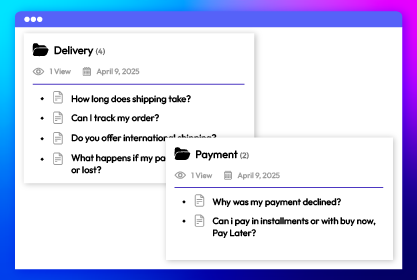
Group questions with custom categories
All features
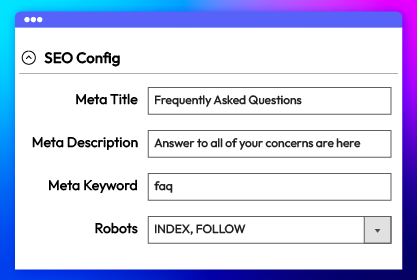
SEO config
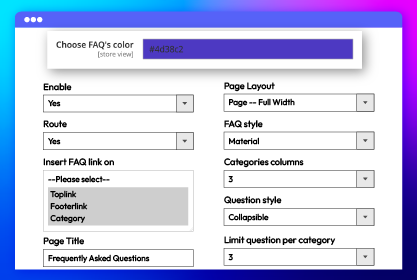
FAQ sections config
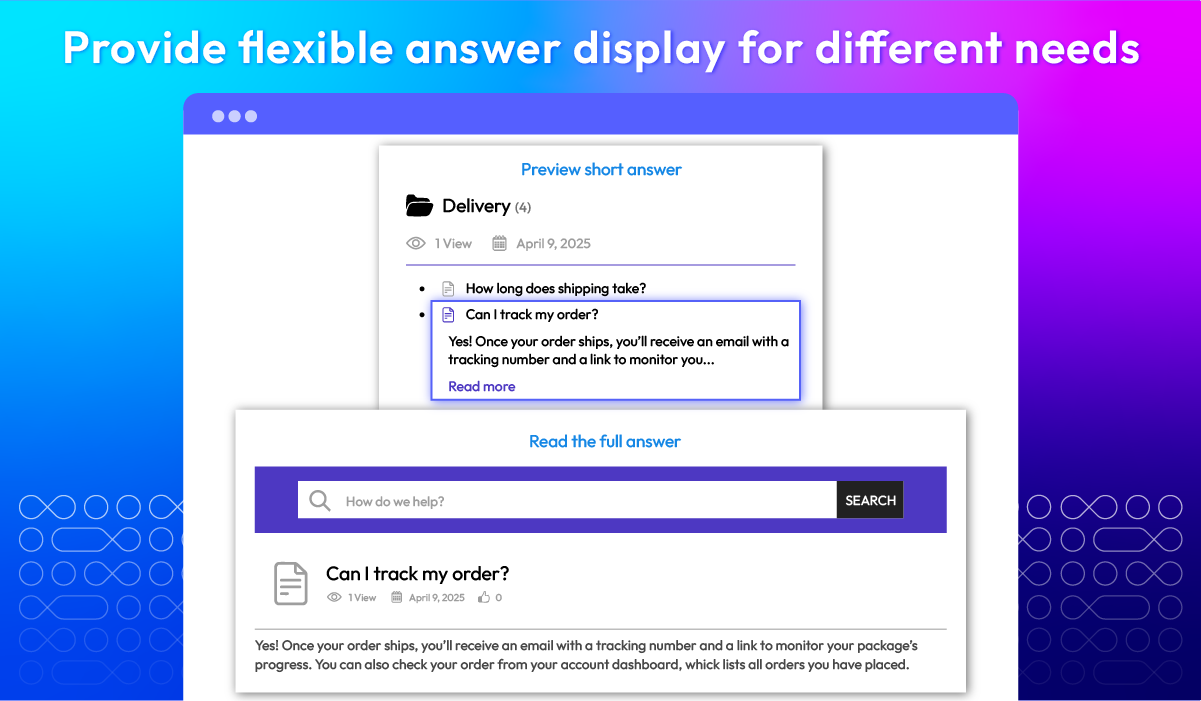
Flexible FAQs display
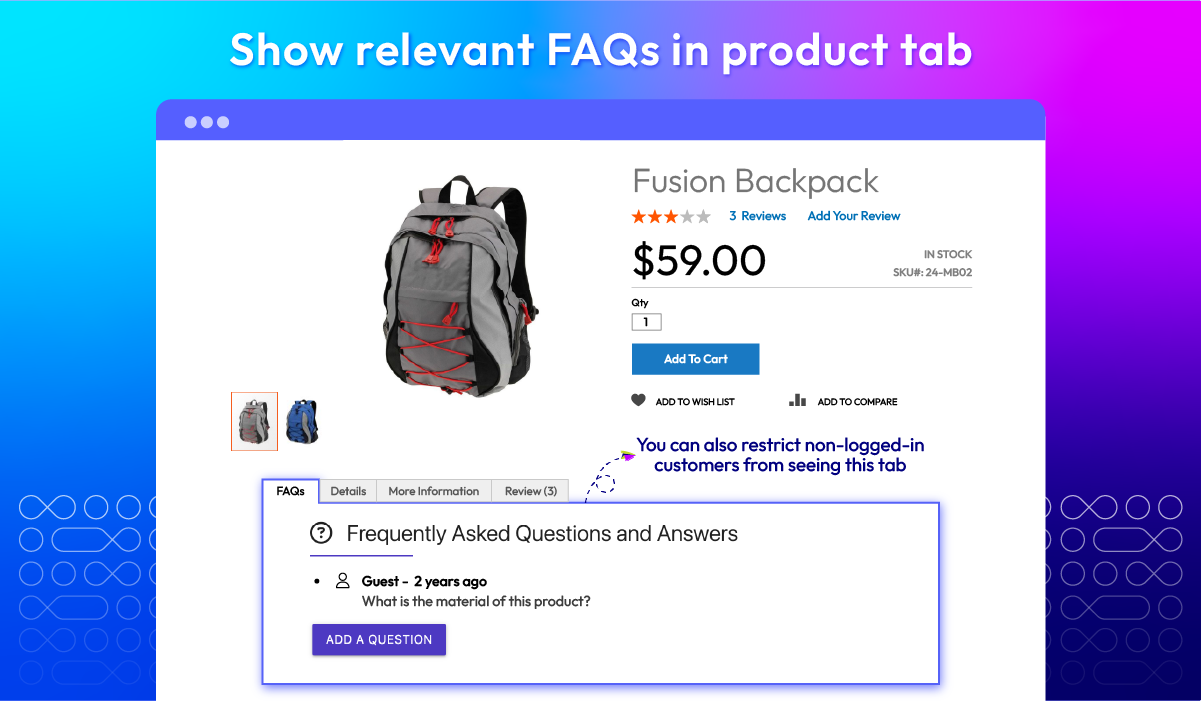
Clear FAQ structure
Interaction info
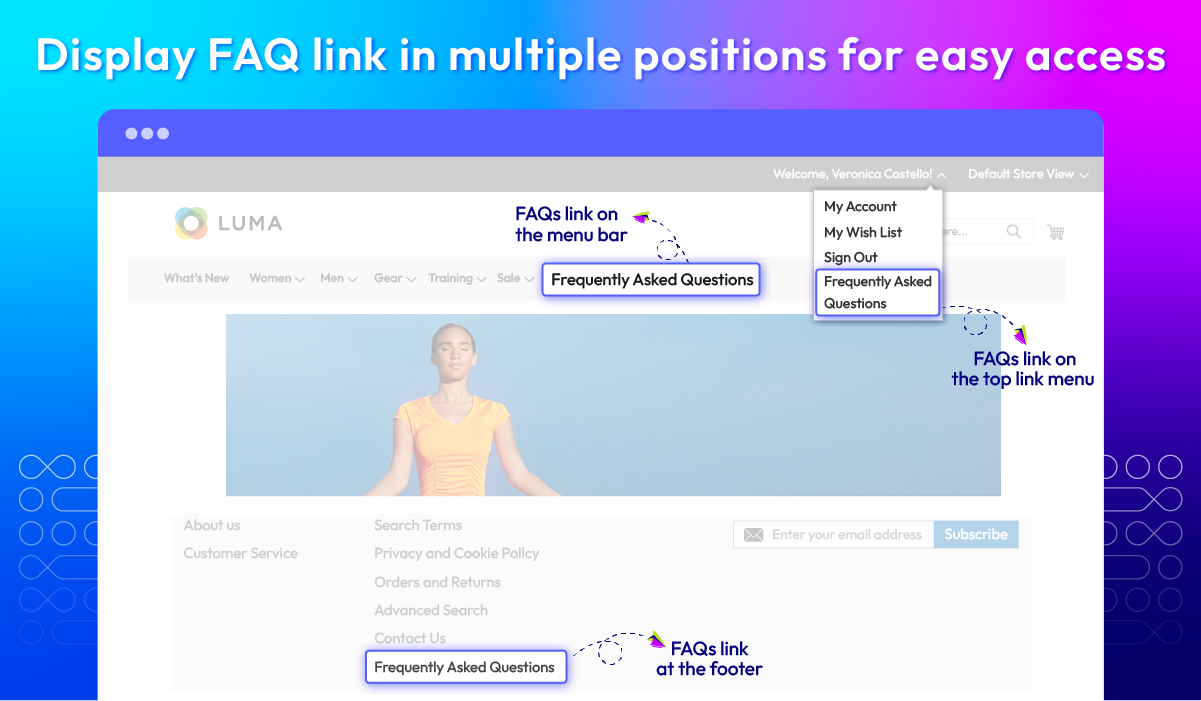
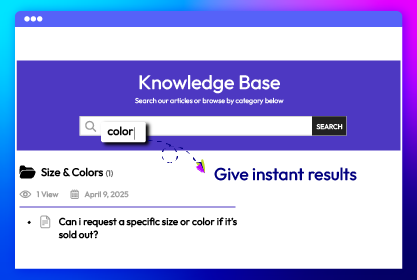
Easy to find FAQ
Design FAQ pages
Create FAQ/Article
Strict compliance
Management grid
Comprehensive report
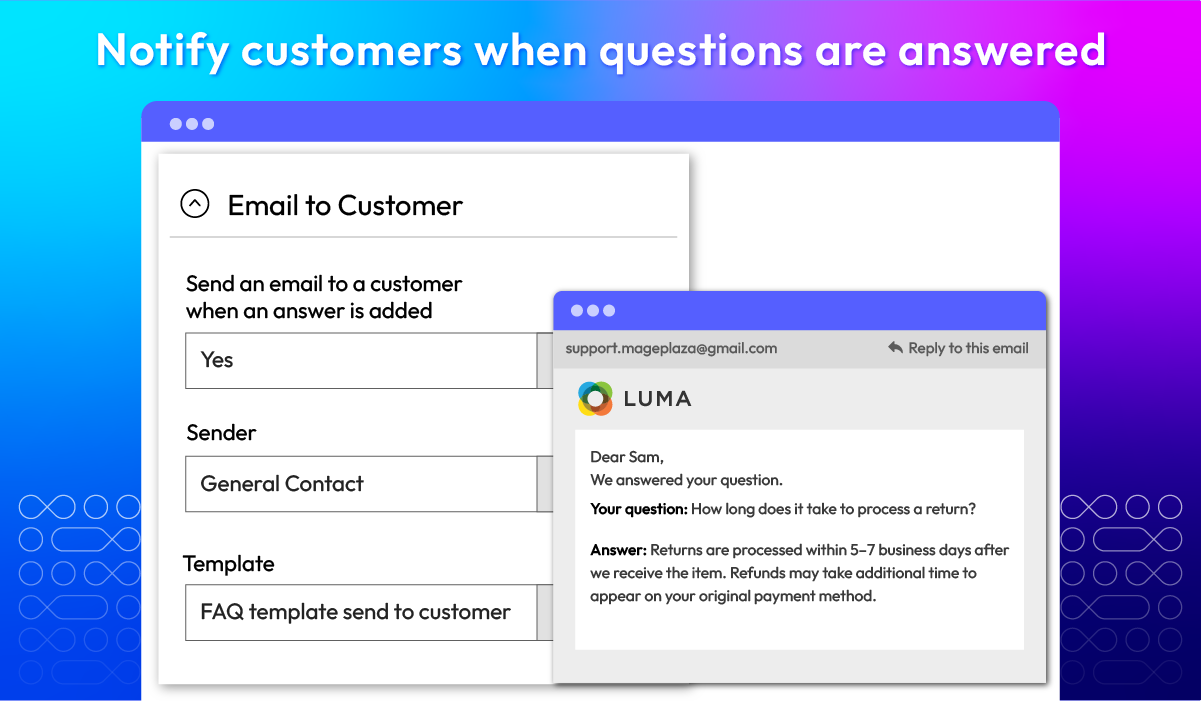
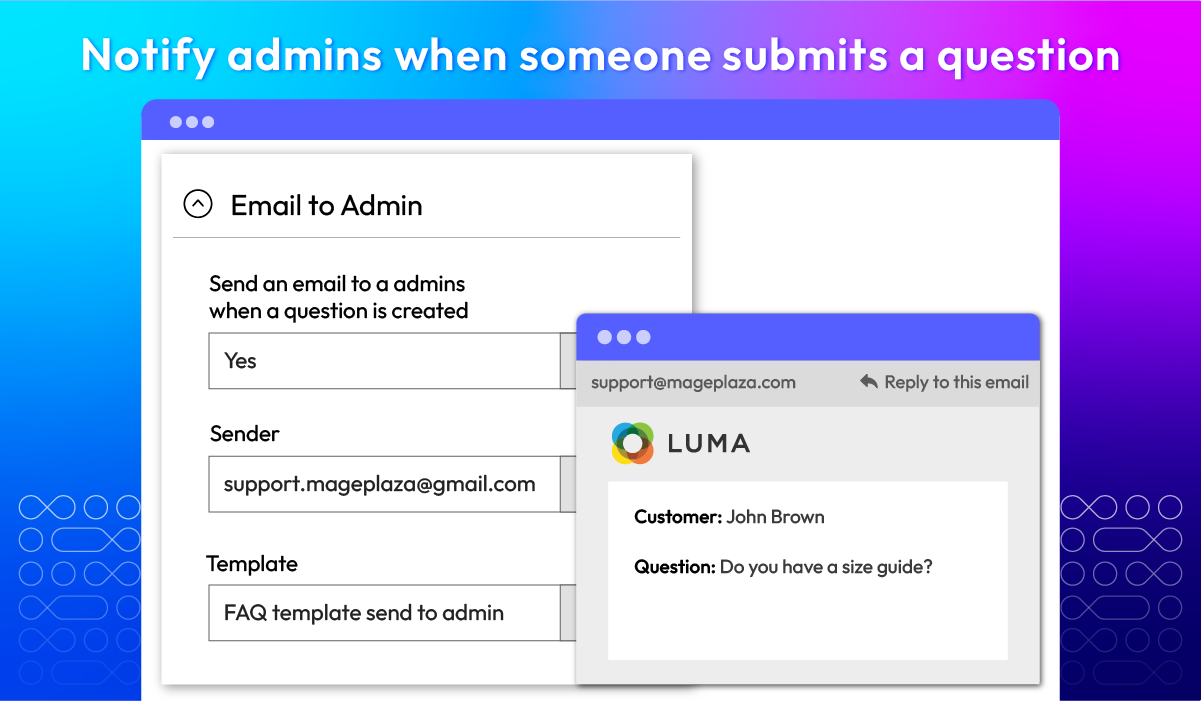
Email notification
What customers say about us

Release notes
-
v4.4.5 (Magento v2.4.x)
13 August 2026
- Compatibility: The extension is now compatible with Magento 2.4.9 and PHP 8.5.
- Bug Fix: We added missing translation entries.
- Bug Fix: We fixed an issue where the FAQs link was still shown on the storefront while the extension was disabled in configuration.
- Bug Fix: We fixed the styling of the search box on the FAQs page.
- Bug Fix: We fixed the article import so invalid data is validated before it is saved.
- Bug Fix: We fixed a missing return value in the layout preparation that could break block rendering.
-
v4.4.4 (Magento v2.4.x)
16 April 2025
- Compatibility: Now compatible with Magento 2.4.8
-
v4.4.3 (Magento v2.4.x)
19 August 2024
- Compatibility: Now compatible with Magento 2.4.7
- Compatibility: Now compatible with Hyva theme
-
v4.4.2 (Magento v2.4.x)
16 July 2024
Bug Fix: Fixed Display widget template when module disabled
-
v4.4.1 (Magento v2.4.x)
31 May 2023
- Compatible with Magento 246
- Fixed minor bugs
-
v4.4.0 (Magento v2.4.x)
27 March 2023
- Compatible with Magento 2.4.5p1
- Compatible with PHP8
- Fix minor bug
- Update compatible version font awesome
-
v4.3.1 (Magento v2.4.x)
30 August 2022
- Compatible with Magento v2.4.4
- Fixed minor bugs
-
v2.3.0 (Magento v2.3.x)
16 March 2022
- Add FAQs Schema Markup
-
v4.3.0 (Magento v2.4.x)
16 March 2022
- Add FAQs Schema Markup
-
v2.2.3 (Magento v2.3.x)
28 December 2021
- Fixed minor bugs
-
v4.2.2 (Magento v2.4.x)
28 December 2021
- Compatible with Magento v2.4.3
- Fixed minor bugs
-
v2.2.2 (Magento v2.3.x)
10 August 2021
- Compatible with Magento v2.3.7
- Fixed minor bugs
-
v4.2.1 (Magento v2.4.x)
10 August 2021
- Fixed minor bugs
-
v2.2.1 (Magento v2.3.x)
03 June 2021
- Fixed minor bugs
-
v4.2.0 (Magento v2.4.x)
03 June 2021
- Added field Viewed for Categories
- Added Icon Type for Articles and Categories
- Added Related FAQ Assign
- Added Tags for Articles
- Added message field for Helpfulness
- Fix error content security by AddThis
- Fixed minor bugs
-
v2.2.0 (Magento v2.3.x)
04 May 2021
- Get configuration information via RestAPI
- Added field Viewed for Categories
- Added Icon Type for Articles and Categories
- Added Related FAQ Assign
- Added Tags for Articles
- Added message field for Helpfulness
- Fix error content security by AddThis
-
v4.1.0 (Magento v2.4.x)
01 April 2021
- Get configuration information via RestAPI
- Compatible with Magento v2.4.2
-
v4.0.0 (Magento v2.4.x)
14 October 2020
- Supported Magento v2.4.0
-
v2.1.1 (Magento v2.3.x)
26 June 2020
- Compatible with Magento v2.3.5
- Fixed minor bugs
-
v2.1.0 (Magento v2.3.x)
04 March 2020
- Supported RestAPI & GraphQL
- Fixed some design errors
- Improved code style & performance
- Compatible with Magento 2.3.3
Frequently Asked Questions
No, the name will be displayed.
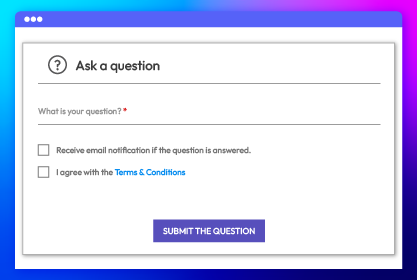
Your customer can visit any question details page, and leave a question on the Ask a question form.
This is because you do not allow customers to submit a question.
Please make sure you enable the email notification on the backend.
This may be because you haven't assigned the question to any category.
Yes, FAQ is compatible with Hyva theme. However, the checkout only supports hyva-themes/magento2-theme-fallback. To learn how to enable checkout on Hyva, please follow this guide.
Mageplaza provides FREE Hyva Checkout Compatibility for all of our extensions upon requests. You can request by contacting us via email, live chat, or support ticket. Our team will respond within 24 hours and ask for details such as Order ID, extension name, Magento & Hyva versions, and any special requirements. To qualify, your module subscription must be active. If your subscription has expired, renewal is required as some older modules do not support Hyva. Additional customization requests may incur extra costs, and our team will inform you before proceeding. For assistance, feel free to reach out - we're here to help!
2.4.4 - 2.4.9
Theme
Pricing
Community
$149 first year
Enterprise/ Magento Cloud